
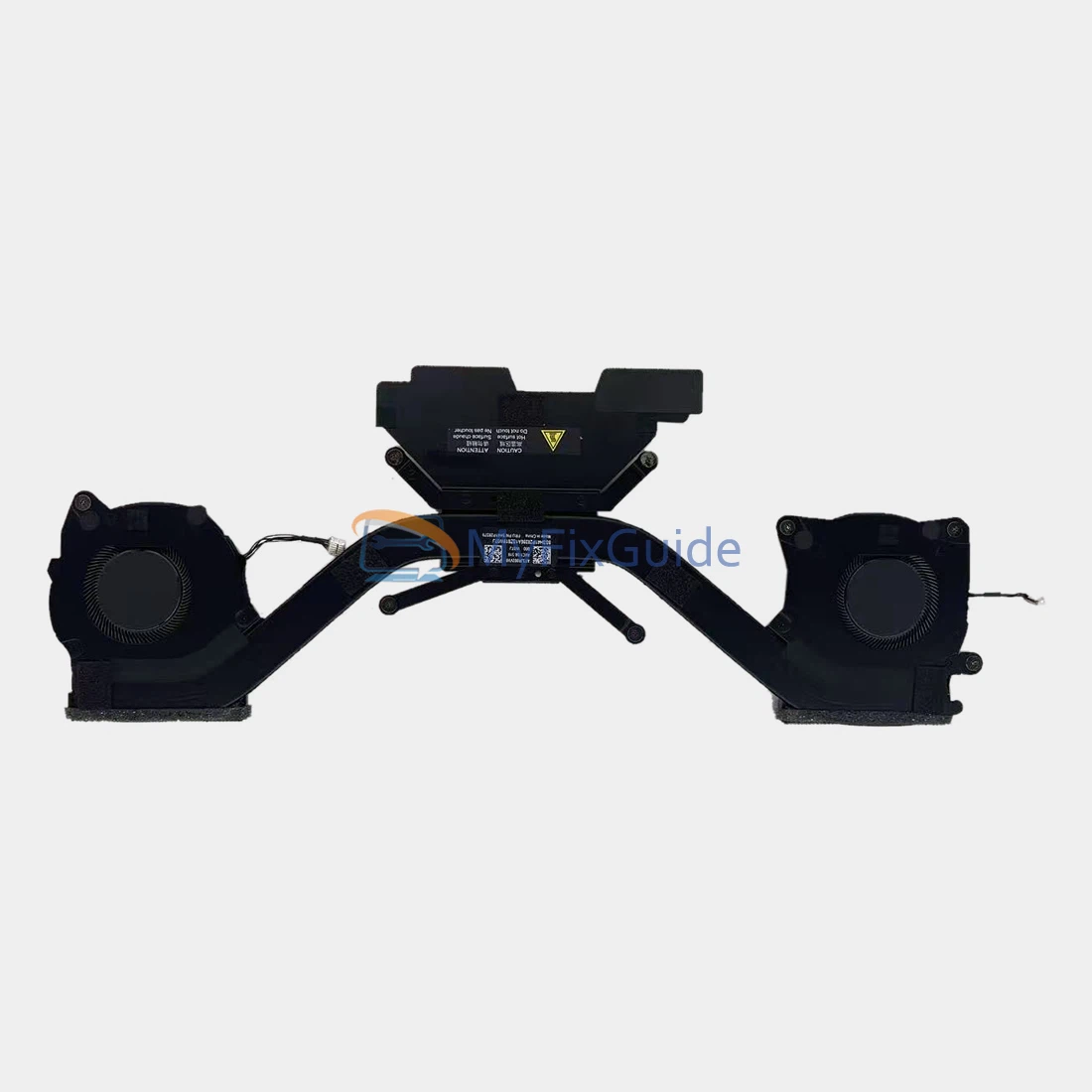
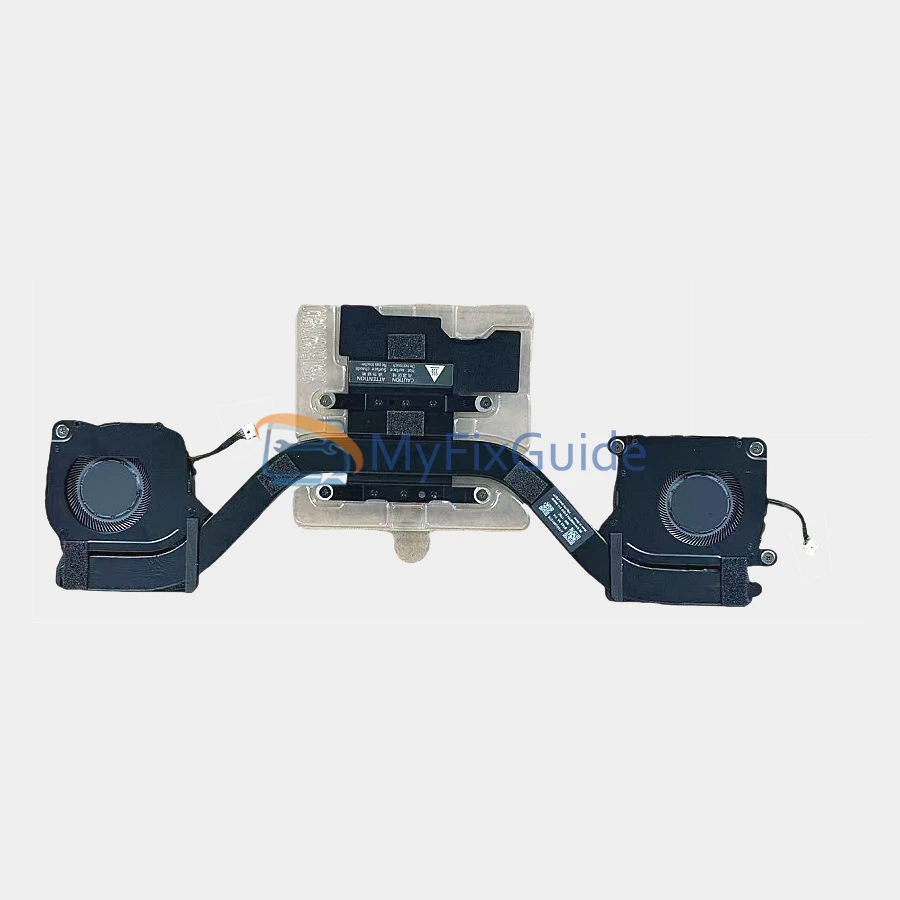
Original heatsink with GPU fan and CPU fan for Lenovo ThinkPad X1 Carbon Gen 13 and ThinkPad X1 2-in-1 Gen 10 laptops.
Note: Please check your type number before placing an order. You can find it on the black sticker on the bottom cover of the laptop.
Features:
1. Before shipping, each fan is strictly tested to ensure that it works properly.
Specifications:
Voltage: 5V
Electric current: 0.5A
Condition: New, Original
Warranty: One year
Part Numbers:
For ThinkPad X1 Carbon Gen 13 (Type 21NX, 21NY) and X1 2-in-1 Gen 10 (Type 21Q0, 21Q1)
5H41P28380
5H41P28379
For ThinkPad X1 Carbon Gen 13 (Type 21NS, 21NT) and X1 2-in-1 Gen 10 (Type 21NU, 21NV)
5H41J76277
5H41J76276
Replacement Tips:
1. Please remove the existing heatsink and CPU fan from your laptop to compare the part number, photo, and description.
2. To replace your CPU fan, you need to disconnect the battery cable from the motherboard first, which is to protect your laptop from damage.
3. You need to remove the old thermal grease left on the CPU with a cleaning cloth and apply the new thermal grease on the CPU.
4. You can go to the Lenovo website to download the hardware repair manual for this laptop and then follow the instructions for replacing the fan in the manual.
Reviews
There are no reviews yet