
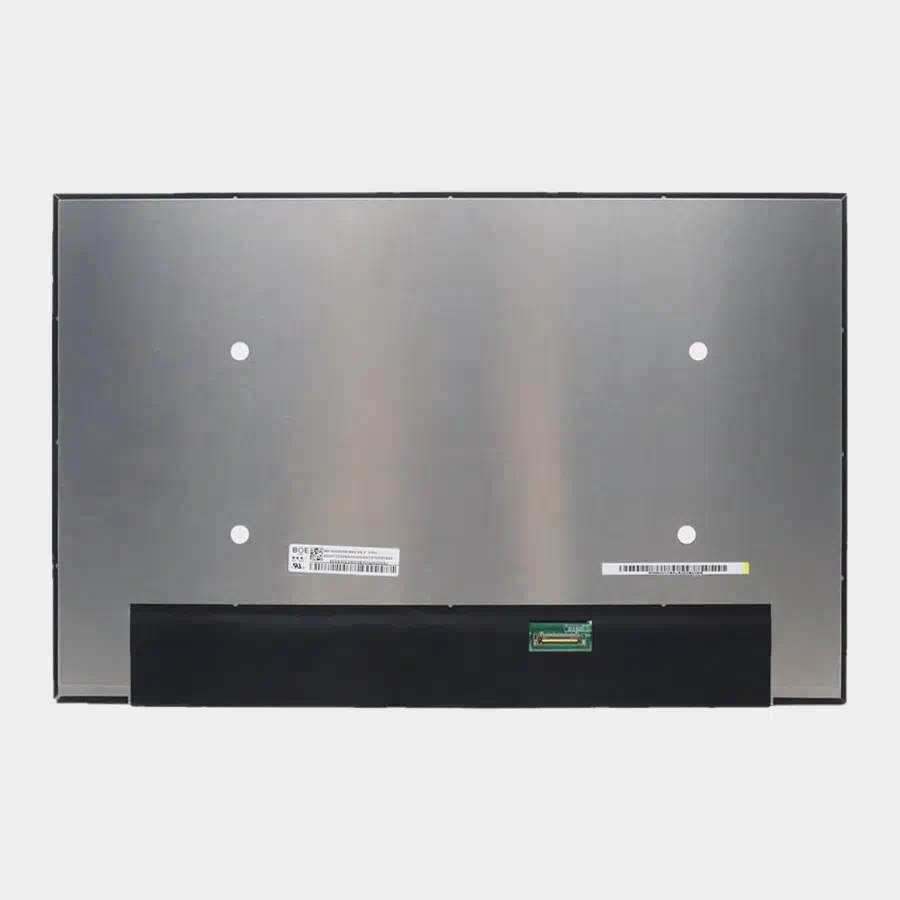
New screen for Asus ROG Strix G16 2025 G615J and G615L series laptops. It is a 100% new screen. It has the same part number and specifications as your original screen.
Each screen is rigorously tested to ensure it functions properly and has no dead pixels.
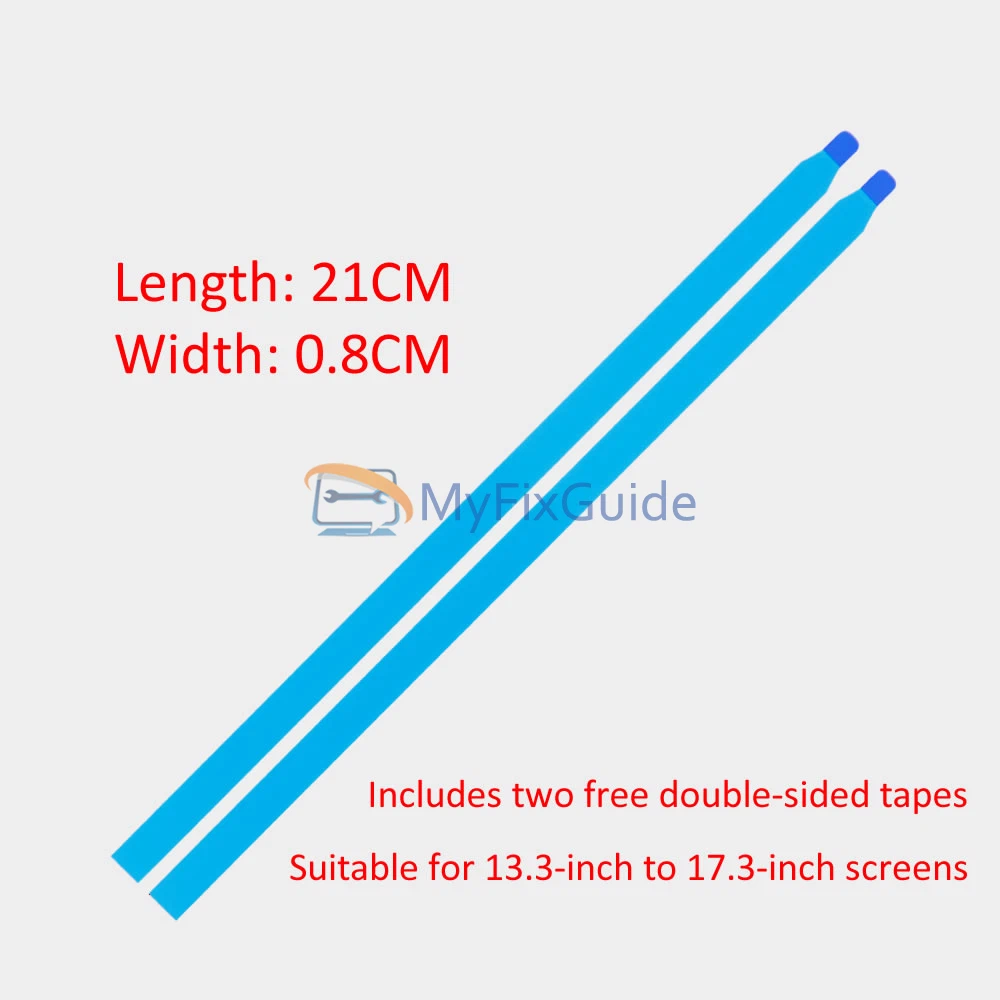
We will include two easy-to-peel adhesive tapes with the screen, so you do not need to purchase adhesive tape separately.
Specifications:
Size: 16-inch IPS Screen
Resolution: WQXGA (2560 x 1600)
Touch: Non-Touch
Backlight Type: LED
Connector: 40 pins
Refresh Rate: 240Hz
Brightness: 400 nits
Color Gamut: 100% DCI-P3
Aspect Ratio: 16:10
Contrast Ratio: 1700:1
Surface Type: Matte, Anti-Glare
Condition: New
Dead Pixel Policy: No Dead Pixel
Warranty: One (1) Year
Compatible Laptops:
ROG Strix G16 G615 2025
G615JHR-BS74-CB
G615JHR-S5000 series
G615JH-S5000 series
G615JMR-DR5000 series
G615JMR-RS96-CA
G615JMR-S5000 series
G615JM-S5000 series
G615JPR-S5000 series
G615LH-S5000 series
G615LR-DRS5000 series
G615LR-DS96-CA
G615LR-S5000 series
And all ROG Strix G16 G615 2025 laptops with a 240Hz screen.
Replacement Tips:
1. Make sure the specifications, description, and image match the original screen on your laptop.
2. To replace your screen, you have to remove the battery or disconnect the battery cable from the motherboard. This is to protect your laptop from being damaged by static electricity.
3. The LCD bezel is fixed on the LCD back cover with easy-stretch adhesive. Slowly pull out the adhesive, and the screen can be easily removed.
4. Place the LCD screen on the keyboard, disconnect the display cable from the LCD screen to remove the old LCD screen, and then you can install the new screen on your laptop.
5. You can first connect the LCD cable to your screen, then start the laptop to check that your LCD screen is working properly, then fix the screen on the back cover, and install the LCD bezel on the laptop.
Reviews
There are no reviews yet