
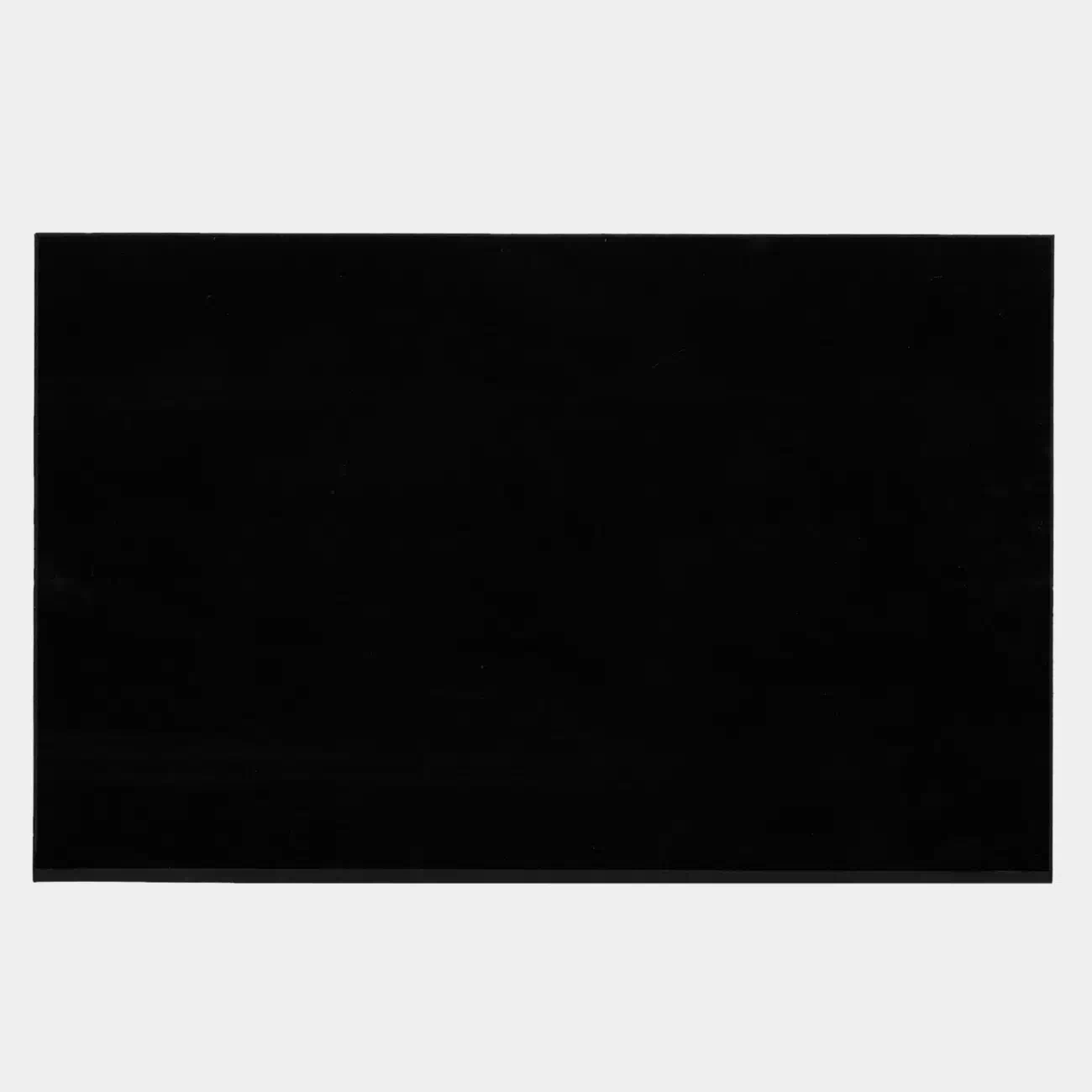
New screens for Dell Pro Max 14 MC14250 and Dell Pro Max 14 MC14255 laptops. These laptops have multiple screen specifications. Please check your screen specifications before placing an order.
If you don’t know your screen’s specifications, please contact us and submit your service tag, which you can find on the black sticker on the bottom cover.
Features:
1. It is an original screen. It has the same specifications and model number as your original screen.
2. Each screen is rigorously tested to ensure that it has no dead pixels.
3. Each screen will come with two double-sided tapes for installing the screen.
Specifications:
1920 x 1200, 45% NTSC
WUXGA (1920 x 1200), IPS, Anti-glare, 300 nits, 45% NTSC, 60Hz
1920 x 1200, 100% sRGB
WUXGA (1920 x 1200), IPS, Anti-glare, 300 nits, 100% sRGB, 60Hz
1920 x 1200, 400 nits
WUXGA (1920 x 1200), IPS, Anti-glare, 400 nits, 100% sRGB, 60Hz
1920 x 1200, Touch
WUXGA (1920 x 1200), IPS, Anti-glare, 300 nits, 100% sRGB, 60Hz, Touch
2560 x 1600, 90Hz
QHD+ (2560 x 1600), IPS, Anti-glare, 300 nits, 100% sRGB, 90Hz
Size: 14-inch IPS Screen
Aspect Ratio: 16:10
Backlight Type: LED
Condition: New, Original
Dead Pixel Policy: No Dead Pixels
Warranty: One (1) Year
Compatible laptop:
Dell Pro Max 14 MC14250
Dell Pro Max 14 MC14255
Replacement Tips:
1. Make sure the specifications, description, and image match the original screen on your laptop.
2. The LCD bezel is fixed to the LCD back cover with easy-stretch adhesive. Slowly pull out the adhesive, and you can easily remove the screen.
3. Place the LCD screen on the keyboard, disconnect the display cable from the LCD screen to remove the old LCD screen, and then install the new screen in your laptop.
Reviews
There are no reviews yet