
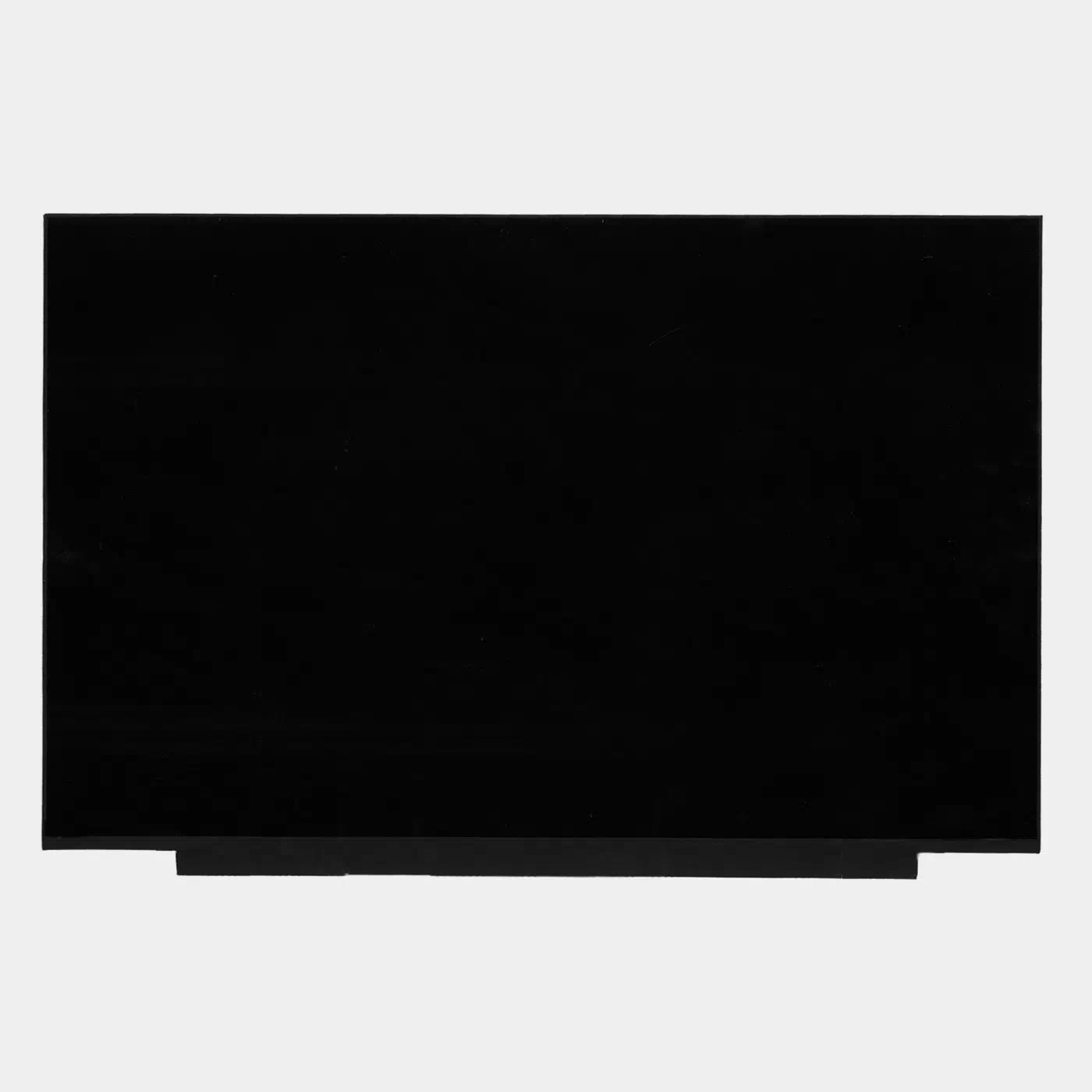
New screen for HP OMEN 16-ap0000 series laptops. This laptop has multiple screen specifications. Please check your screen specifications before ordering.
If you don’t know your screen’s specifications, please contact us and submit your laptop model and serial number, which you can find on the black sticker on the bottom cover.
Features:
1. It is an original screen. It has the same specifications and model number as your original screen.
2. Each screen is rigorously tested to ensure that it has no dead pixels.
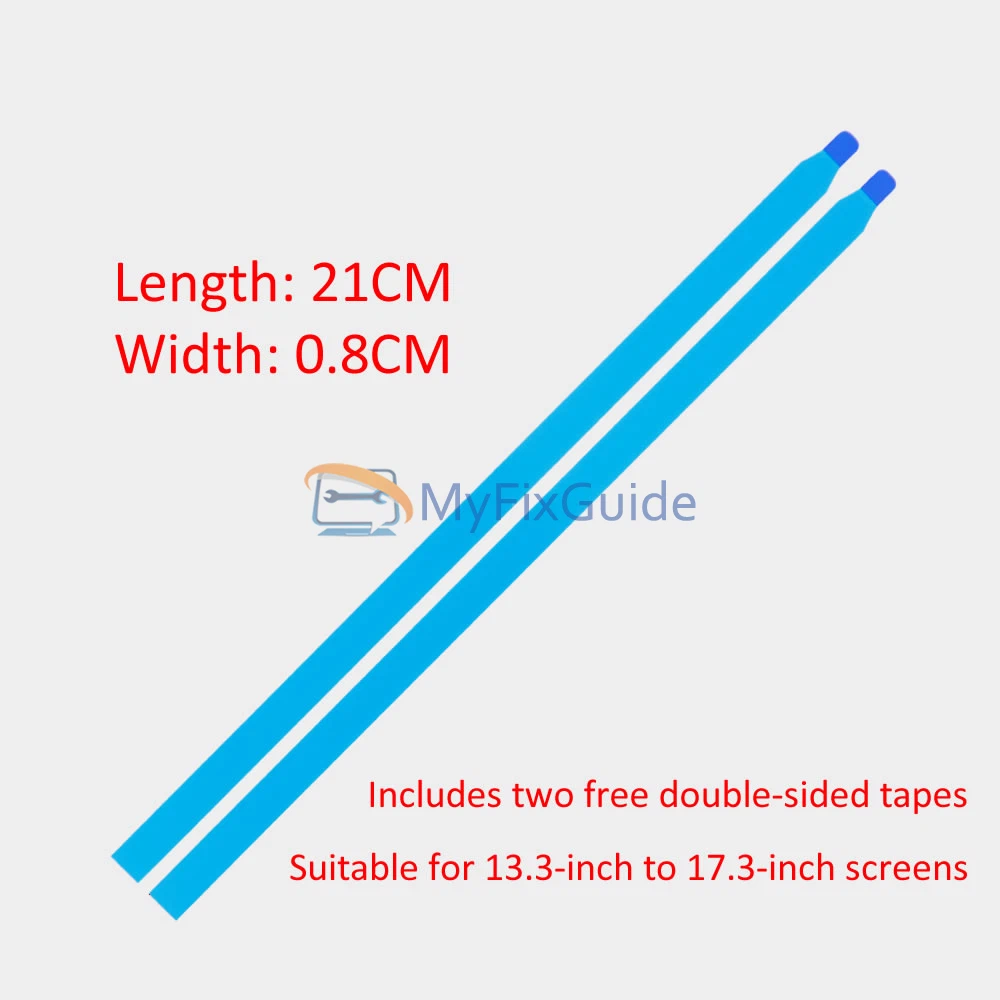
3. Each screen will come with two double-sided tapes for installing the screen.
Specifications:
1920 x 1200 144Hz
16″ WUXGA (1920 x 1200) 144Hz 300 nits 62.5% sRGB
1920 x 1200 165Hz
16″ WUXGA (1920 x 1200) 165Hz 400 nits 100% sRGB
2560 x 1600 240Hz
16″ WQXGA (2560 x 1600) 240Hz 500 nits 100% sRGB
Size: 16-inch IPS Screen
Aspect Ratio: 16:10
Backlight Type: LED
Condition: New, Original
Dead Pixel Policy: No Dead Pixels
Warranty: One (1) Year
Part Numbers:
P24299-001
P24300-001
P24301-001
Compatible laptop:
OMEN 16-ap0000 Series
OMEN 16-ap0000ca
OMEN 16-ap0008ca
OMEN 16-ap0010ca
OMEN 16-ap0018ca
OMEN 16-ap0020ca
OMEN 16-ap0047nr
OMEN 16-ap0053dx
OMEN 16-ap0097nr
OMEN 16-ap1000ca
OMEN 16-ap1931nr
OMEN 16z-ap000
Replacement Tips:
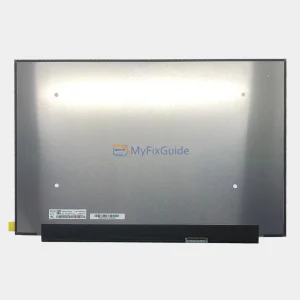
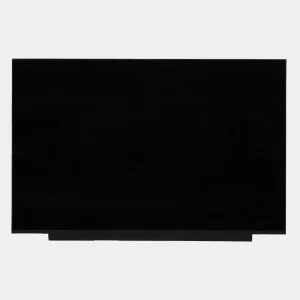
1. Make sure the specifications, description, and image match the original screen on your laptop.
2. The LCD bezel is fixed on the LCD back cover with easy-stretch adhesive. Slowly pull out the adhesive to easily remove the screen.
3. Place the LCD screen on the keyboard, disconnect the display cable from the LCD screen to remove the old LCD screen, and then you can install the new screen on your laptop.
Reviews
There are no reviews yet