

New Screen for HP P38787-001. It has the following specs: 14-inch, WUXGA (1920×1200), 300 nits, 60Hz.
Features:
1. It is an original screen. It has the same specifications and model number as your original screen.
2. Each screen is rigorously tested to ensure that it works fine and has no dead pixels
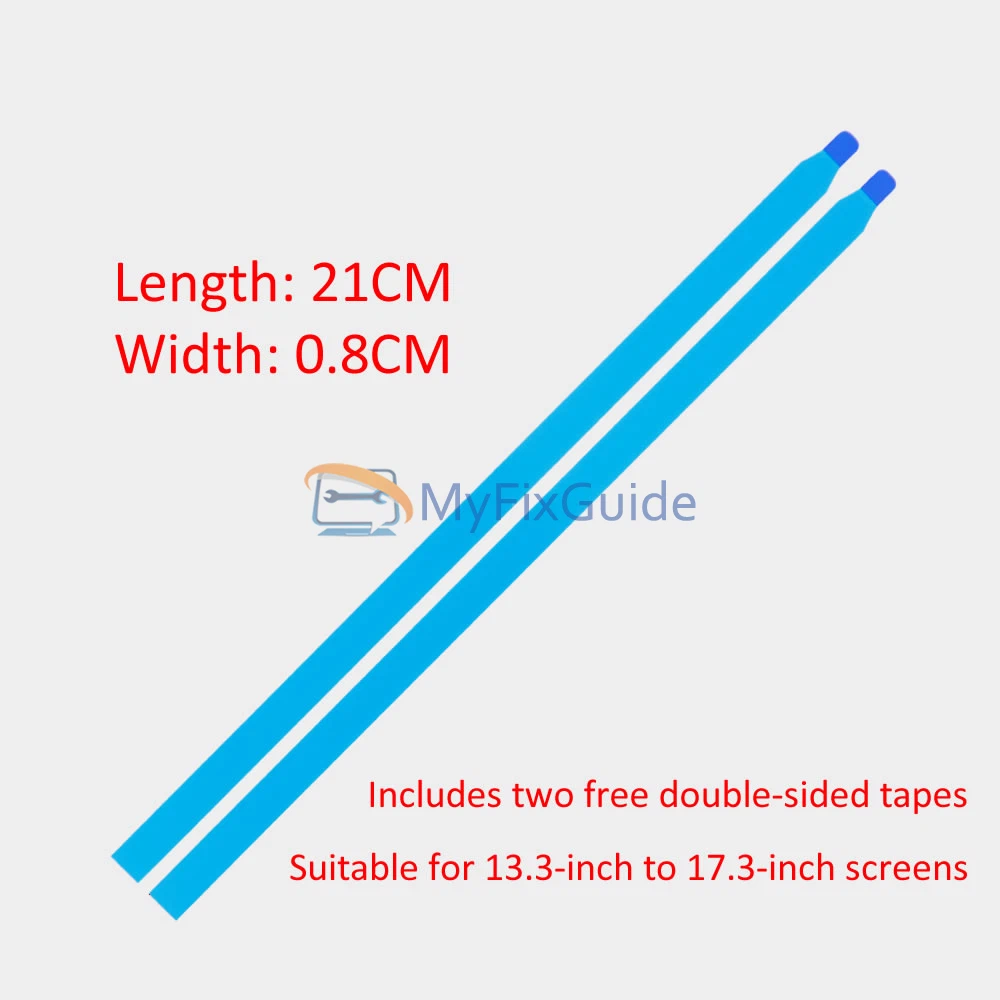
3. Each screen will come with two double-sided tapes.
Part Number:
P38787-001
Specifications:
Size: 14-inch IPS Screen
Resolution: WUXGA (1920×1200)
Touch: No
Connector: 30 pins
Refresh Rate: 60Hz
Backlight Type: LED
Brightness: 300 nits
Aspect Ratio: 16:10
Surface Type: Matte, Anti-Glare
Condition: New, Original
Dead Pixel Policy: No Dead Pixel
Warranty: One Year
Compatible Laptops:
EliteBook 8 G1i 14 inch Notebook AI PC
Replacement Tips:
1. Make sure the specifications, description, and image match the original screen on your laptop.
2. To replace your screen, you need to disable the battery in the BIOS. This protects your laptop from damage by static electricity.
3. The LCD bezel is fixed on the LCD back cover with easy-stretch adhesive. Slowly pull out the adhesive, and then you can easily remove the screen.
4. Place the LCD screen on the keyboard, disconnect the display cable from the LCD screen to remove the old LCD screen, and then you can install the new screen on your laptop.
Reviews
There are no reviews yet