
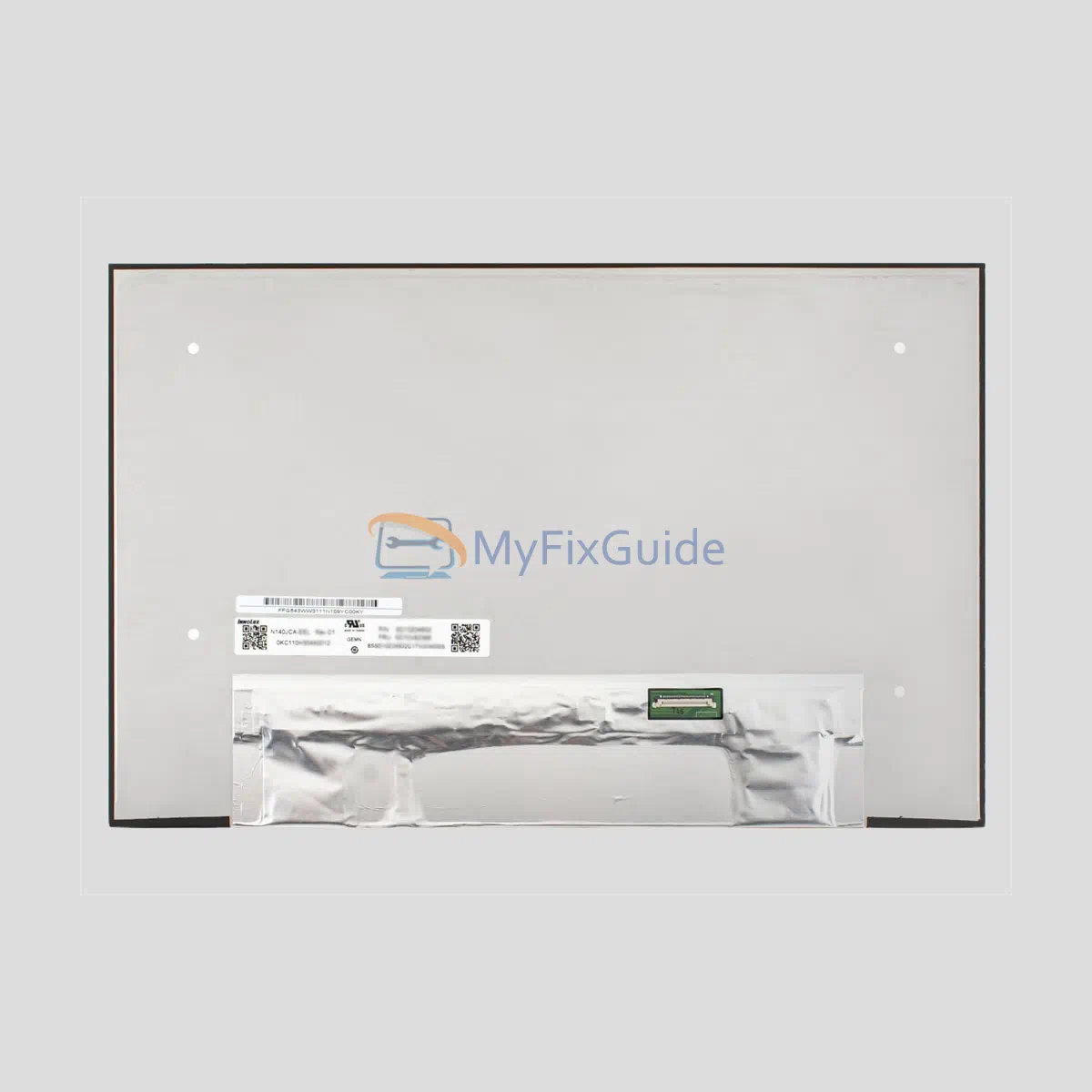
New screen for Lenovo 5D10V82502 and 5D10V82506. It has the following specs: WUXGA (1920×1200), 300 nits, 60Hz, and 45% NTSC.
Features:
1. It is an original screen. It has the same specifications and model number as your original screen.
2. Each screen is rigorously tested to ensure that it works fine and has no dead pixels
3. Each screen will come with two double-sided tapes.
Specifications:
Size: 14-inch IPS Screen
Resolution: WUXGA (1920×1200)
Touch: No
Connector: 30 pins
Refresh Rate: 60Hz
Backlight Type: LED
Brightness: 300 nits
Contrast Ratio: 1000:1
Aspect Ratio: 16:10
Color Gamut: 45% NTSC
Surface Type: Matte, Anti-Glare
Condition: New, Original
Dead Pixel Policy: No Dead Pixel
Warranty: One Year
Part Number:
5D10V82501
Compatible Part Numbers:
5D10V82502
5D10V82504
5D10V82505
5D10V82506
5D11P79838
5D11U13958
5D11U14009
5D11U14080
5D11U14158
Compatible Laptops:
ThinkPad L14 Gen 5 (Type 21L1, 21L2)
ThinkPad L14 Gen 5 (Type 21L5, 21L6)
ThinkPad L14 Gen 6 (Type 21S6, 21S7)
ThinkPad L14 Gen 6 (Type 21S8, 21S9)
ThinkPad L14 Gen 6 (Type 21SE, 21SF)
ThinkPad L14 Gen 7 (Type 21X2, 21X3)
ThinkPad L14 Gen 7 (Type 21X6, 21X7)
ThinkPad P14s Gen 5 (Type 21ME, 21MF)
ThinkPad P14s Gen 6 (Type 21QL, 21QM)
ThinkPad T14 Gen 5 (Type 21MC, 21MD)
ThinkPad T14 Gen 5 (Type 21ML, 21MM)
ThinkPad T14 Gen 6 (Type 21QC, 21QD)
ThinkPad T14 Gen 6 (Type 21QG, 21QH)
ThinkPad T14 Gen 6 (Type 21QJ, 21QK)
ThinkPad T14s Gen 6 (Type 21R1, 21R2)
ThinkPad T14s Gen 6 (Type 21TB, 21TC)
Replacement Tips:
1. Make sure the specifications, description, and image match the original screen on your laptop.
2. To replace your screen, you need to disable the battery in the BIOS. This protects your laptop from damage by static electricity.
3. The LCD bezel is fixed on the LCD back cover with easy-stretch adhesive. Slowly pull out the adhesive, and then you can easily remove the screen.
4. Place the LCD screen on the keyboard, disconnect the display cable from the LCD screen to remove the old LCD screen, and then you can install the new screen on your laptop.
Reviews
There are no reviews yet