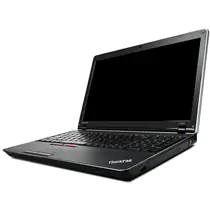
In this guide, I will explain how to remove and replace the keyboard on the Lenovo ThinkPad X230. Refer to this guide. You can install a new keyboard on your ThinkPad X230.
Looking for more funny teardowns? Follow us on Facebook for all the latest repair news.
Turn off your laptop. Unlock and remove the battery.
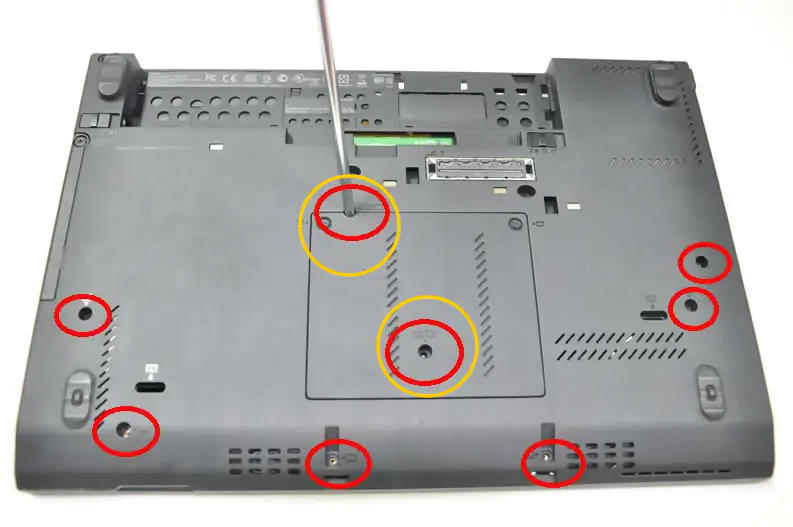
Remove the two (yellow) screws from the bottom case.
Flip the laptop over. Slide the keyboard in the direction of the arrow.

Lift the keyboard from the bottom. The keyboard cable is still connected to the motherboard. We need to disconnect the keyboard cable in order to remove the keyboard.

Disconnect the keyboard cable and remove the keyboard. Now you can install a new keyboard on your X230.