
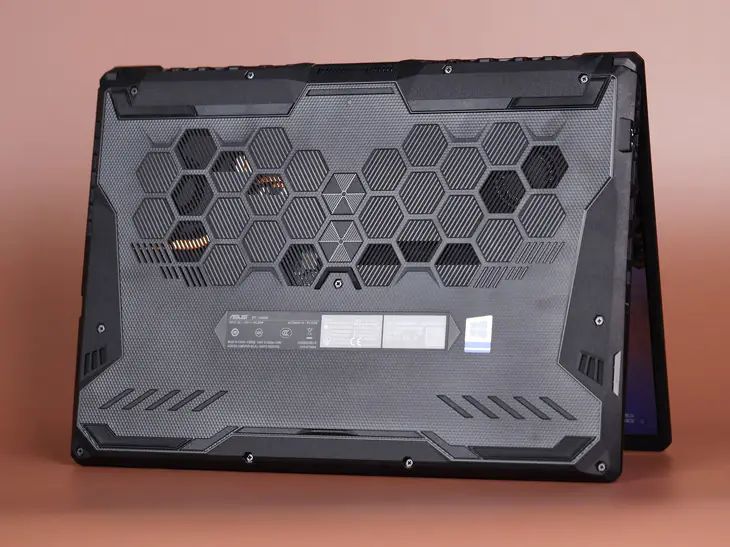
To upgrade the memory and SSD of the ASUS TUF Gaming A15 FA506QR, you need to remove the bottom cover first. When removing the 10 screws that secure the bottom cover, it is worth noting that these 10 screws have three different specifications. You’d better store the screws according to the layout of the screws to avoid confusing the screw specifications and causing unnecessary mistakes.
There are many small clips along the edge of the bottom cover. Insert a plastic card or an old credit card between the bottom cover and the body, then slide it to unlock all the clips. After that, you can easily remove the bottom cover.
After removing the bottom cover, we can see that the cooling system of the ASUS TUF Gaming A15 FA506QR has been significantly upgraded compared to the previous generation. It features a dual-fan and four-heatpipe design, with one heat pipe covering the video memory, CPU power supply, and GPU power supply areas.
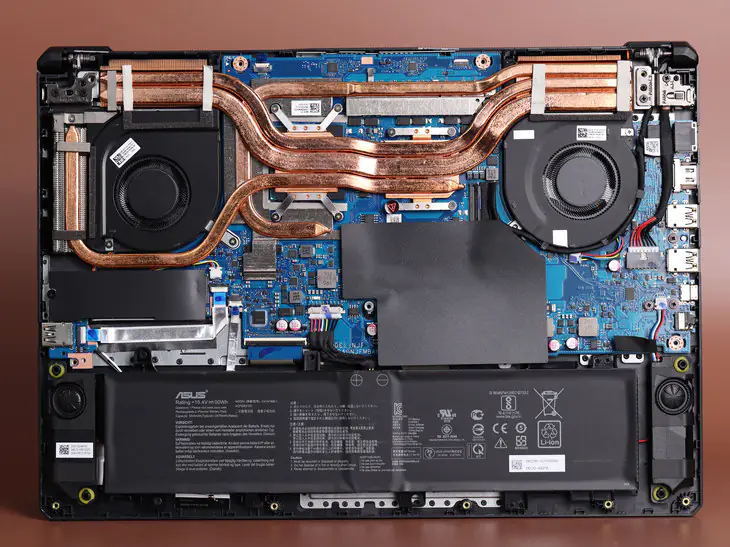
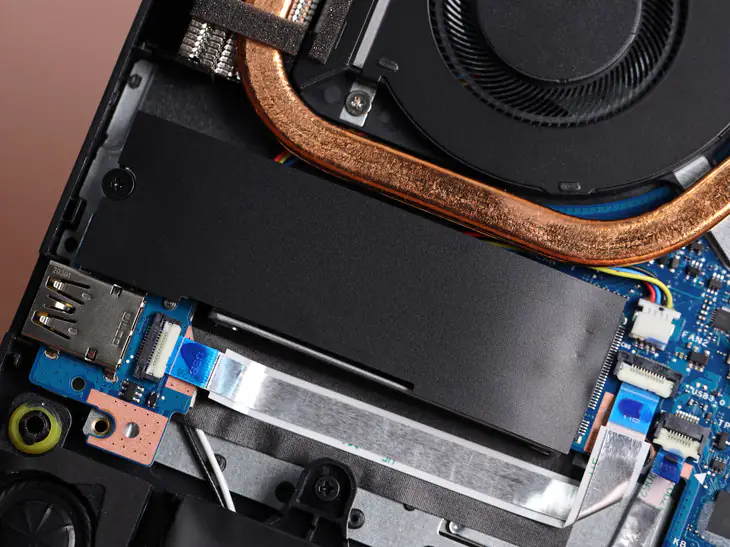
At the bottom of the left fan is an M.2 slot with a BC711 512GB M.2 SSD, which is covered with a cooling pad. ASUS FA506QR cancelled the 2.5-inch hard drive bay and replaced it with a large 90Wh battery. However, the space taken up by the battery prevents a second M.2 slot from being installed normally, so it can only be mounted at an angle. The test shows that the second M.2 slot supports PCIe 3.0×4.
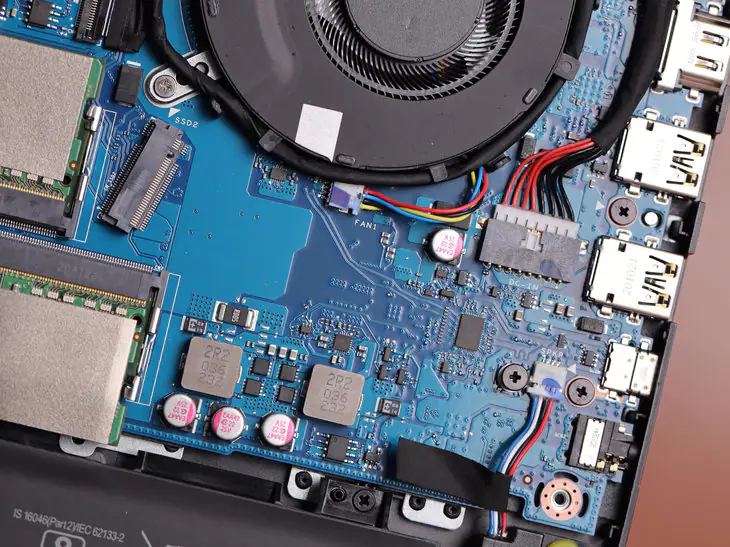
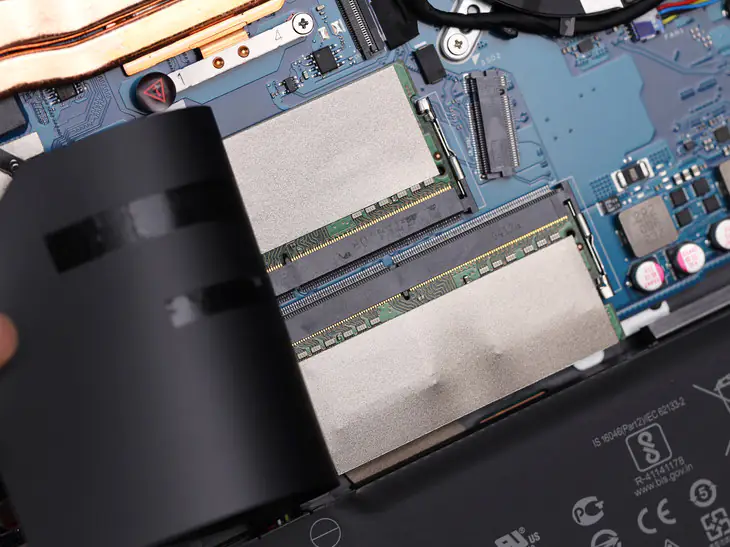
This notebook has two memory slots and two 8GB 3200 MHz memory modules. It supports up to 64GB of memory, allowing you to install two 32GB modules.
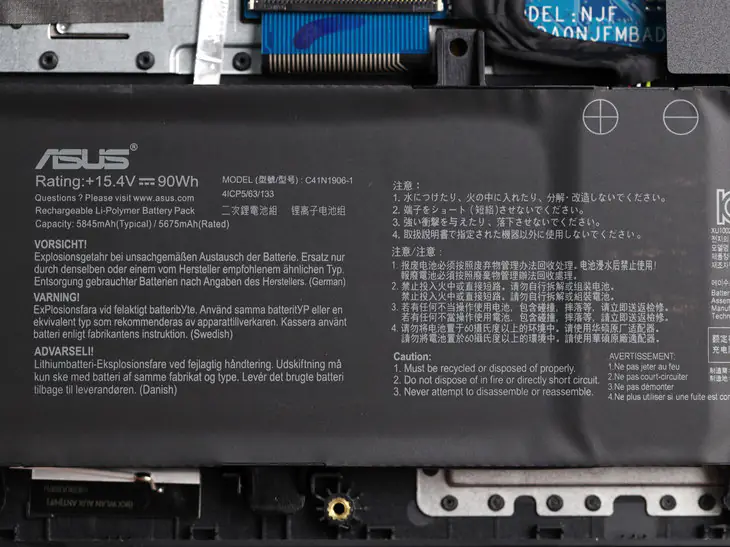
At the bottom is a 90Wh battery, and there are two speaker modules on the left and right sides. We use PCMark 10 to test the battery life. During the test, we select the energy-saving mode, turn off all other processes, and adjust the screen brightness to 50%. Its battery life reached 12 hours.
I’m looking for a new or refurbished motherboard of the same product.