
The HP EliteBook 745 G5 is a business laptop designed for professionals. It has two variants: one powered by a Ryzen 5 Pro 2500U processor and the other powered by a Ryzen 7 Pro 2700U processor. Today, we will disassemble this laptop to explore its internal structure.
This laptop features a minimalist design, with a body made of aerospace-grade aluminum. It comes with a 14-inch 1080p LG display, with a physical privacy shutter above the screen to protect user privacy. Today, the variant we will disassemble is powered by an AMD Ryzen 7 PRO 2700U processor, paired with an AMD Radeon Vega 10 graphics card, 8GB of memory, and a 512GB SSD.
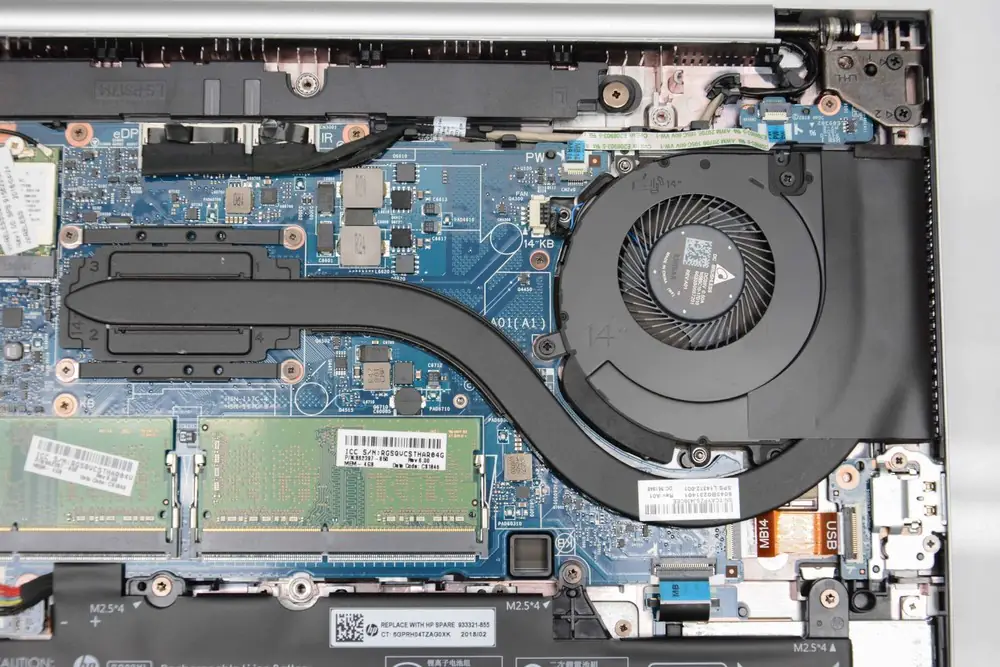
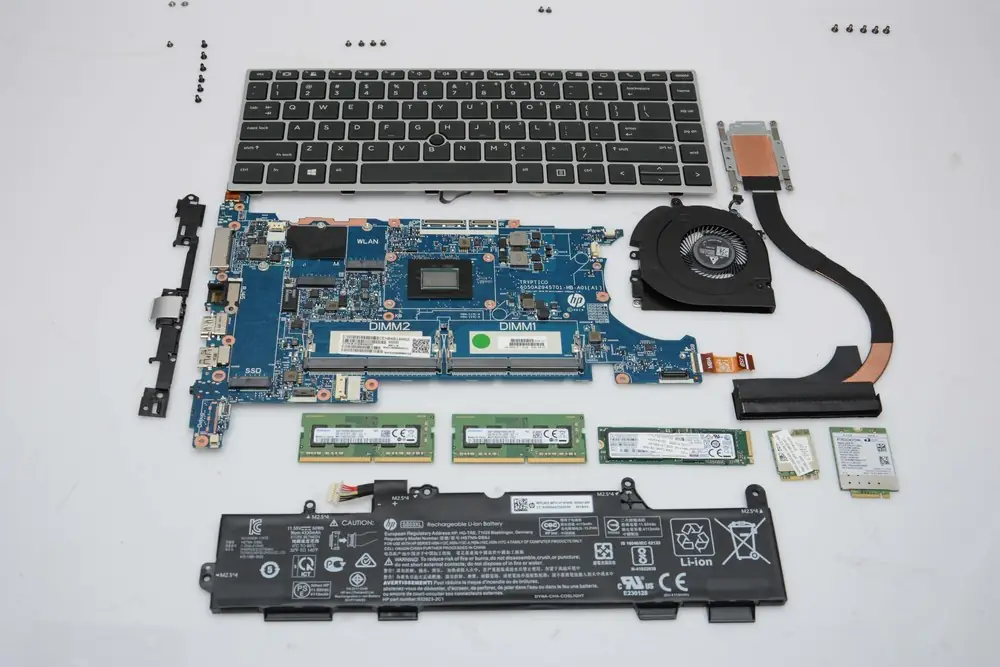
To disassemble this laptop, we will start with the back cover. After removing the back cover, we can see that this laptop has a reasonable, clear internal structure. The image shows components such as the SSD, heat sink, memory modules, battery, and cooling fan.
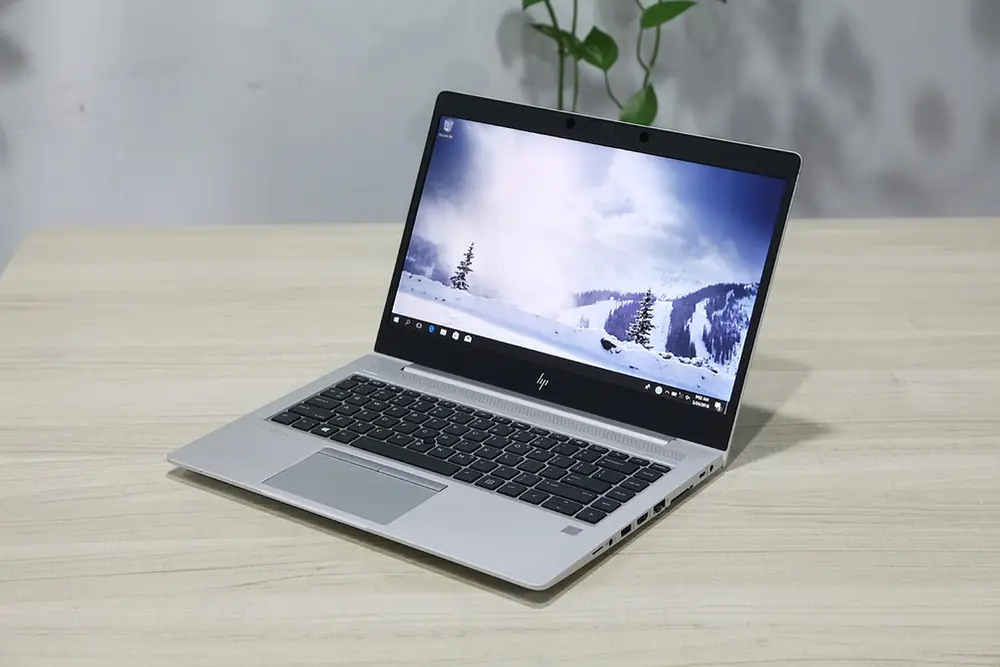
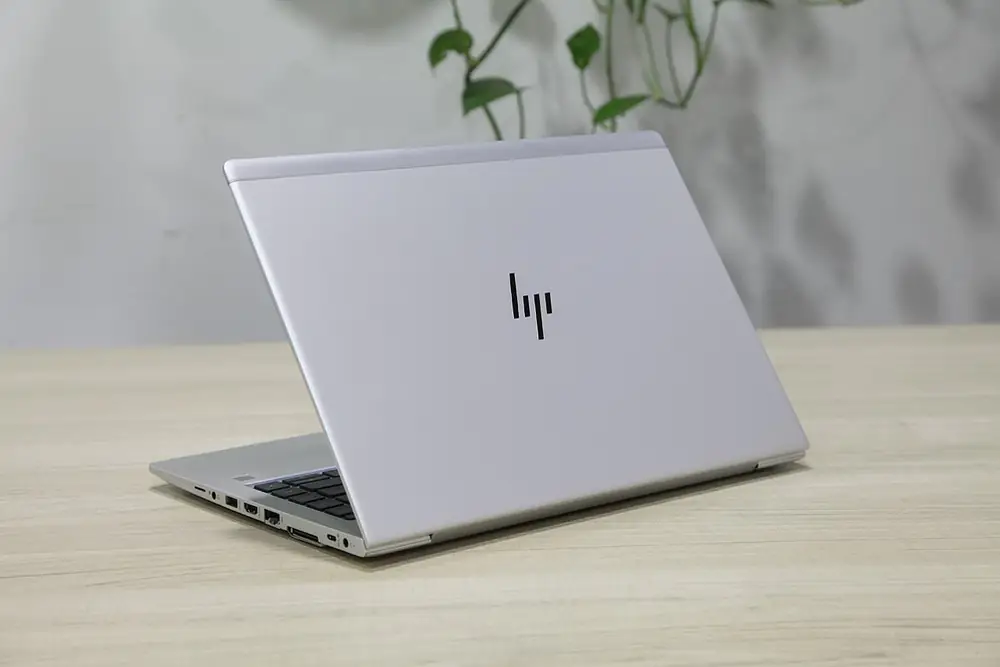
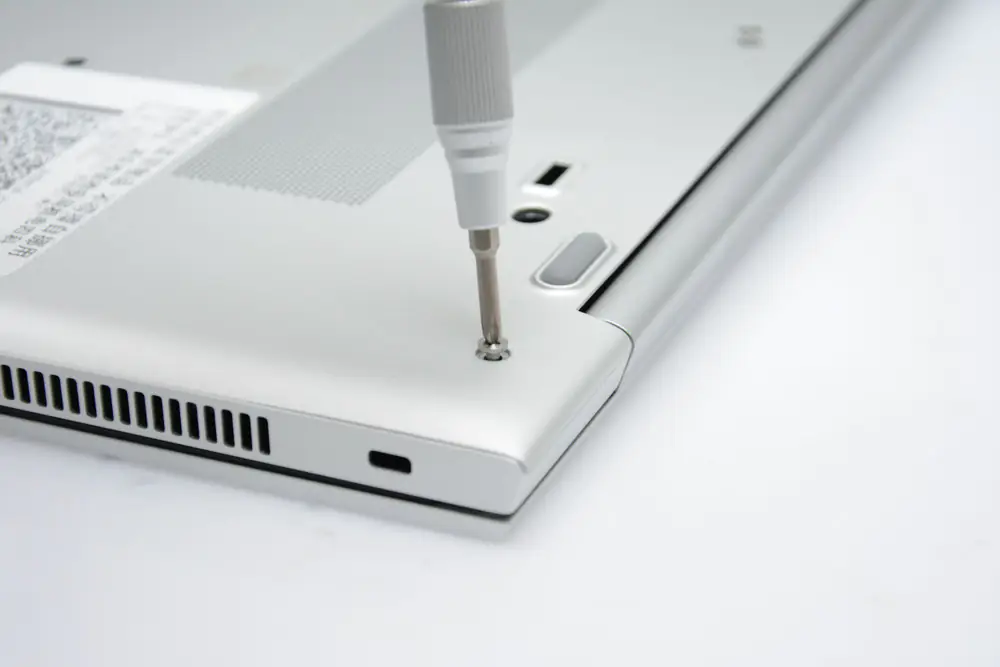
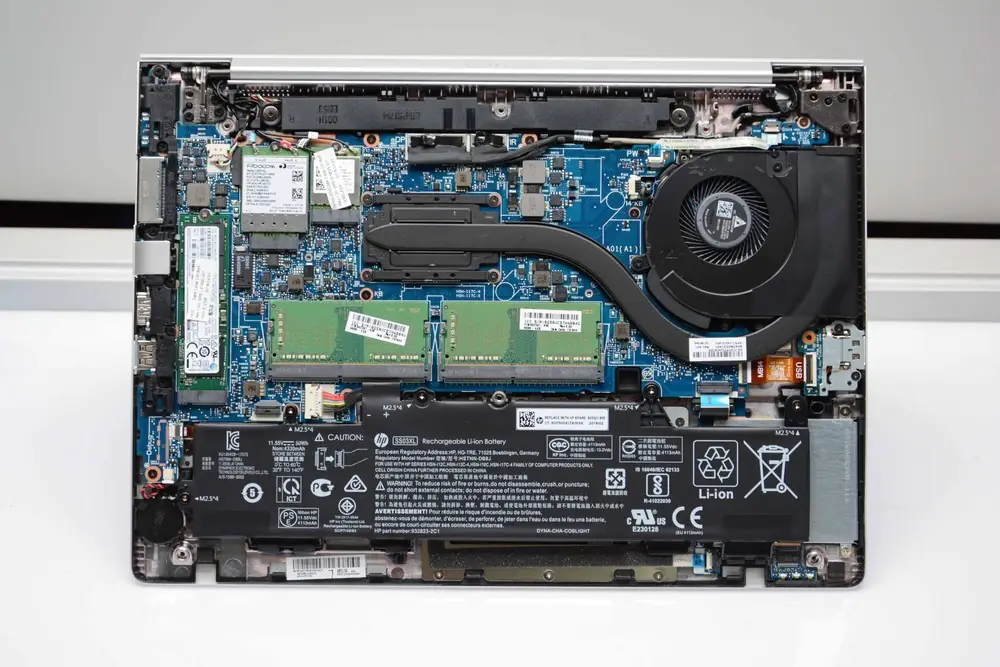
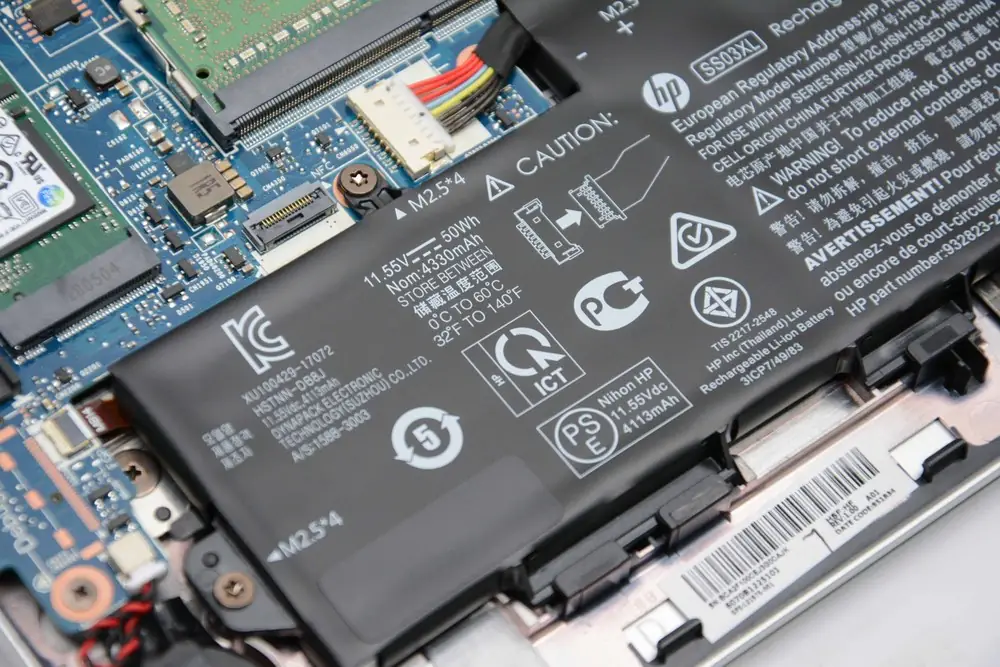
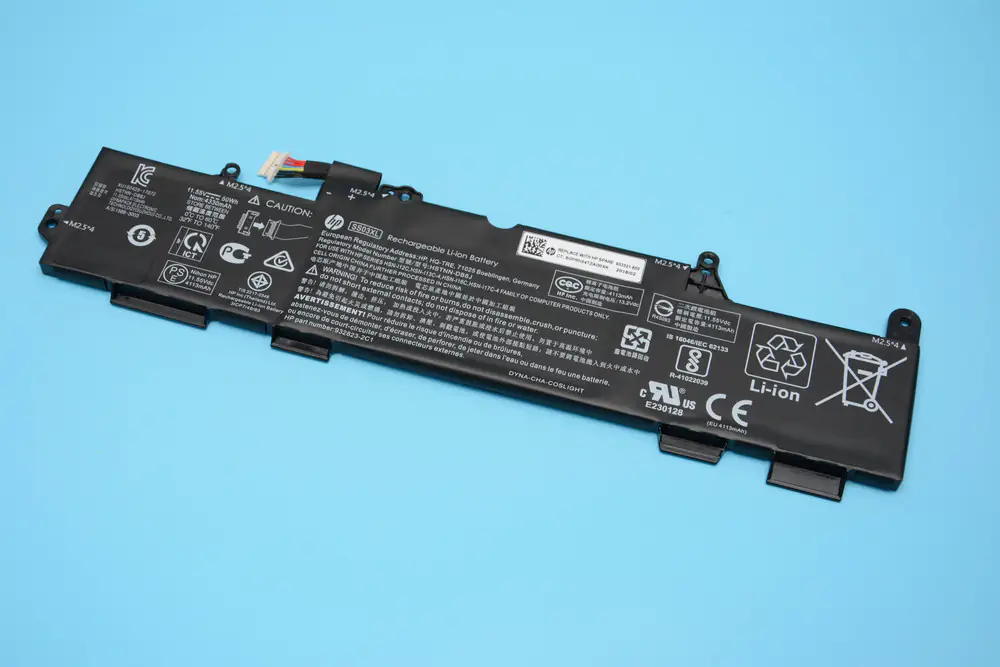
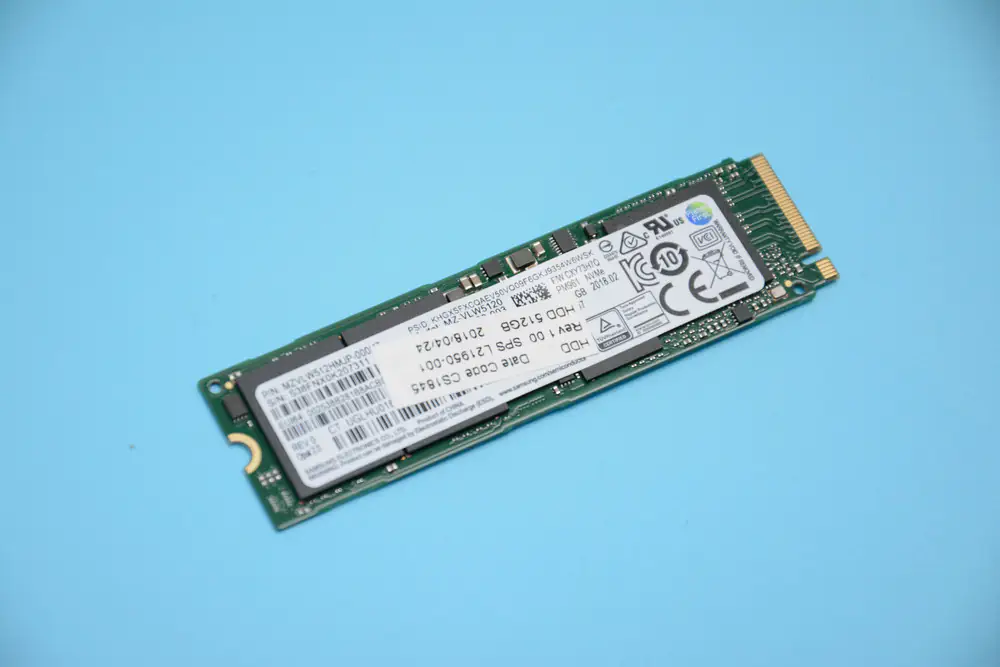
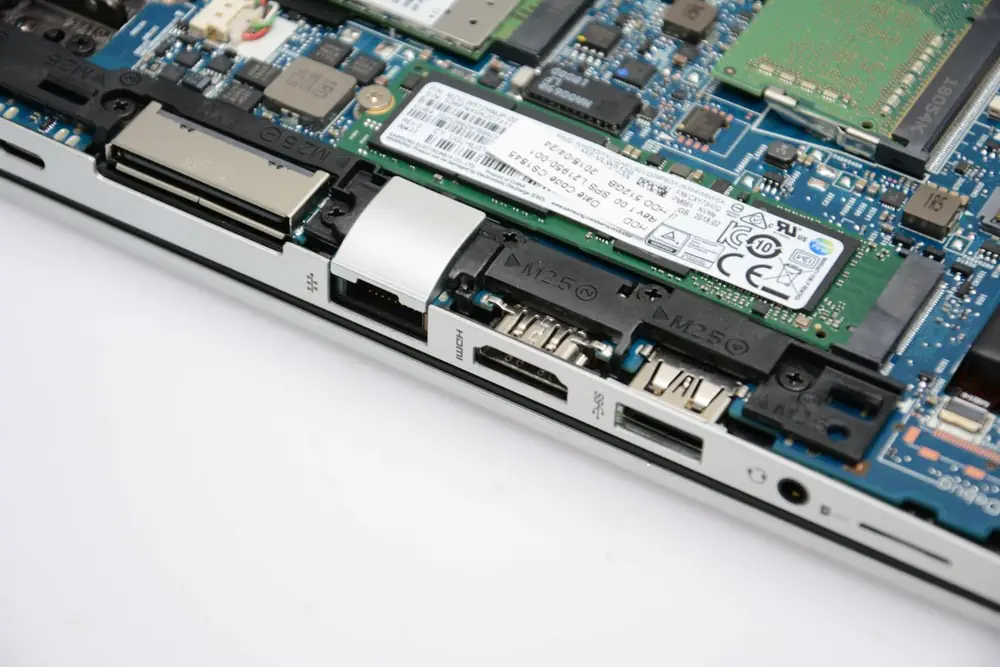
A large-capacity battery is placed at the bottom and occupies about one-third of the internal space. This battery has a capacity of 4113 mAh, which meets short-term usage needs during business trips. The laptop comes with a Samsung PM981 PCIe NVMe M.2 SSD, with sequential read speeds exceeding 3000 MB/s and sequential write speeds over 1600 MB/s. It meets the need for high-speed storage for business professionals.
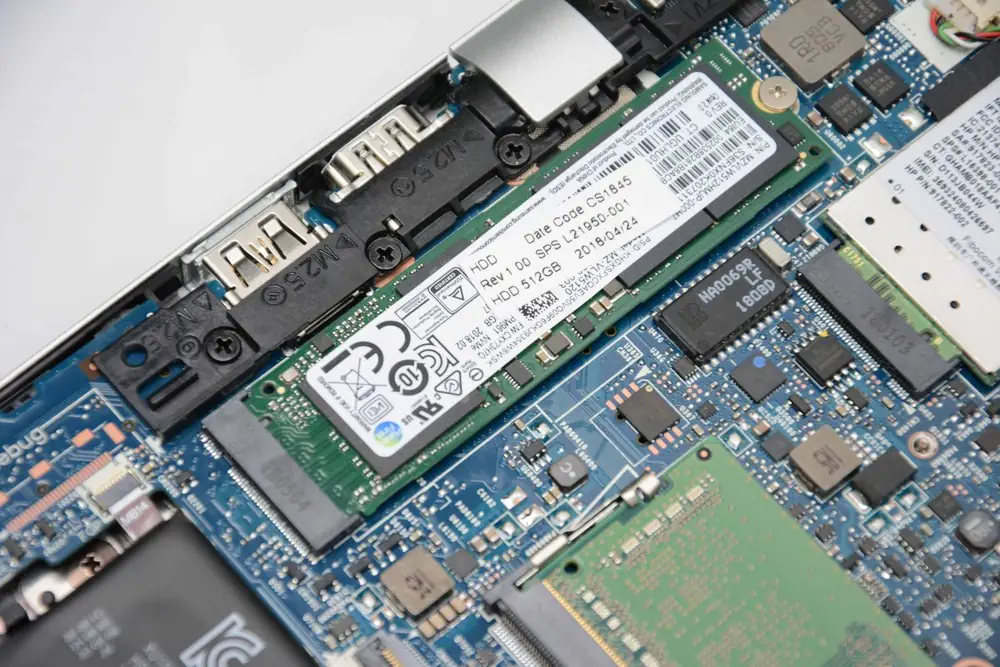
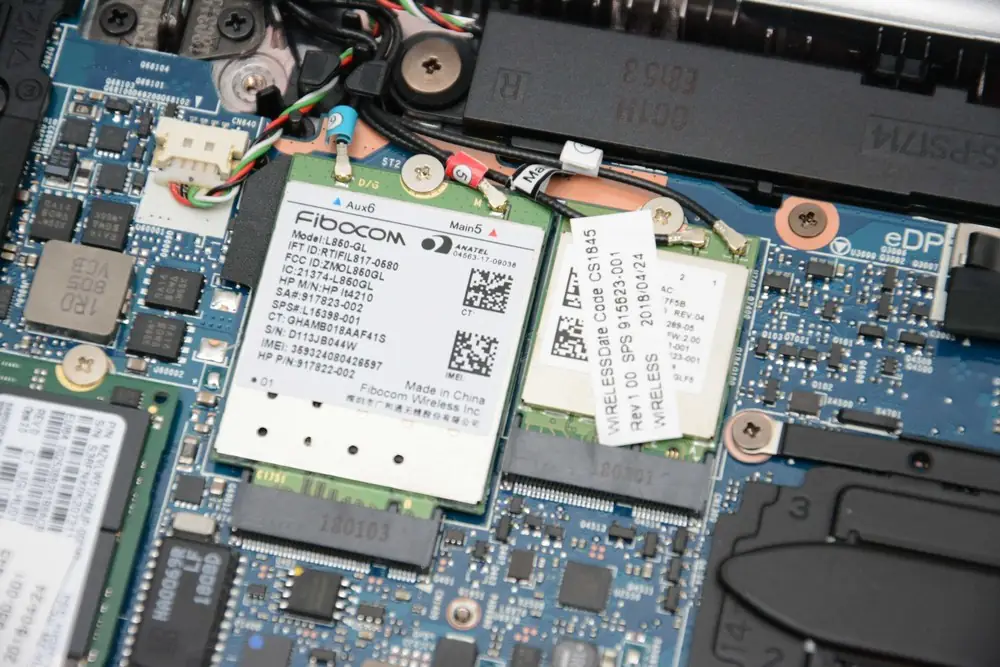
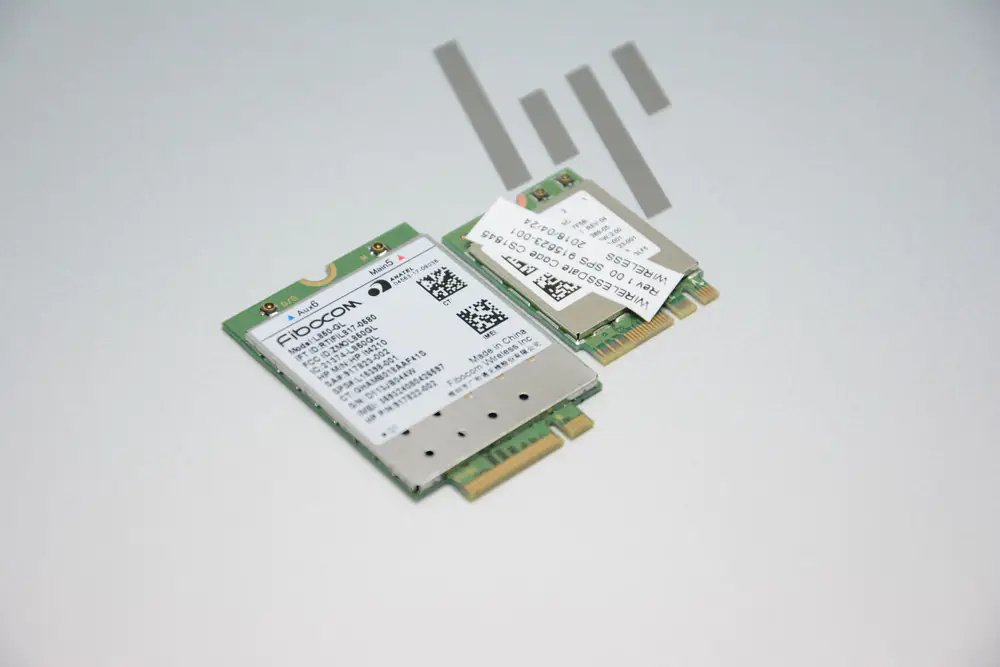
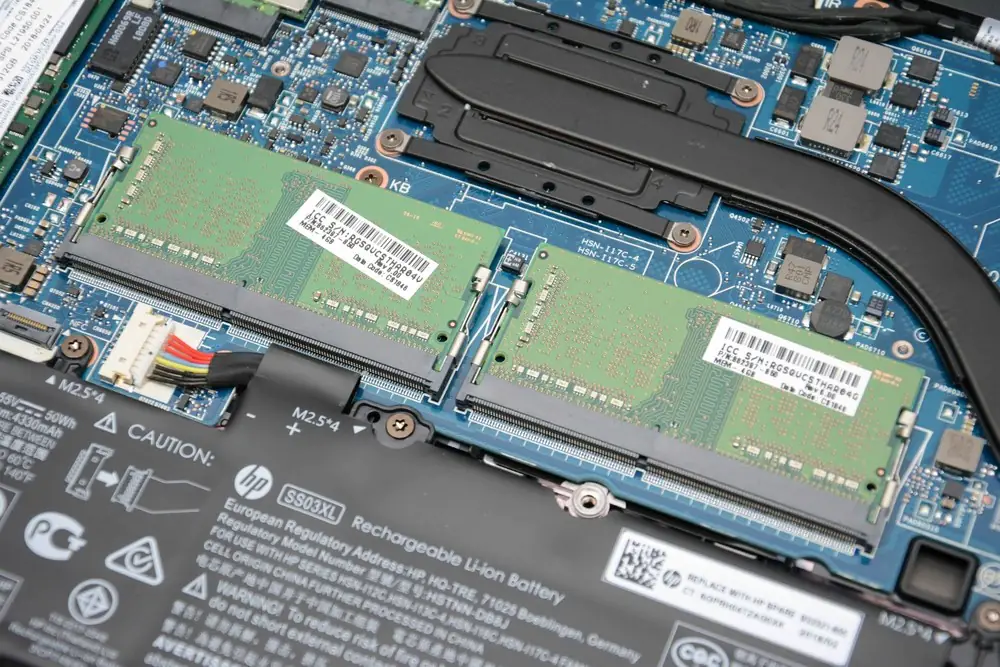
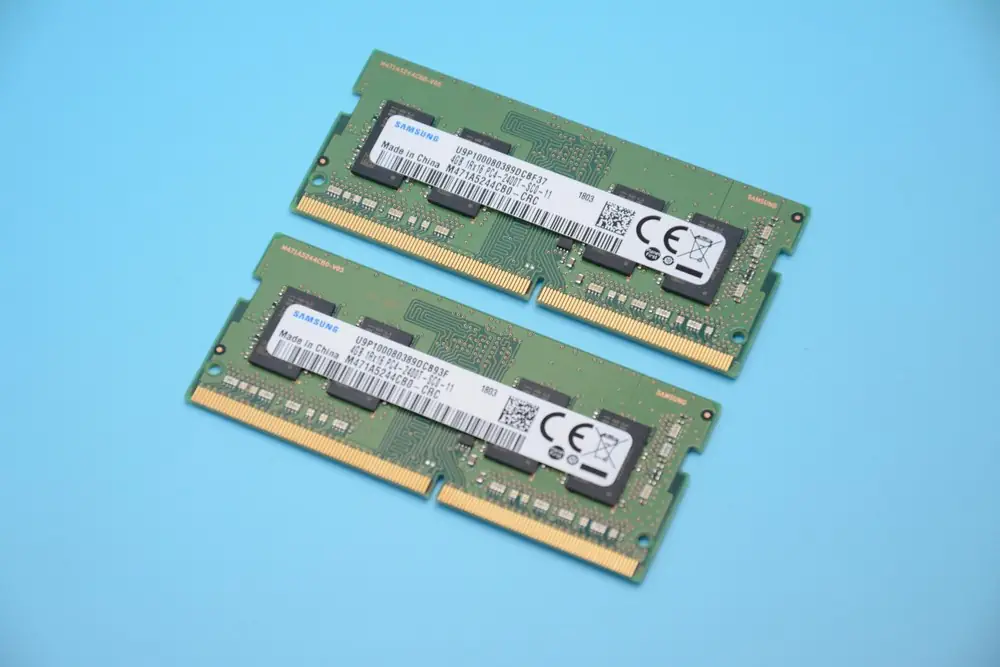
The larger component on the left is a 4G LTE module that supports mobile network connectivity. In this way, users will not be affected by signal issues. The smaller component on the right is the Wi-Fi module. This laptop comes with two Samsung 4GB DDR4 memory modules.
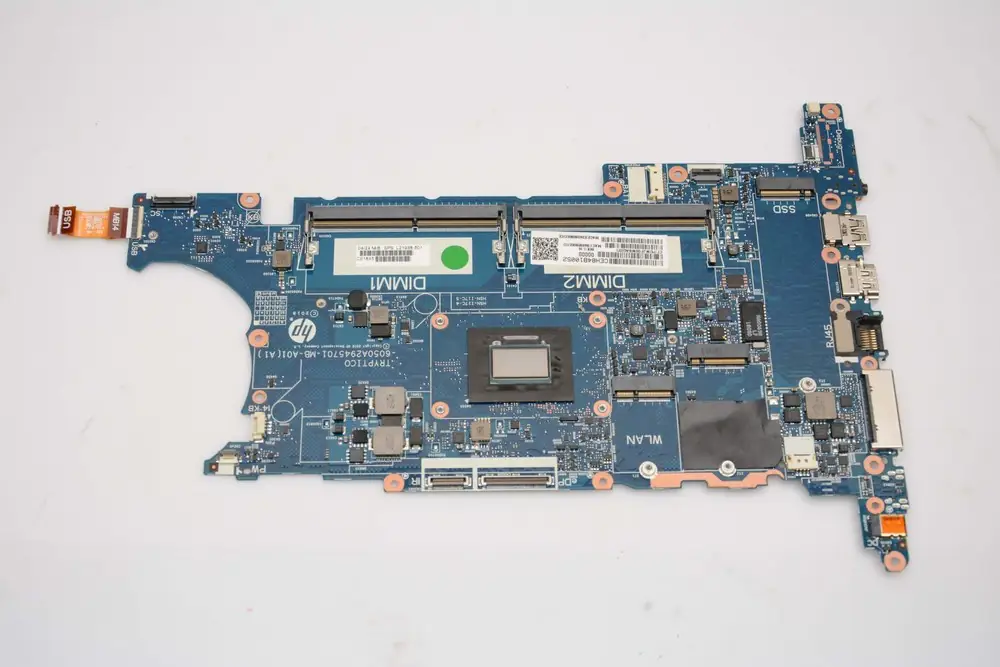
This is the motherboard after removing the SSD, 4G LTE module, Wi-Fi card, and memory modules. Its cooling module consists of a fan and a copper heat pipe. The wide copper pipe helps with efficient heat dissipation, and this module is sufficient to meet the user’s daily work needs.
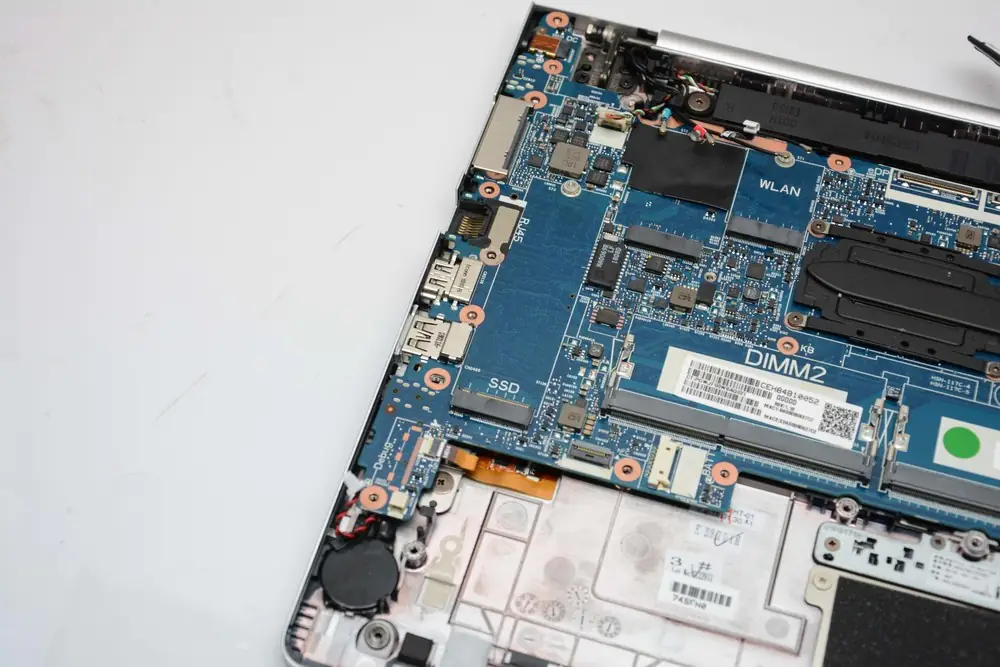
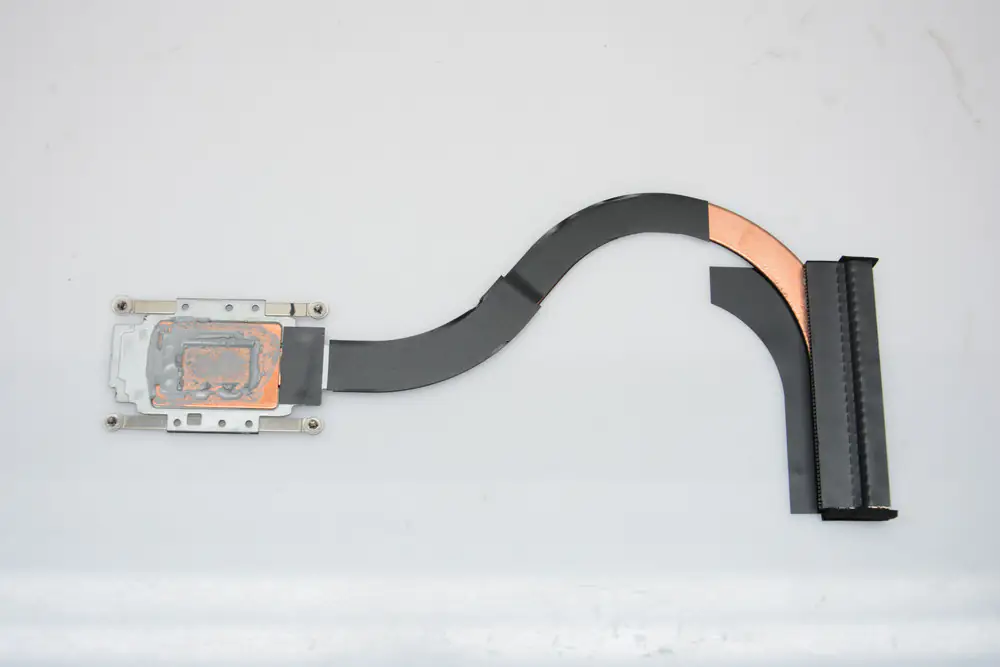
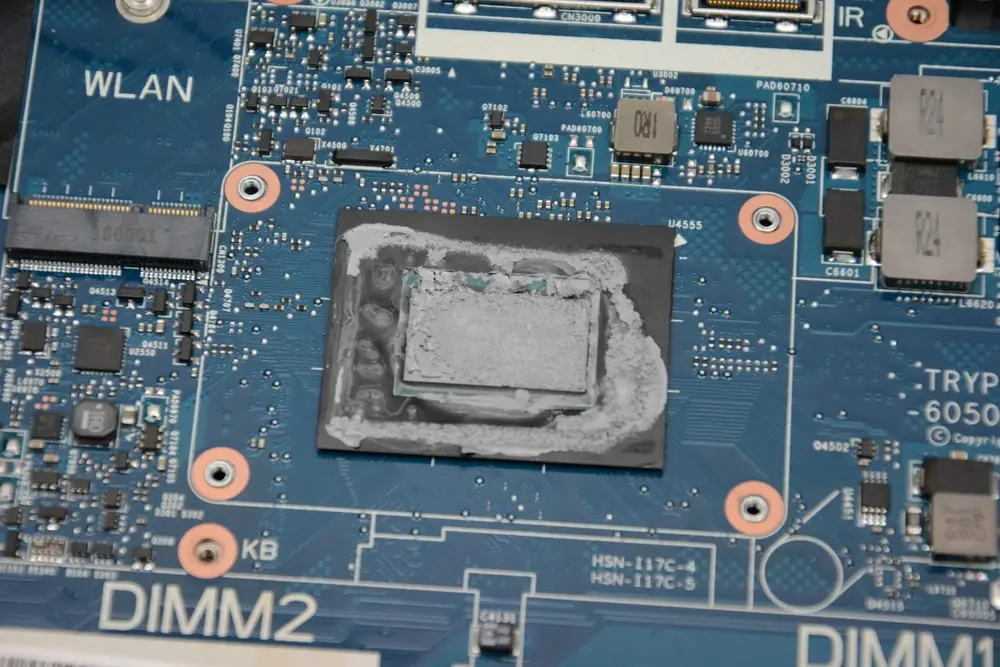
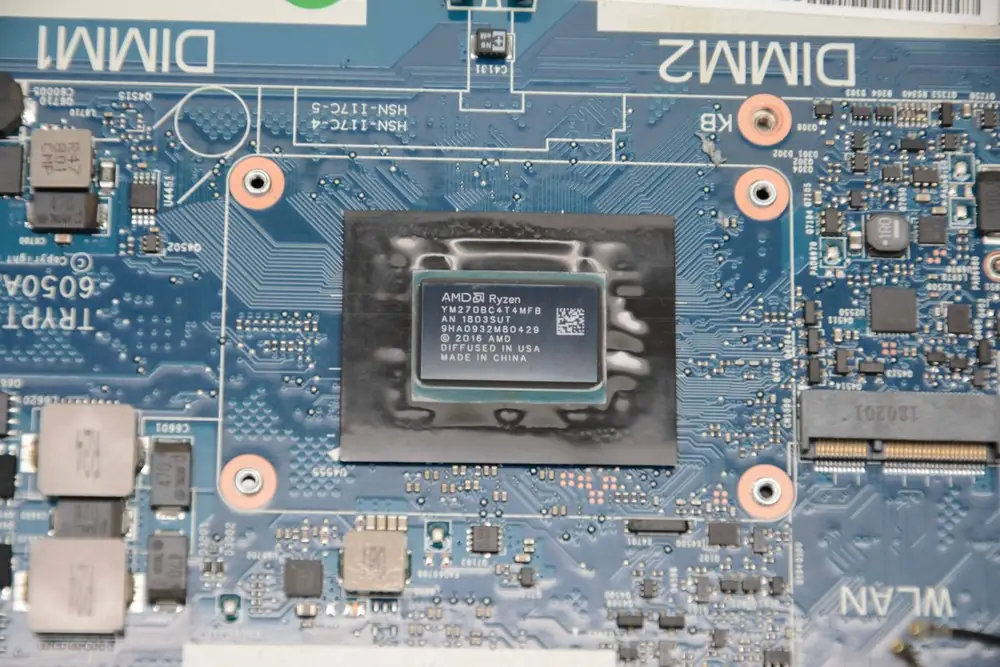
After removing the thermal paste, you can access the Ryzen 7 Pro 2700U APU, which is soldered onto the motherboard and cannot be replaced. This APU is built on the 14nm process using AMD’s Zen architecture. The Ryzen 7 Pro 2700U APU has a base frequency of 2.2 GHz and a maximum frequency of 3.8 GHz. The processor integrates an AMD Radeon Vega 10 graphics with a TDP of 15W, and is designed to meet the daily work requirements of business users. Next, we will remove the keyboard.
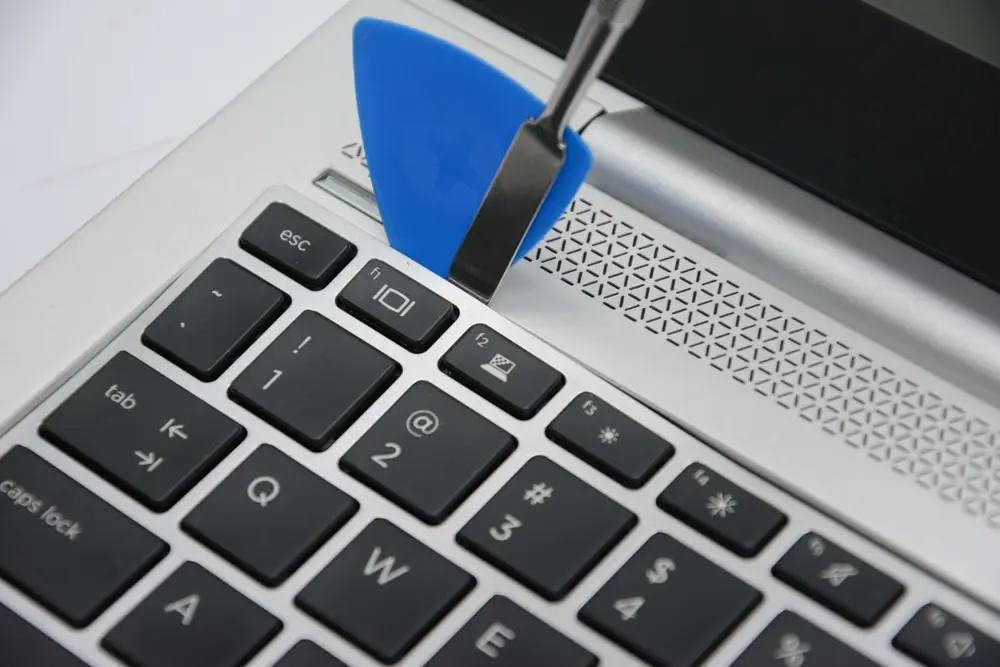
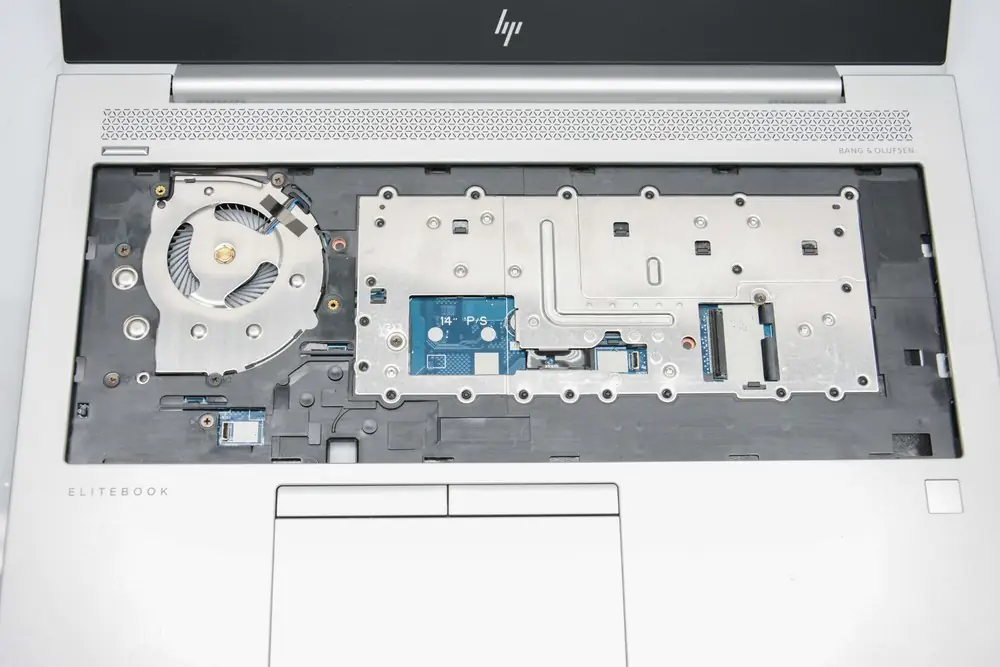
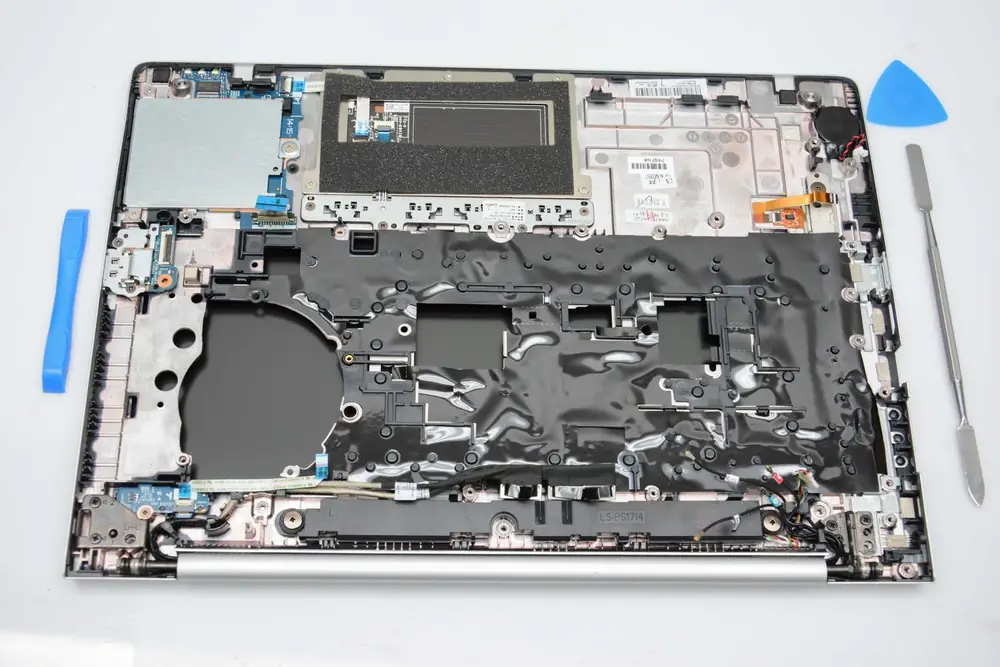
Use a pry bar to unlock the five latches on the top of the keyboard, then place the keyboard on the palm rest and disconnect the keyboard cable and backlight cable. The HP EliteBook 745 G5 features a well-organized internal layout and excellent structural design. With its outstanding internal construction, this laptop can meet the daily work needs of business users. Additionally, this business laptop offers excellent value for money. For business professionals planning to replace their business laptops, the HP EliteBook 745 G5 is undoubtedly an ideal choice.
This is a nice guide. I have a question. If I added the 4G MODEM to this laptop, would the card slot have the necessary contacts for the SIM card? If not, can that piece also be purchased?
This is a Christmas present for a friend. I know he’ll love it the way it exists, but I know he’ll love it more if I can give him cell capabilities.
Thank you,
Mark