
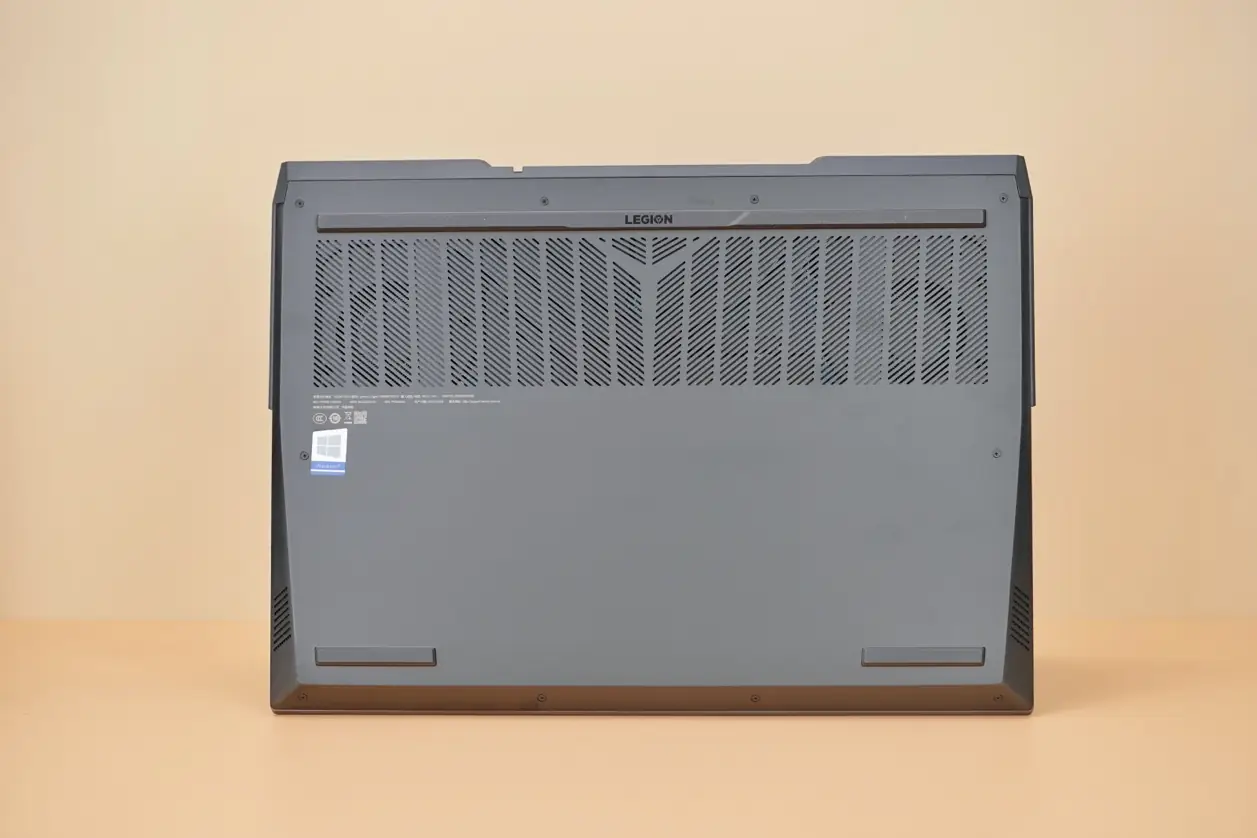
There are 10 screws on the bottom of the laptop holding the bottom cover in place. We use a screwdriver to remove these 10 screws, then insert an old card or a plastic pick between the bottom cover and the body, and slowly pry the bottom cover open to separate it from the body.
After removing the bottom cover, let’s take a look at the internal structure of Legion 5 Pro. Although it uses traditional copper pipes for heat dissipation, the cooling system is also quite luxurious. Almost the entire motherboard is covered by the thermal metal plate, and only a small part of the motherboard is not covered.
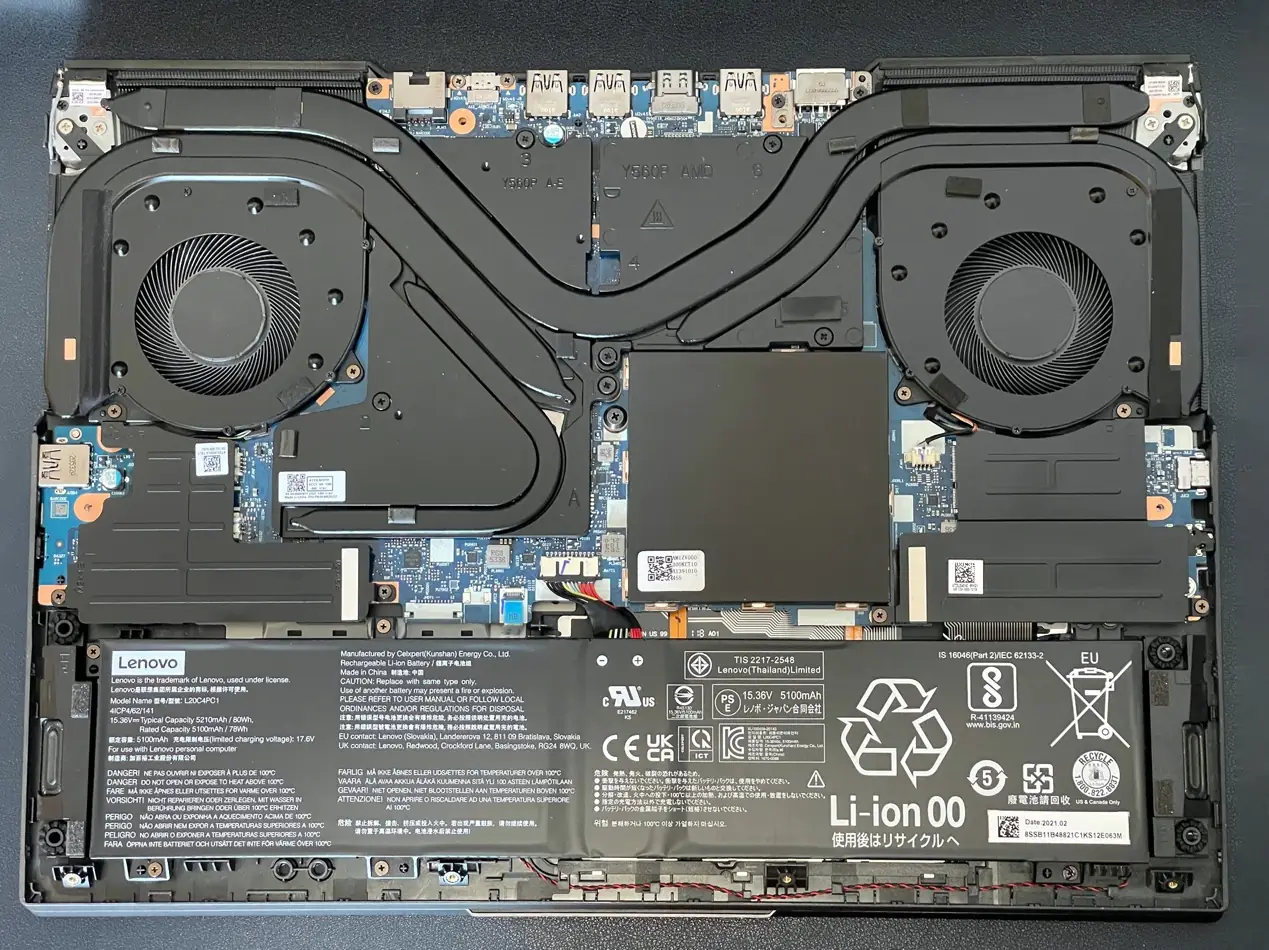
Its cooling system has dual fans, four air outlets, and five copper heat pipes. Although the number of heat pipes may seem small, their diameter is relatively large. The copper pipes connecting the CPU and GPU are as large as 10mm in diameter. There are also an 8mm copper tube and two 6mm copper tubes to assist in heat dissipation. There is also a copper pipe dedicated to cooling the video memory. Coupled with a large area heat plate, the cooling performance is impressive.
Also Read: Lenovo Legion 5 Pro Review (Ryzen 5800H, RTX 3060)
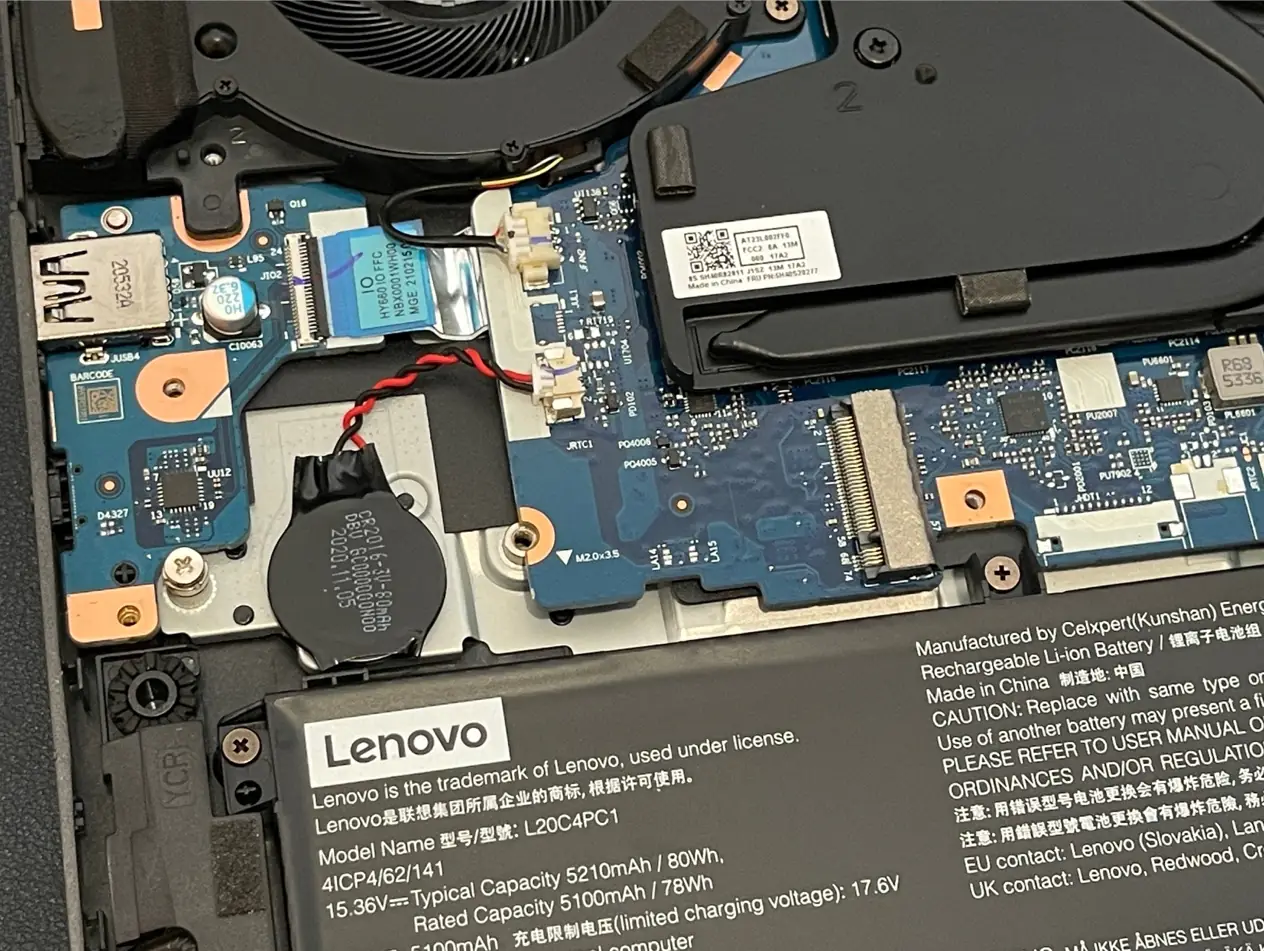
This laptop has an 80Wh battery, which lasts up to 7 hours and 21 minutes in PCMark 10 tests under mixed usage and in-office mode.
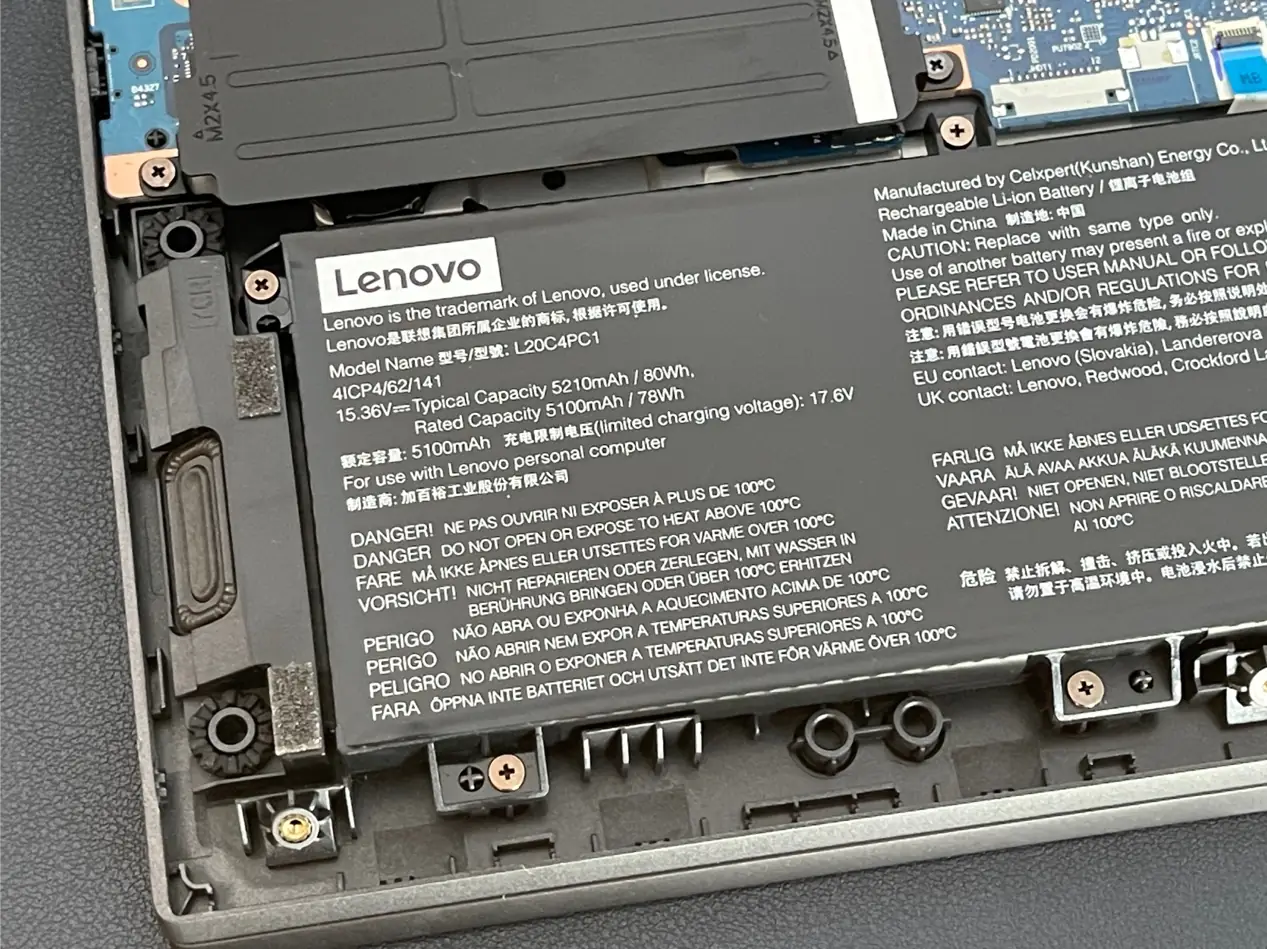
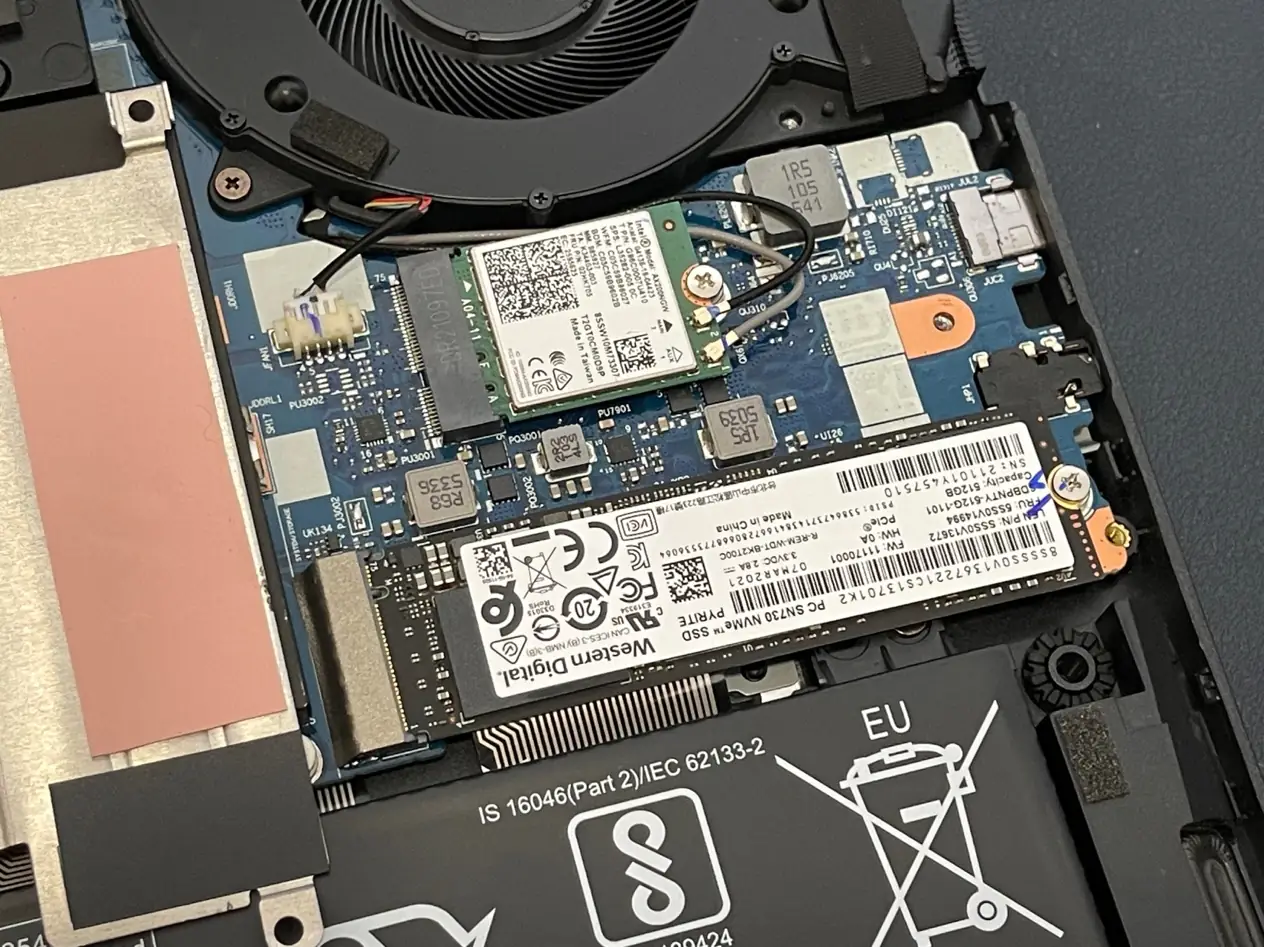
There is an M.2 slot on each side above the battery. We removed the metal cover on the left side and found that there is only one M.2 slot underneath.
Removing the metal cover on the right reveals an M.2 SSD and a wireless network card. The SSD model is SN730, with a capacity of 512GB. The wireless network card model is Intel AX200NGW, which supports Wi-Fi 6 with a maximum speed of up to 2400 Mbps. In addition, the metal cover is pre-coated with thermal paste to enhance cooling performance.
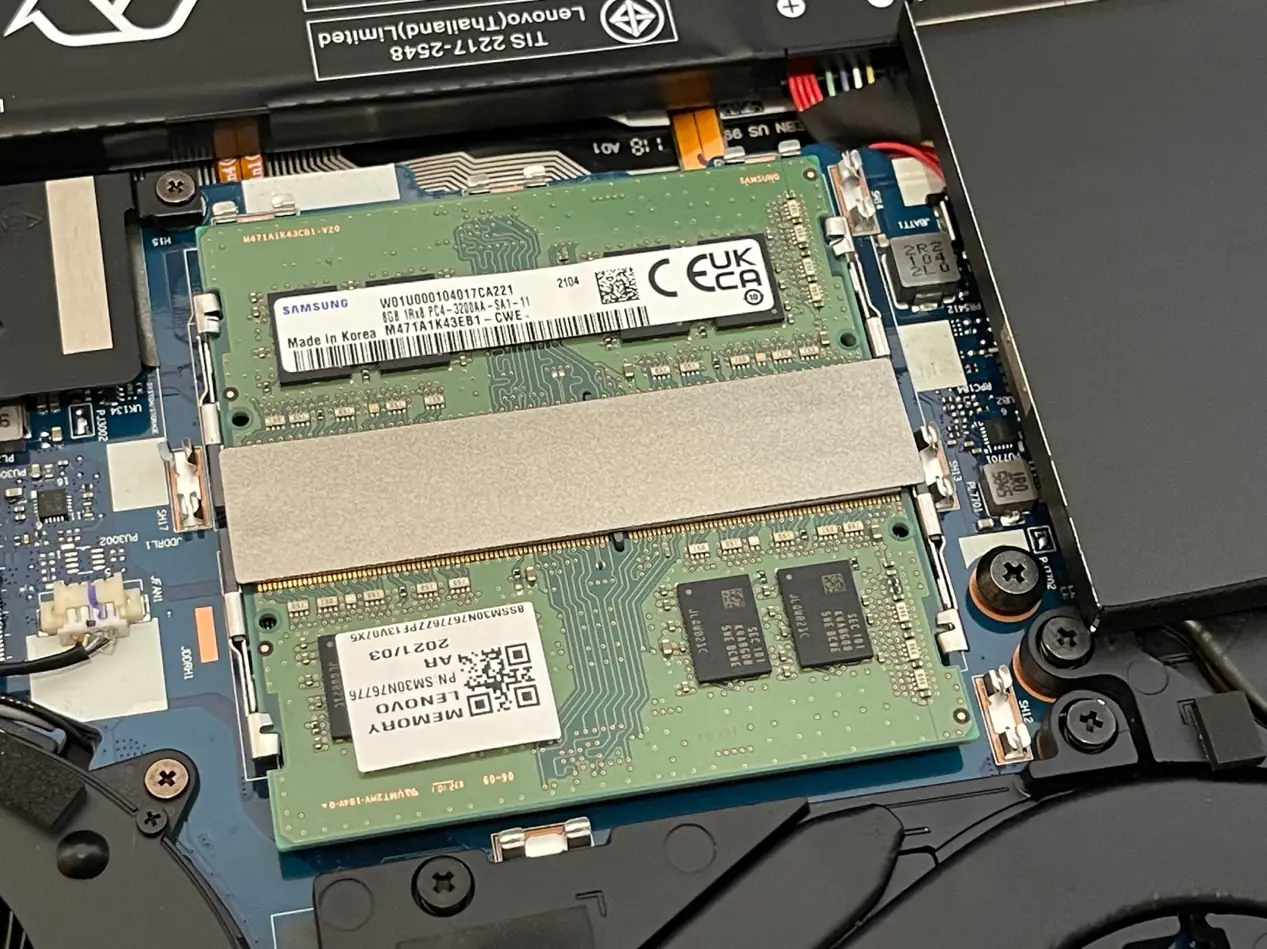
This laptop comes pre-installed with two 8GB 3200 MHz DDR4 memory modules. According to Lenovo’s official information, it can support up to 32GB of DDR4 3200MHz memory.