
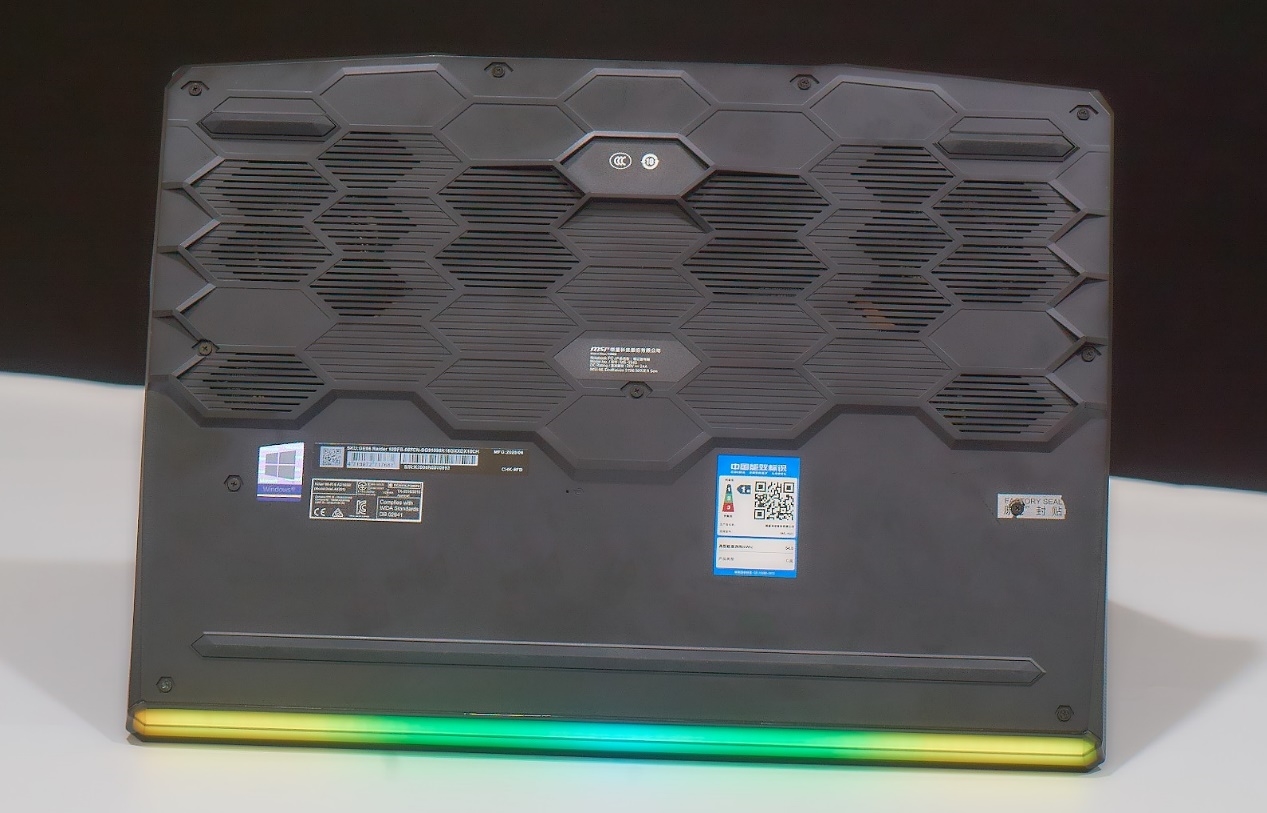
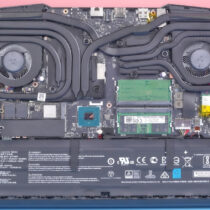
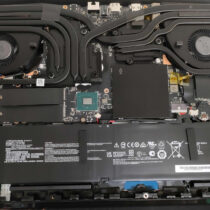
Remove all the screws securing the bottom cover. It is worth noting that one screw on the right side is covered by MSI’s fragile sticker, which means that removing the bottom cover yourself will void the laptop’s warranty. The bottom cover of the MSI GE66 is relatively easy to remove. After taking off the bottom cover, you can upgrade the laptop’s memory, SSD, and wireless network card. The most striking feature inside the chassis is the cooling system, which features two fans, six copper pipes, and four air vents.
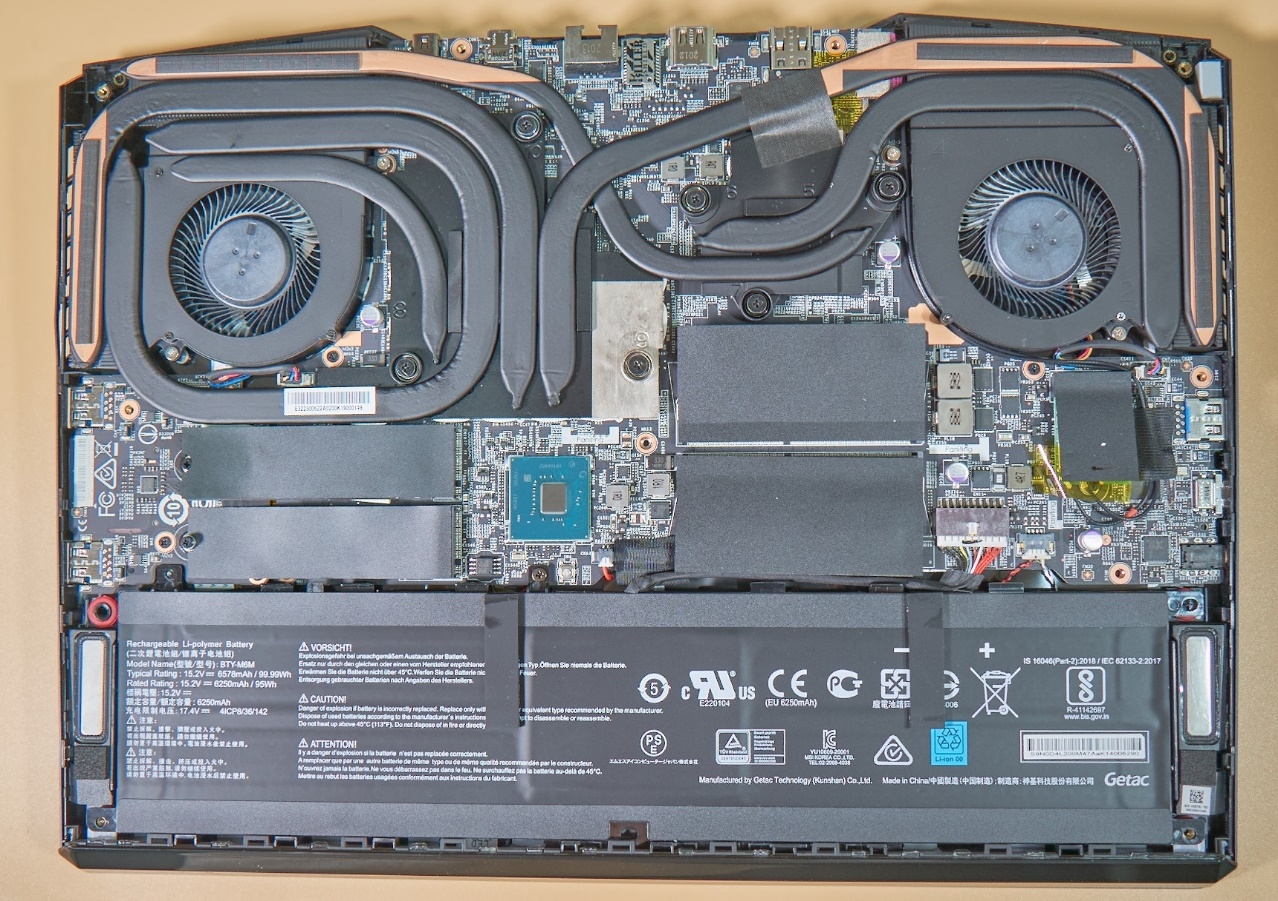
This cooling system is called Cooler Boost 5. Each fan has 53 blades with a thickness of 0.25mm. The GPU area uses three 8mm heat pipes to cover the core area, and an additional 6mm heat pipe is responsible for transferring heat to the power supply system. The CPU area is cooled through one 8mm and one 6mm heat pipe. In terms of cooling design, the GPU section is slightly emphasized. After all, the RTX 2070 Super has a power consumption of up to 115W, while the i9-10980HK processor has a power consumption of only 70W.
The laptop also has two M.2 2280 slots, one of which is installed with a Western Digital SN730 1TB SSD (this is a Western Digital product exclusively available for the OEM market; the same model on the retail market is the SN750, which is considered a high-end SSD product from Western Digital). The other M.2 slot is currently empty. If needed, you can install an SSD of the same model or a different model in this slot.
The motherboard also has two SO-DIMM slots, which hold two 8GB Samsung DDR4 3200MHz memory modules, for a total capacity of 16GB. Users can also upgrade to higher-frequency memory.
This laptop comes with a Killer AX1650 Wi-Fi 6 wireless network card. In fact, its chip is similar to the Intel Wi-Fi 6 AX200, but its drivers and software deliver a better gaming experience with lower latency.
The battery capacity is impressive. It has a lithium-polymer battery with a capacity of up to 99.9 Wh. It is rare to see a lithium battery of such high capacity in a laptop.
I have the Intel i7 chip, not the i9. Does this make a difference to upgrading the RAM and SSD storage?
There is no difference, and their upgrade options should be the same.
Thanks for this. I have the summer 2022 version with a 3070ti and an i7-12700H, everything should be the same? It’s a shame that adding a second SSD will void my warranty.
is there 2 ssd slots 12UGs one 360hz monitor one?
Yes