
Today, we are going to tear down an MSI Raider GE77 to upgrade the RAM and SSD.
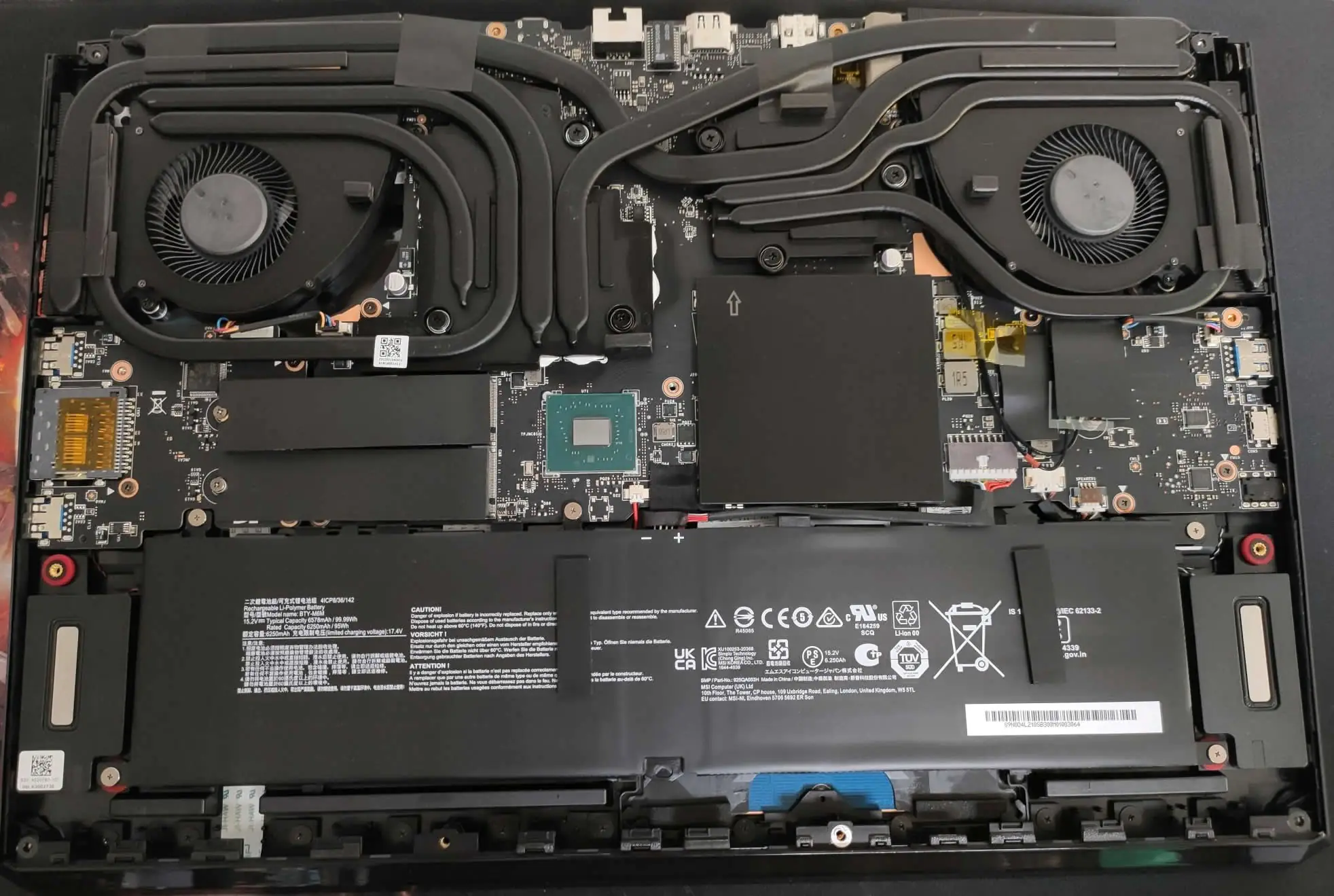
After removing the bottom plate, you can access the internal components, including the battery, cooling system, Wi-Fi card, memory modules, and SSD.
RAM
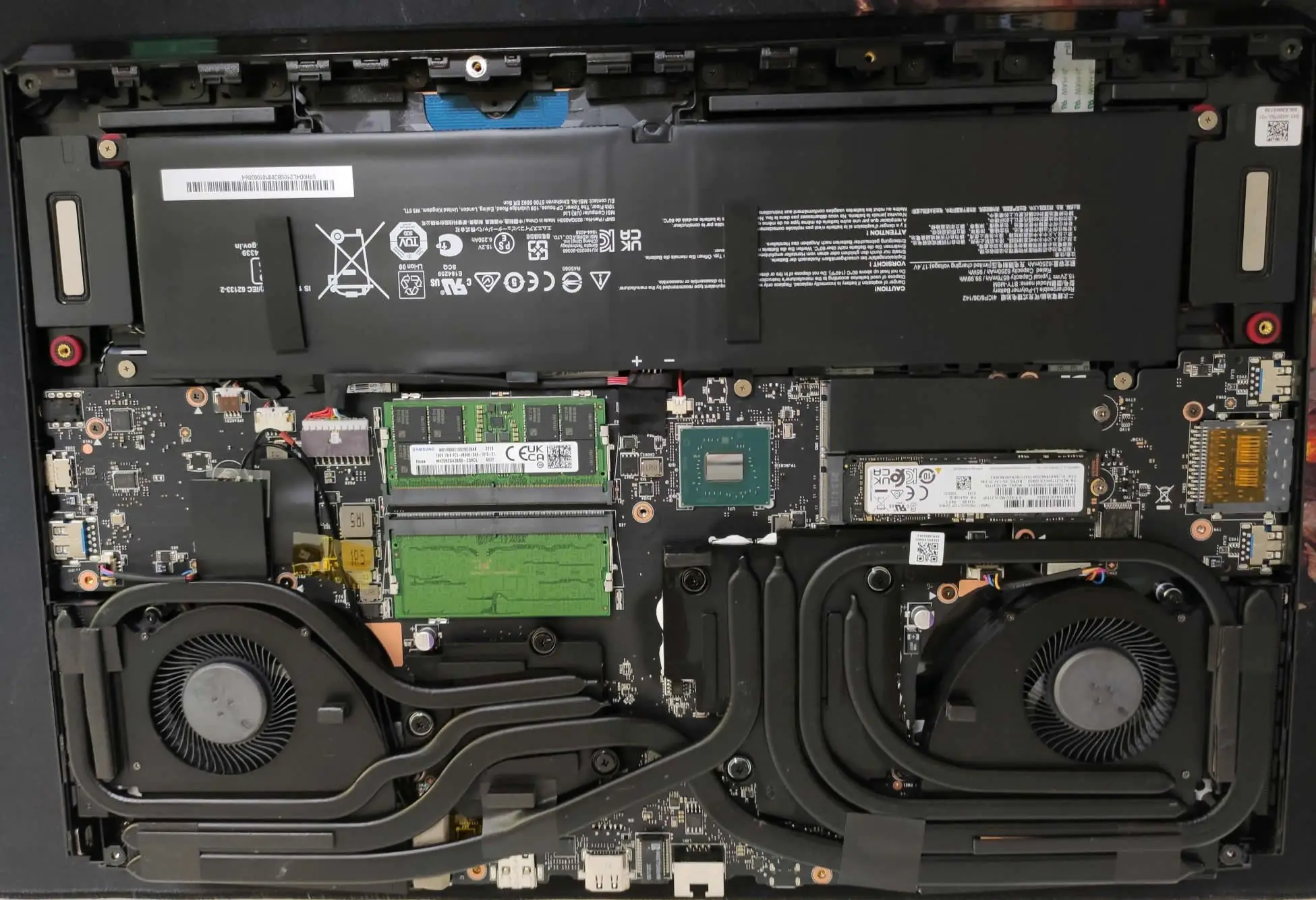
The main topic for today’s discussion is the SSD and RAM of the MSI Raider GE77. The laptop supports only DDR5 RAM modules and has two memory slots. With two slots, you can create a dual-channel memory for faster multitasking. To upgrade the memory, remove the black cover and insert the new RAM module into the unused slot. It is worth mentioning that this laptop supports up to 64GB of RAM, which is more than sufficient for a device primarily intended for gaming.
SSD
The MSI Raider GE77 supports the latest generation of PCIe 4.0 SSDs. There are two SSD slots on the motherboard, and both slots support the PCIe 4.0 protocol. As a result, you can easily upgrade your SSD.
Battery
The laptop has a 99.99Wh Li-Polymer battery with a capacity of 6578 mAh. To remove the battery, first remove the bottom cover, then unplug the connector on the motherboard, and finally, unscrew all five screws. To reconnect the battery, do the same in the opposite direction.
Cooling system
In the teardown of the notebook, there are two things that seem to stand out to you. One is the battery, and the other is the cooling system. This massive cooling system consists of 2 fans and 7 pipes that help maximize the performance efficiency of the CPU and GPU, and ensure that you will not face any issues during high-load gaming.
Wi-Fi Card
This laptop comes with an Intel Killer AX Wi-Fi 6E card, featuring a dedicated 6GHz band to deliver lightning-fast network speeds and a stable connection for lag-free gaming. In addition to Wi-Fi 6E, the laptop also supports Bluetooth v5.2.