

In this guide, I will explain how to disassemble the Samsung Galaxy S4 to remove the back cover, battery, Front Glass, screen, and motherboard.
Looking for more guides? Follow us on Facebook for all the latest repair news.
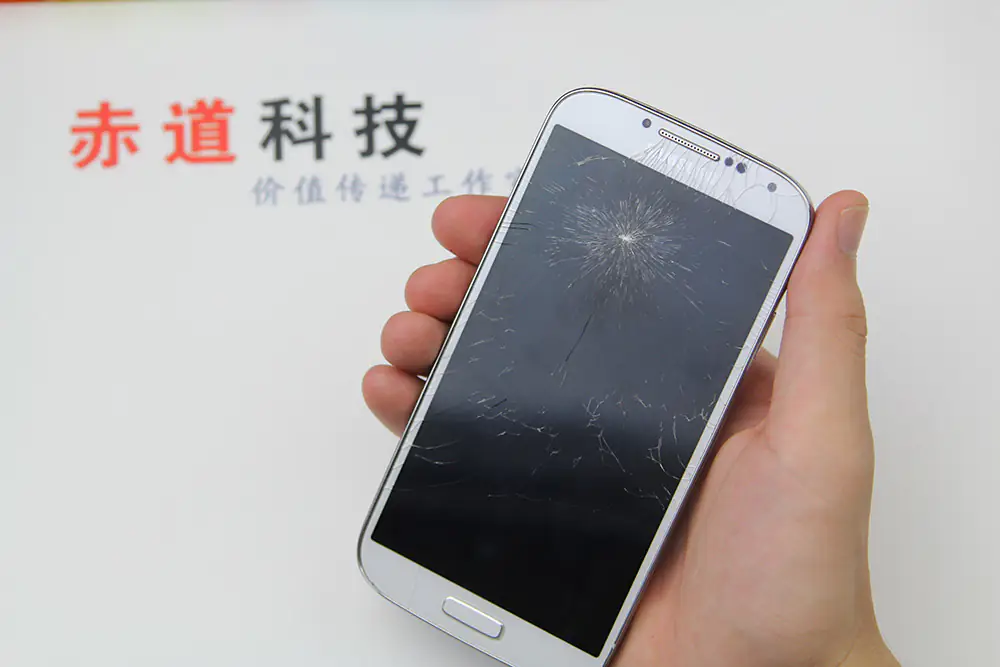
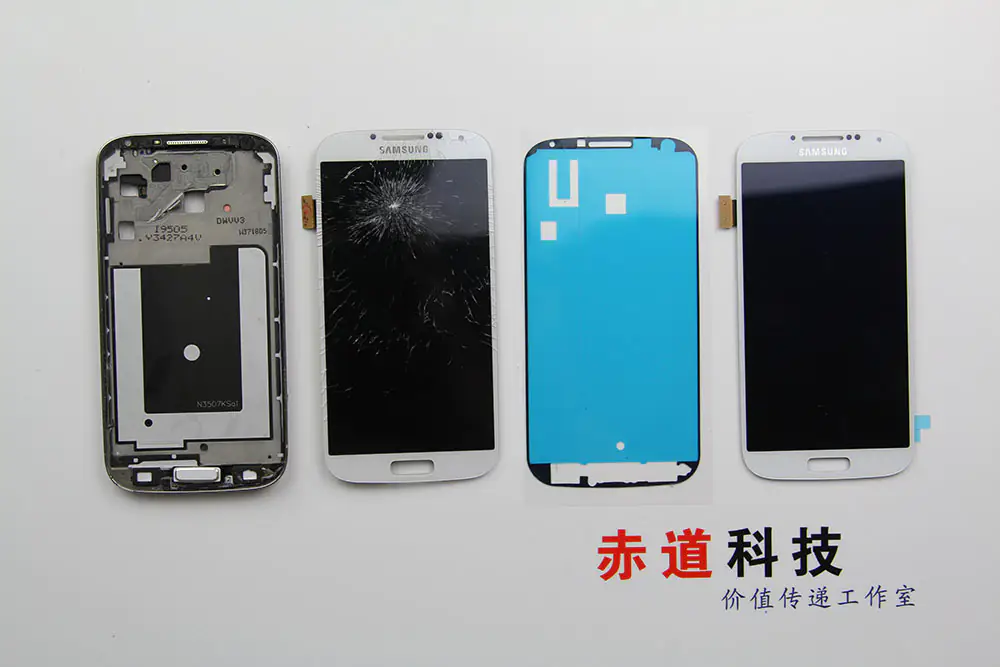
The entire display of this Samsung Galaxy S4 was broken, not just the glass, so I needed to replace it.
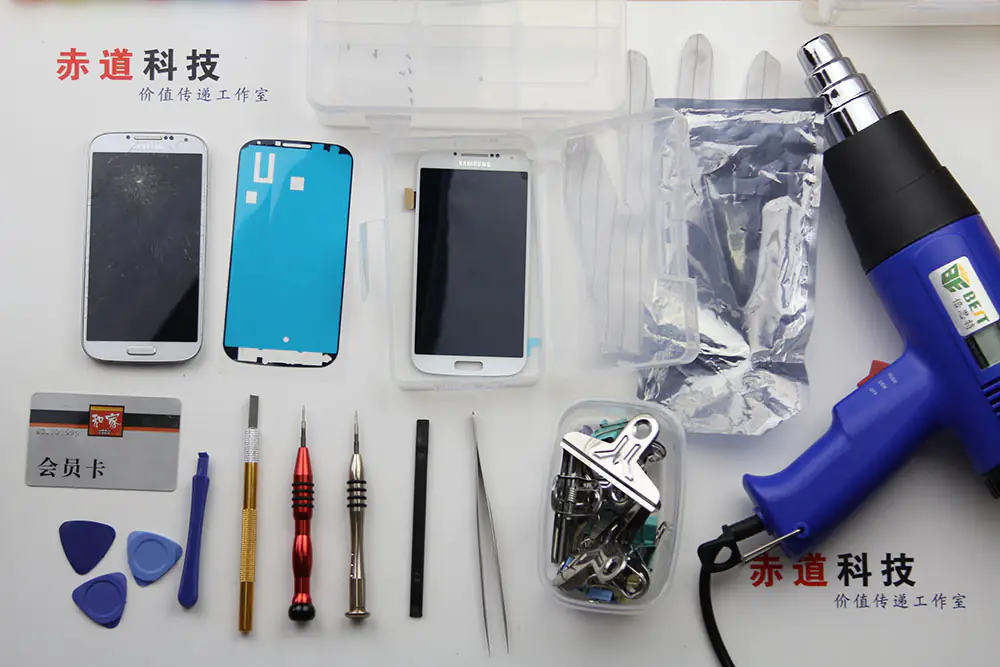
Tools are needed.
Remove Samsung Galaxy S4 Screen
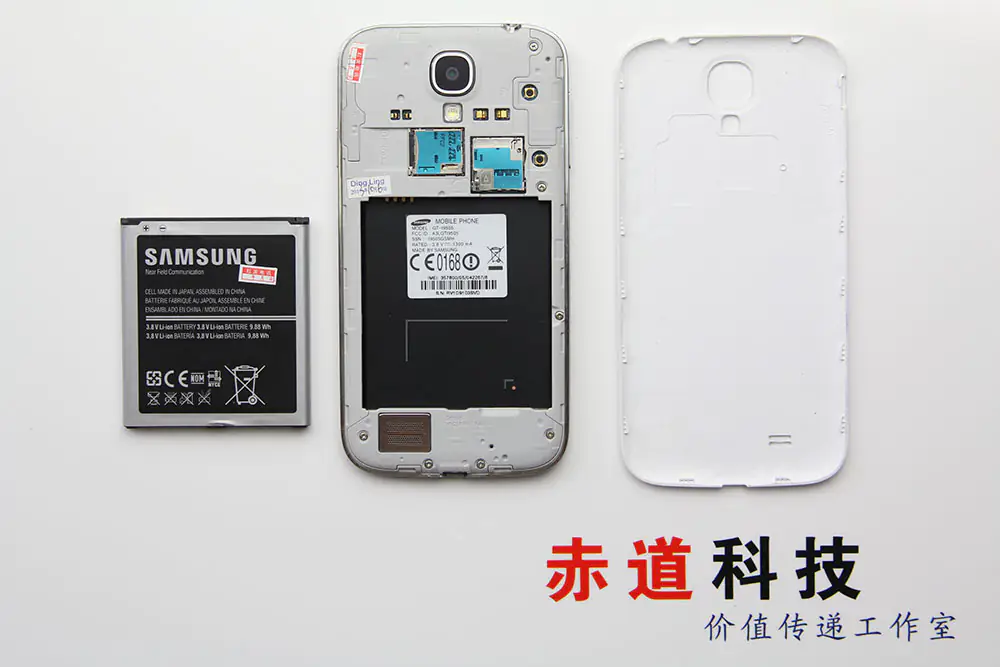
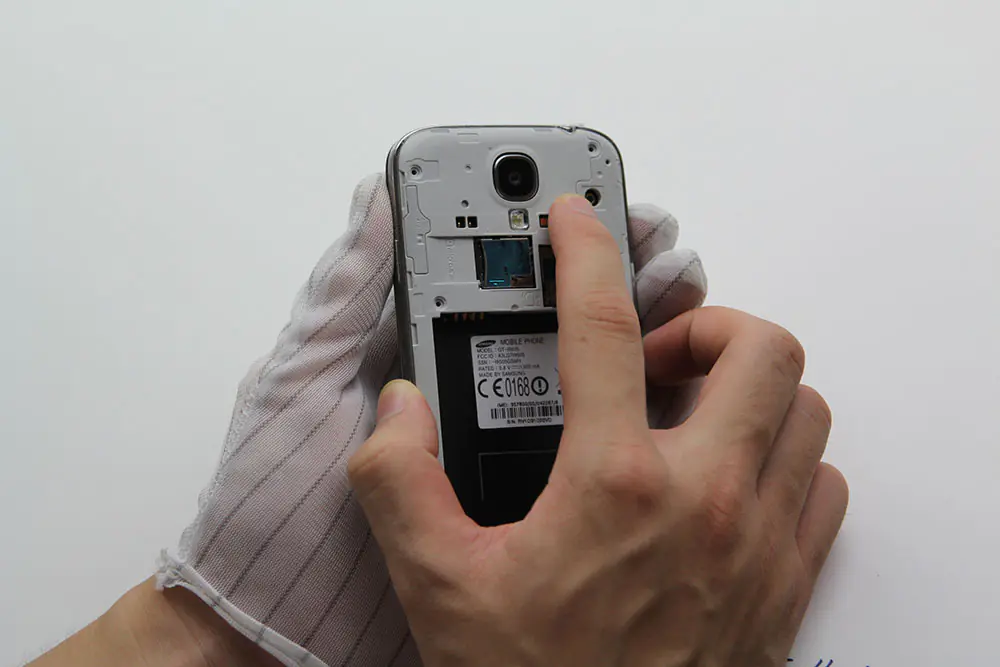
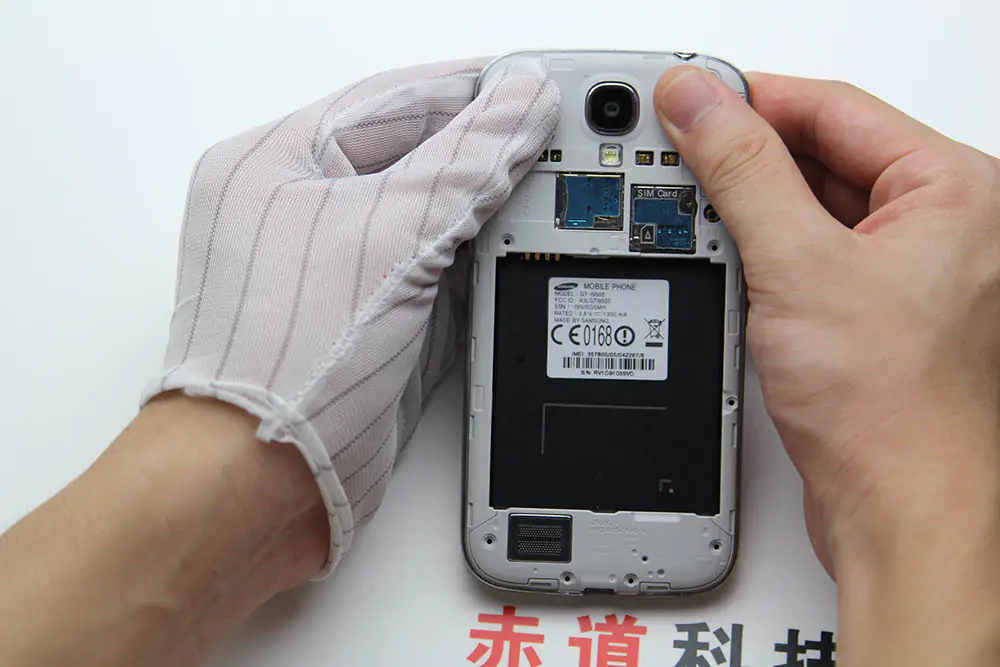
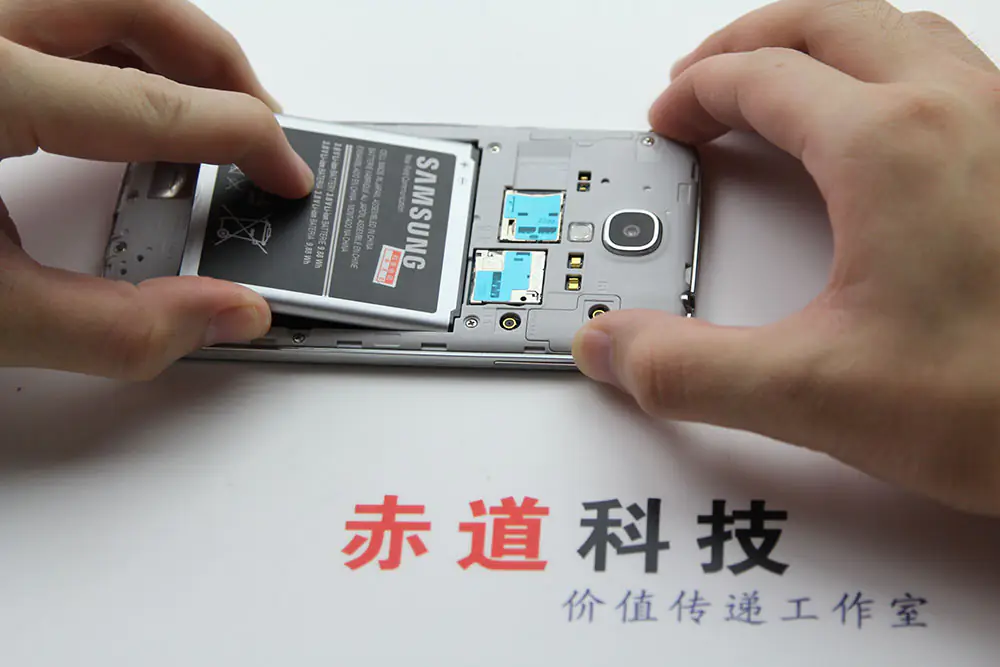
Remove the back cover and battery.
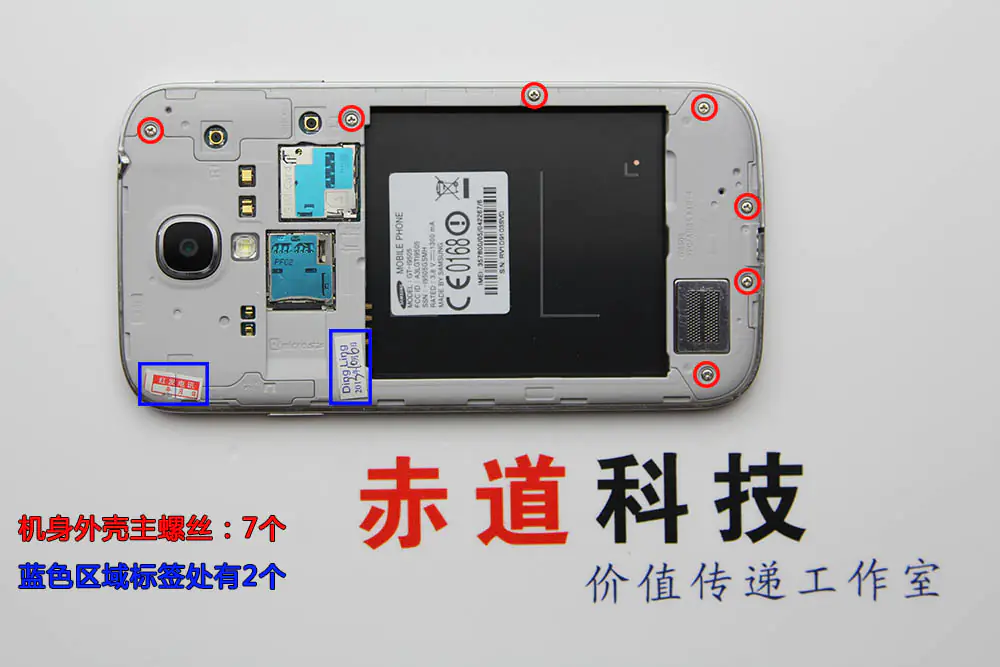
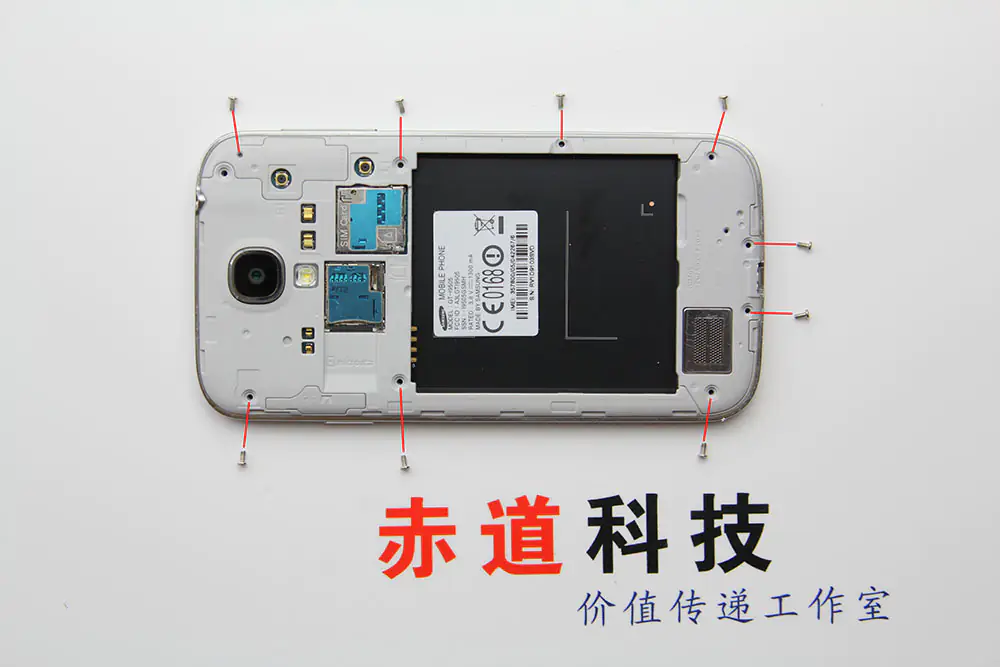
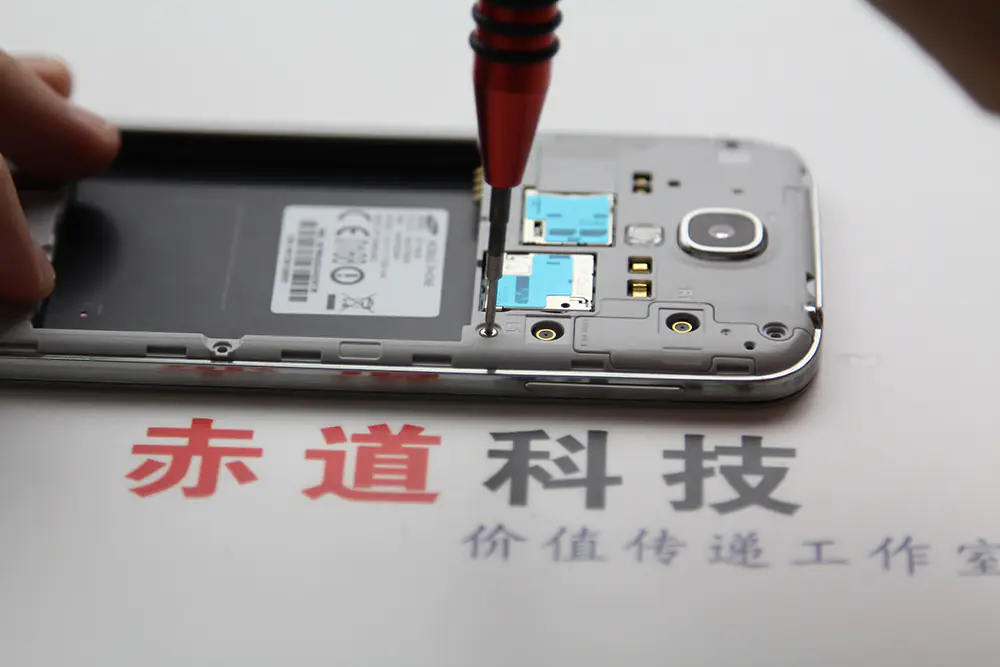
Remove the nine screws securing the middle frame to the display assembly.
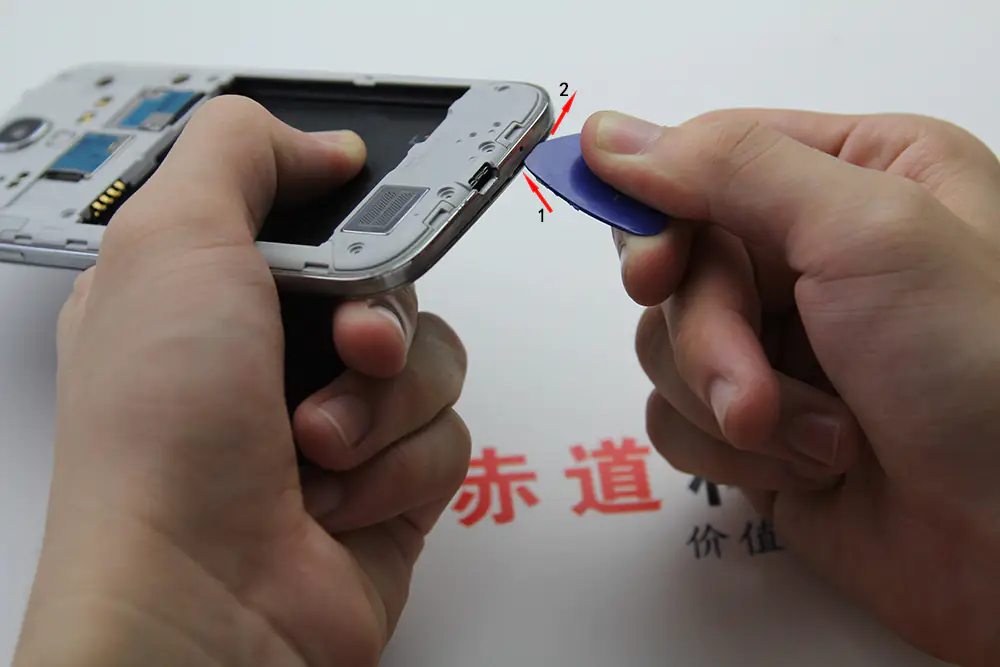
The middle frame is secured to the display assembly by several plastic clips; releasing all the clips.
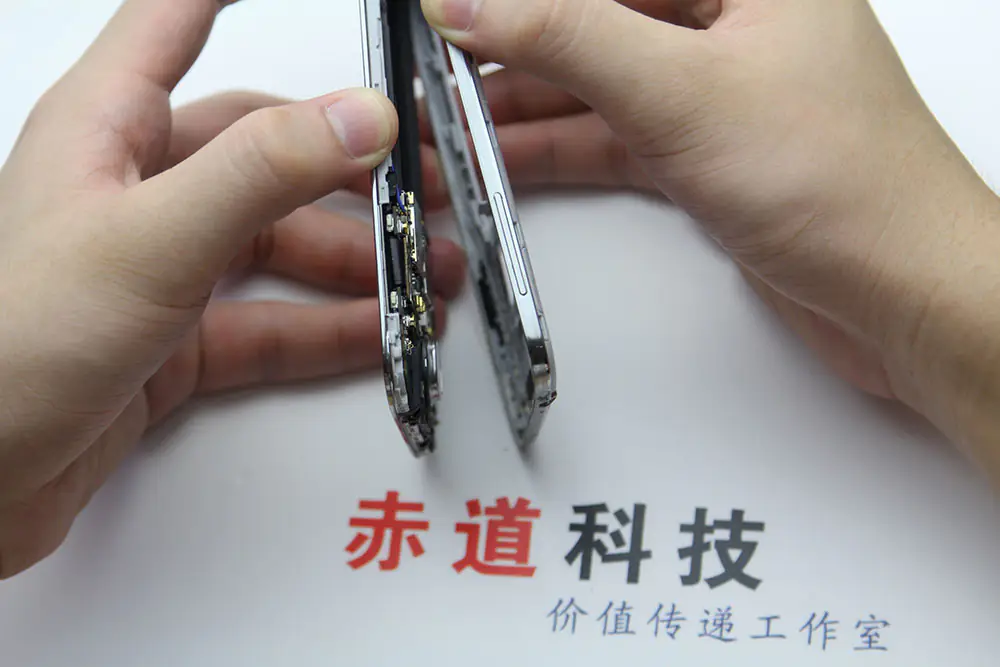
Remove the middle frame.
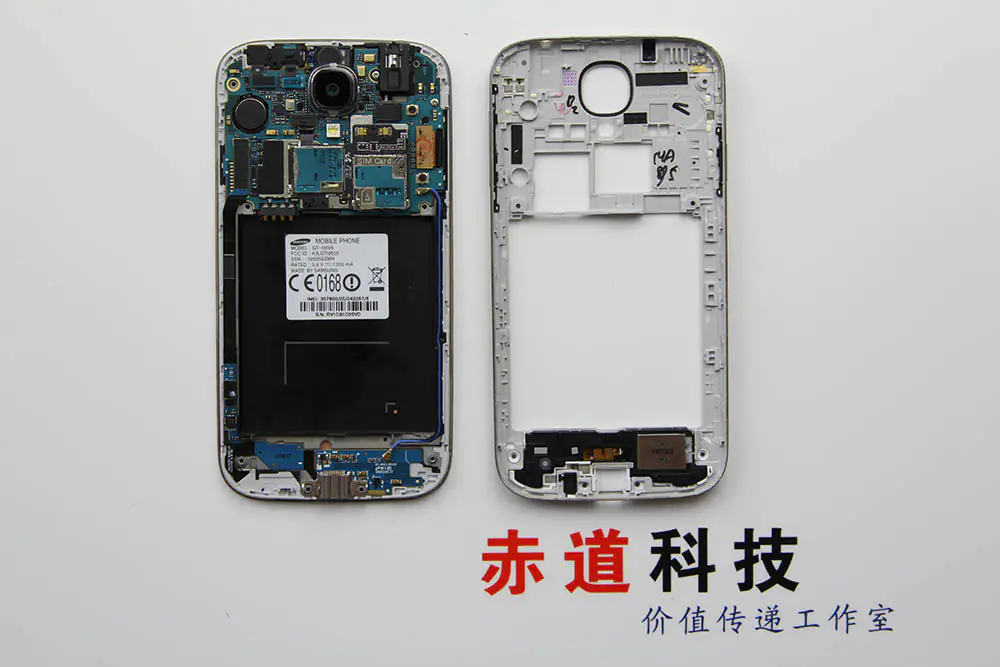
The middle frame has been removed. In the next step. I will remove the motherboard.
Now, I will remove the motherboard, and I need to wear anti-static gloves.
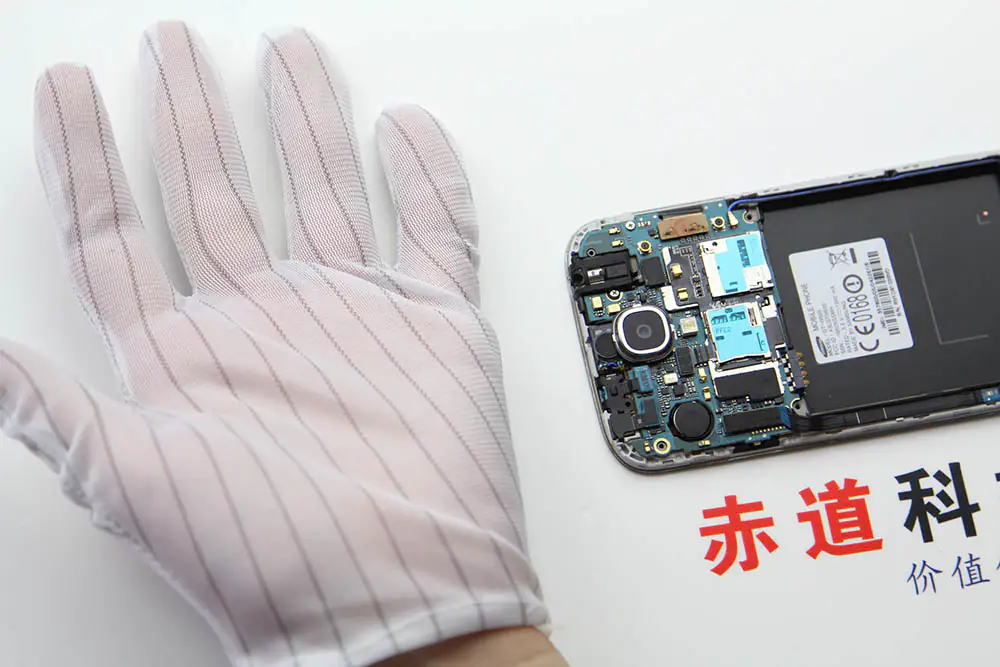
Disconnect the USB board connector.
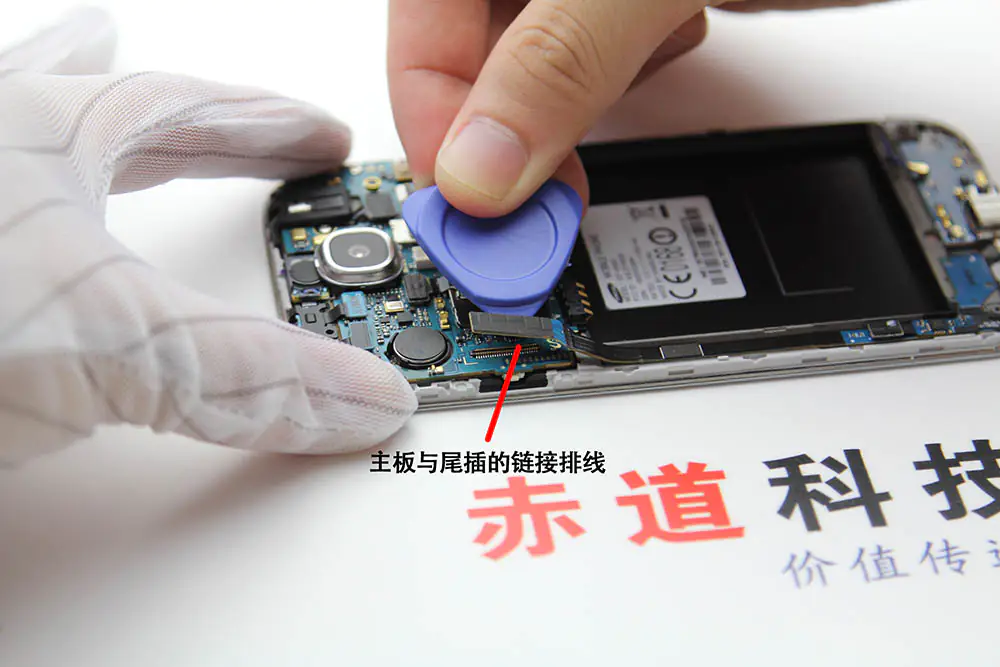
Disconnect the display cable connector.
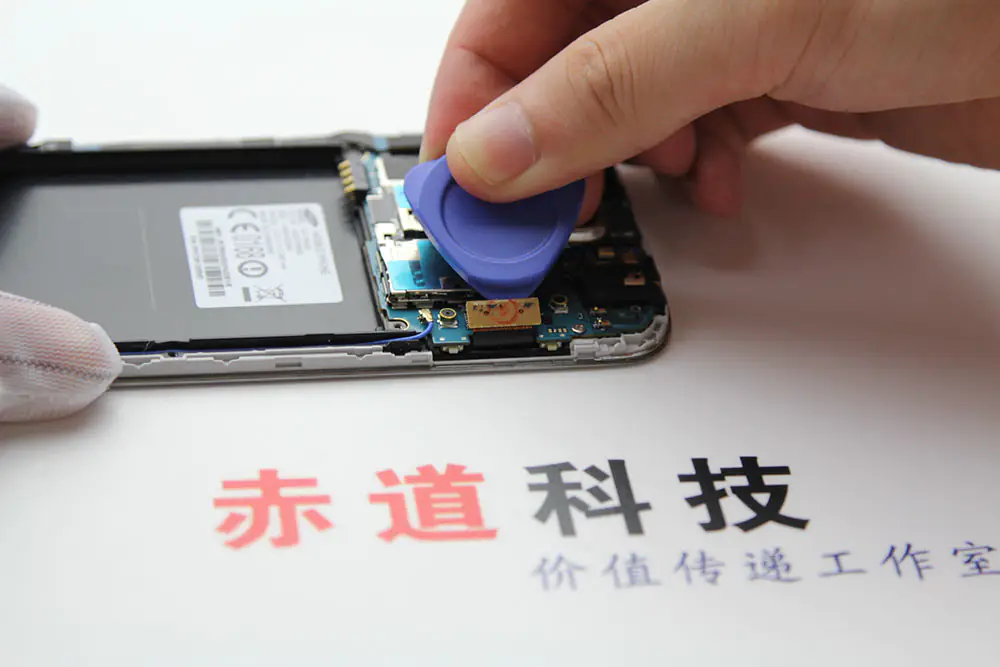
Disconnect the antenna cable connector.
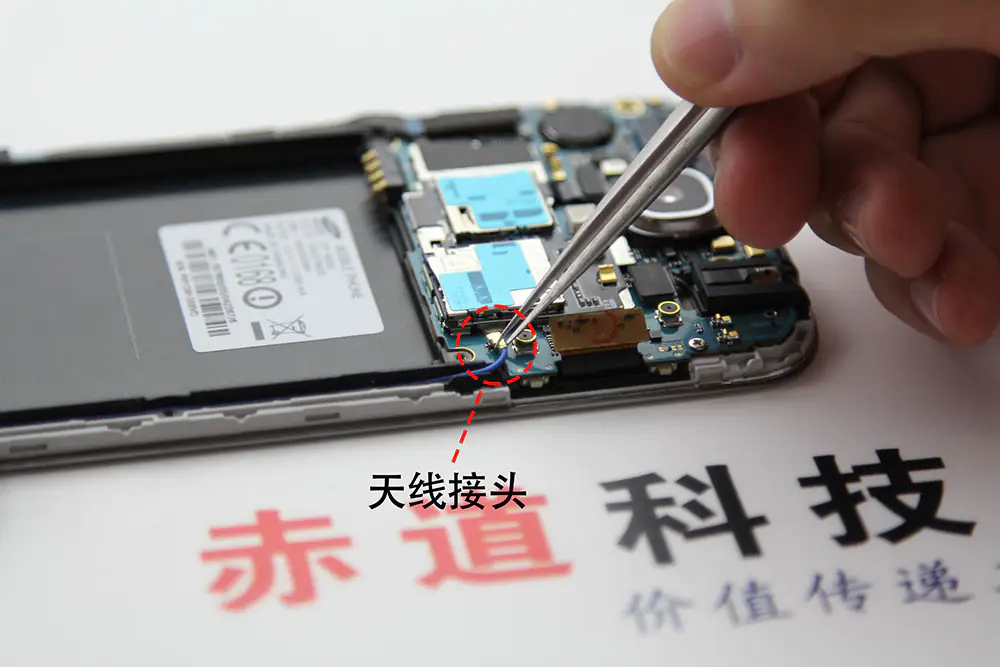
Disconnect the front-facing camera cable connector and the earpiece speaker assembly cable connector.
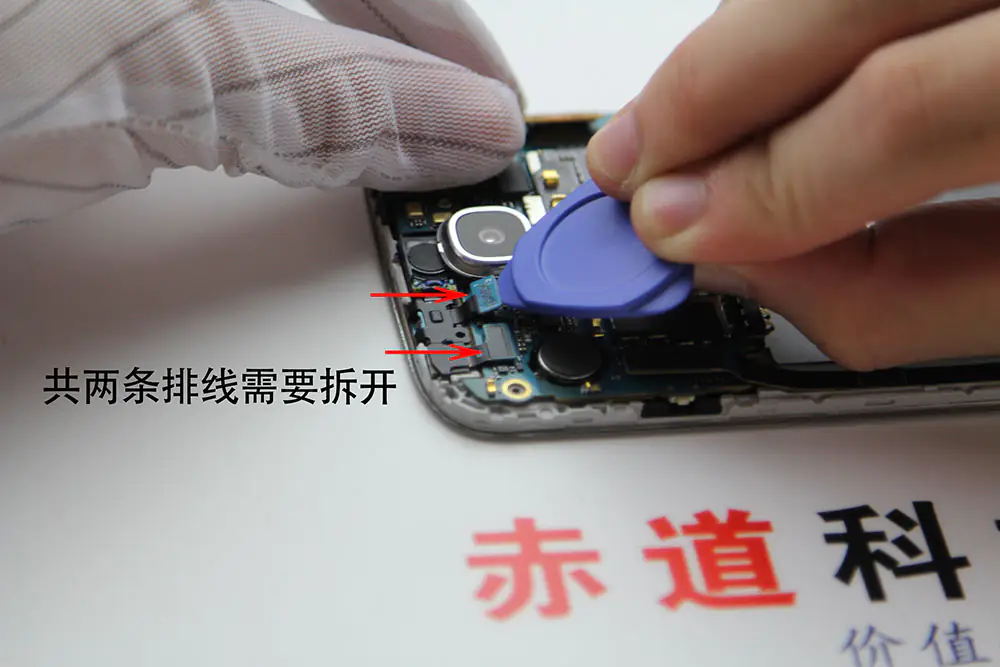
Remove the screw securing the motherboard.
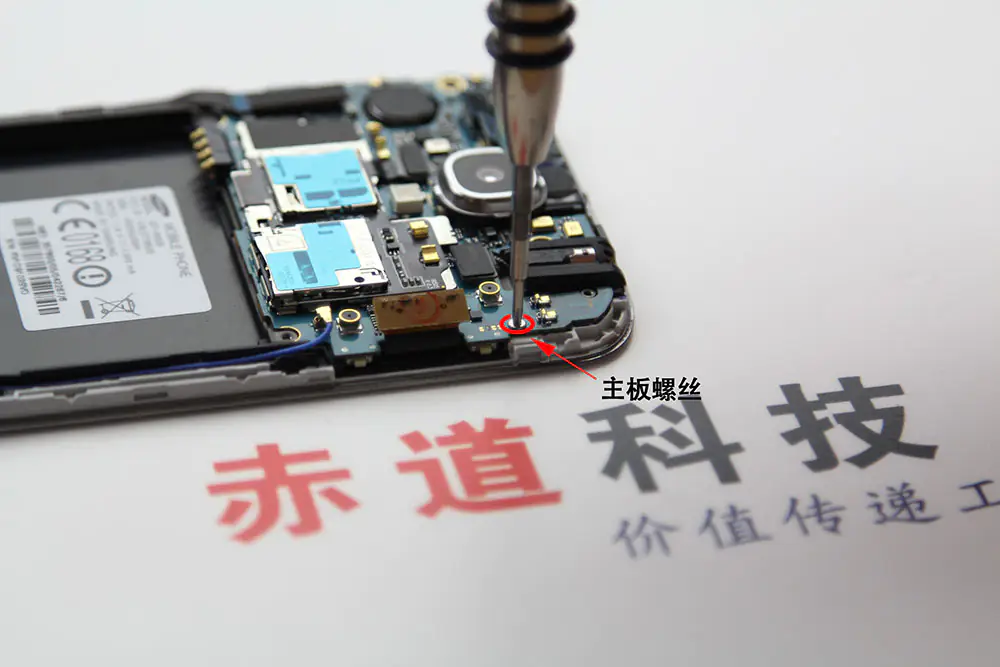
Remove the motherboard.
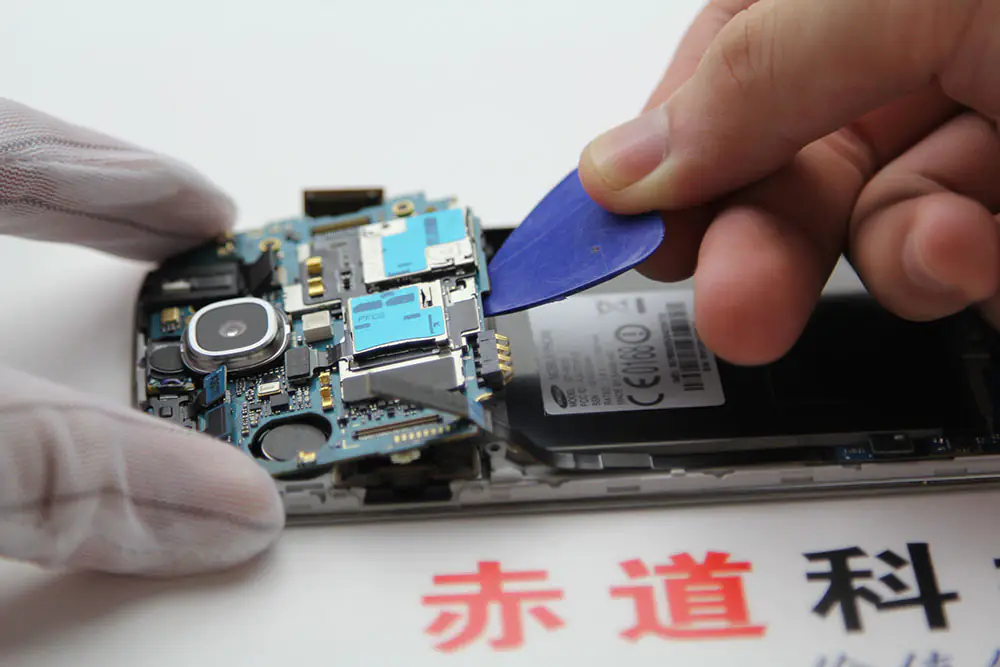
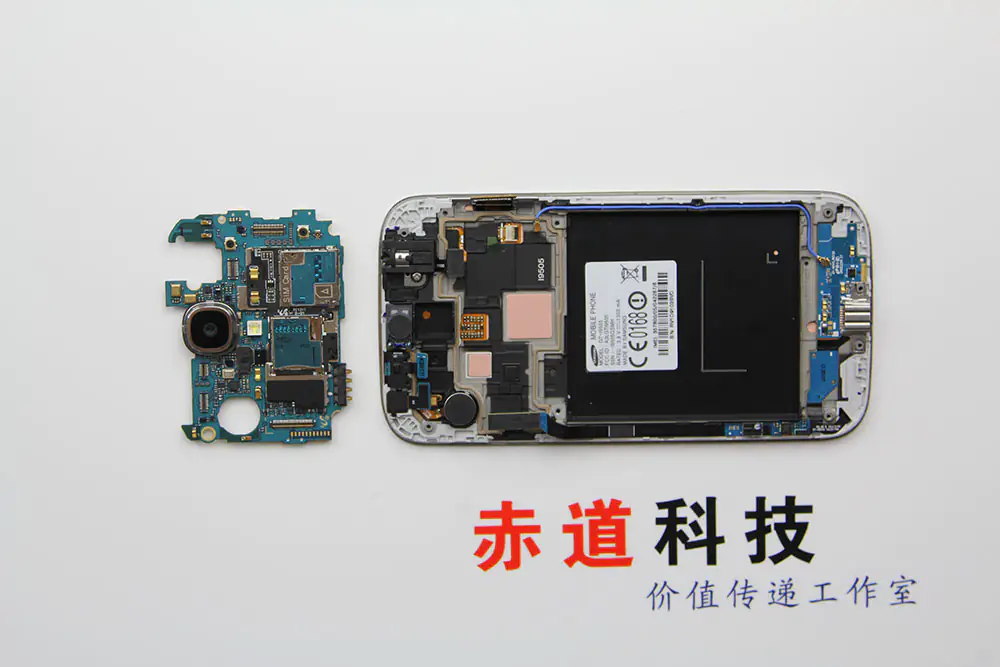
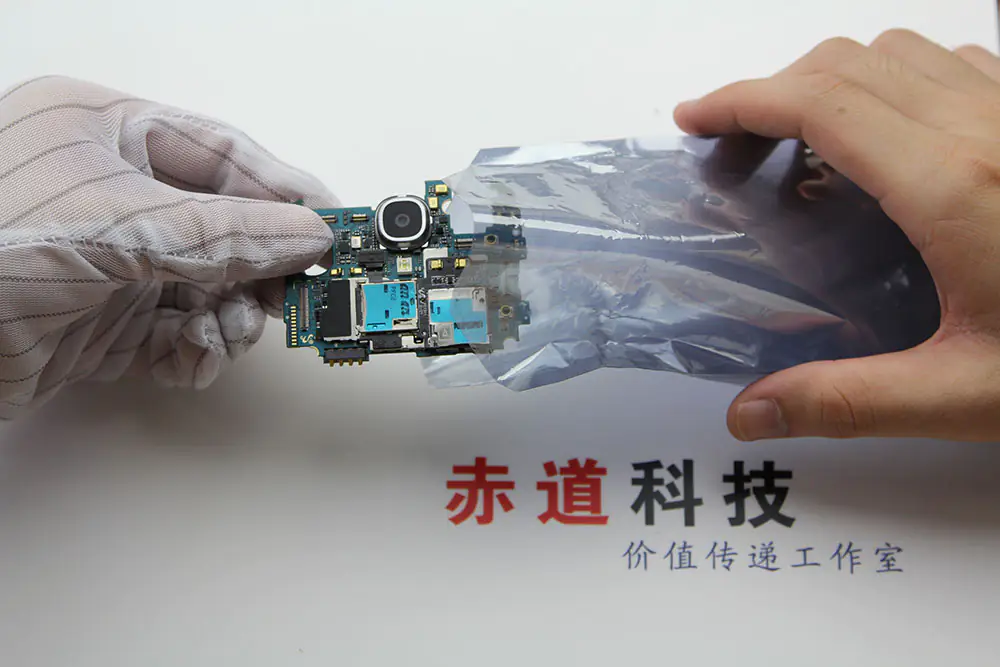
Please remember to put the motherboard in an anti-static bag to prevent damage to the motherboard.
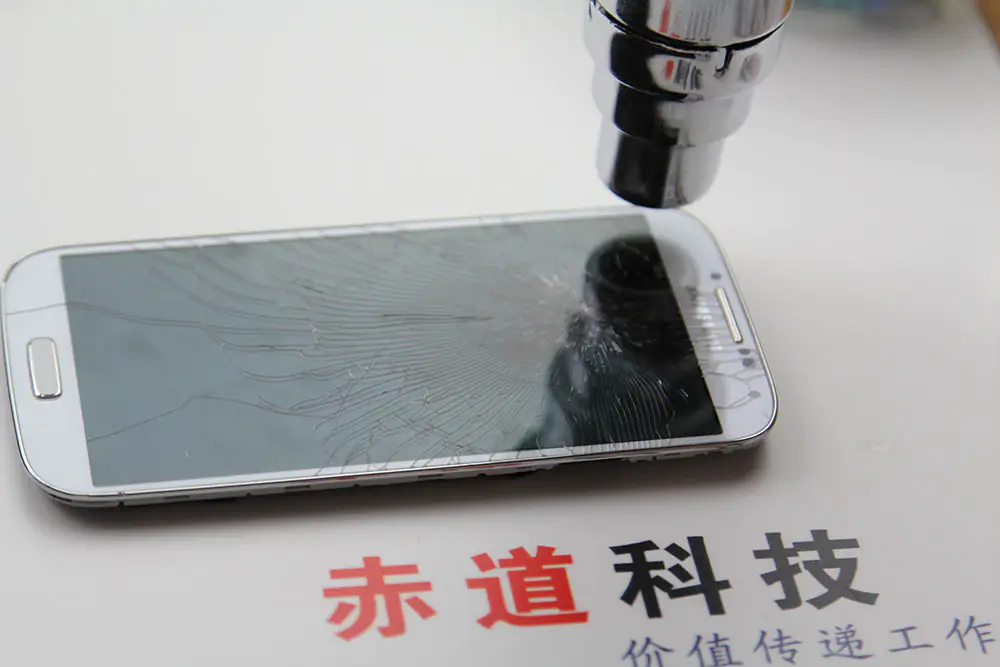
Heat the front glass for 3-5 minutes with a heat gun.
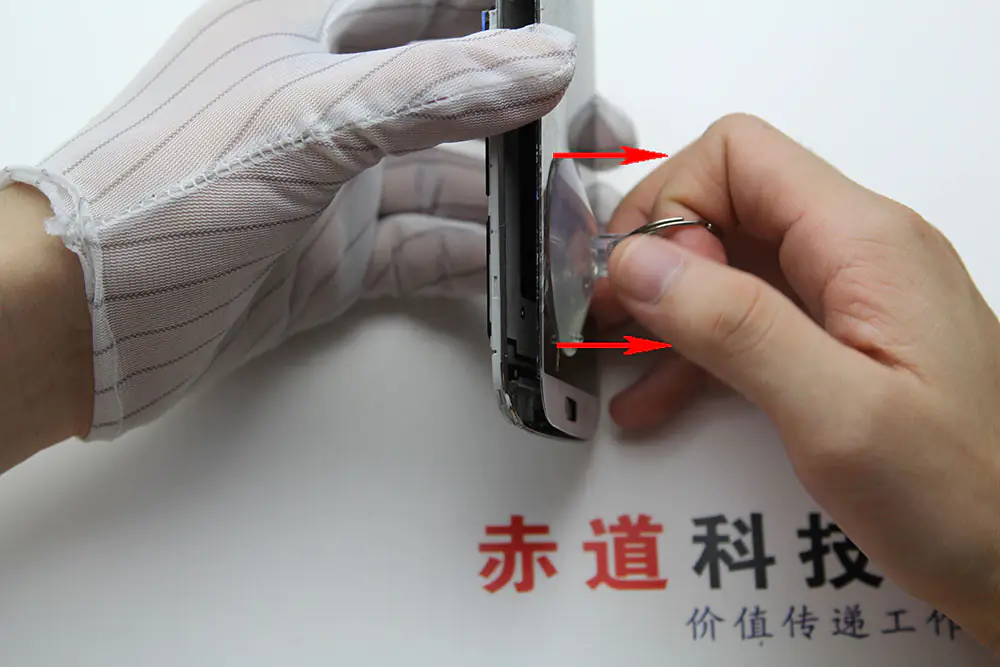
Use a sucker to slightly open the front glass.
Insert a card or pick to pry up the front glass.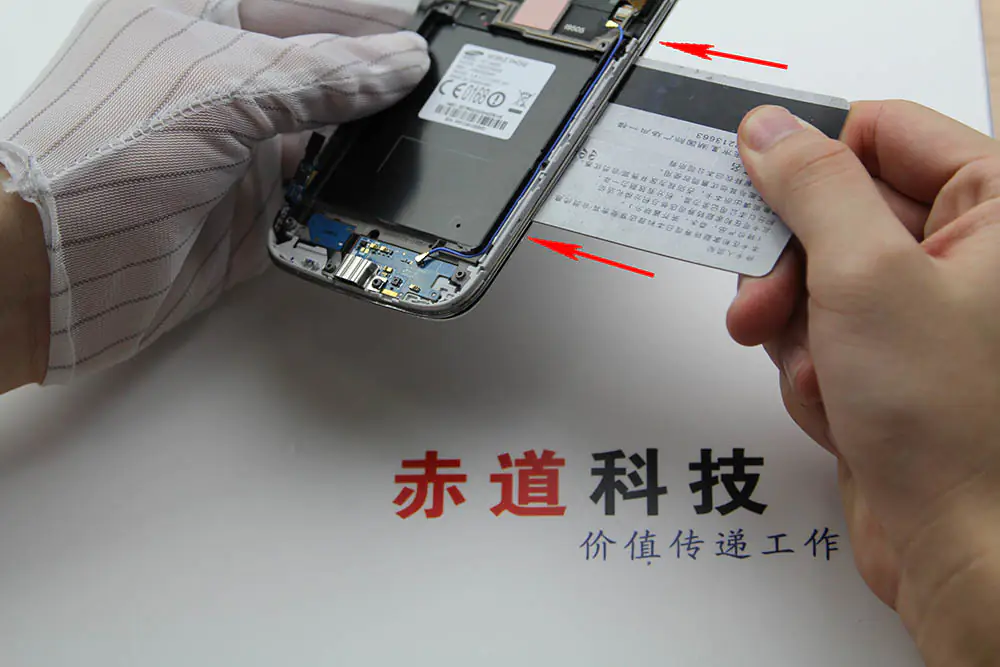
Remove the front glass.
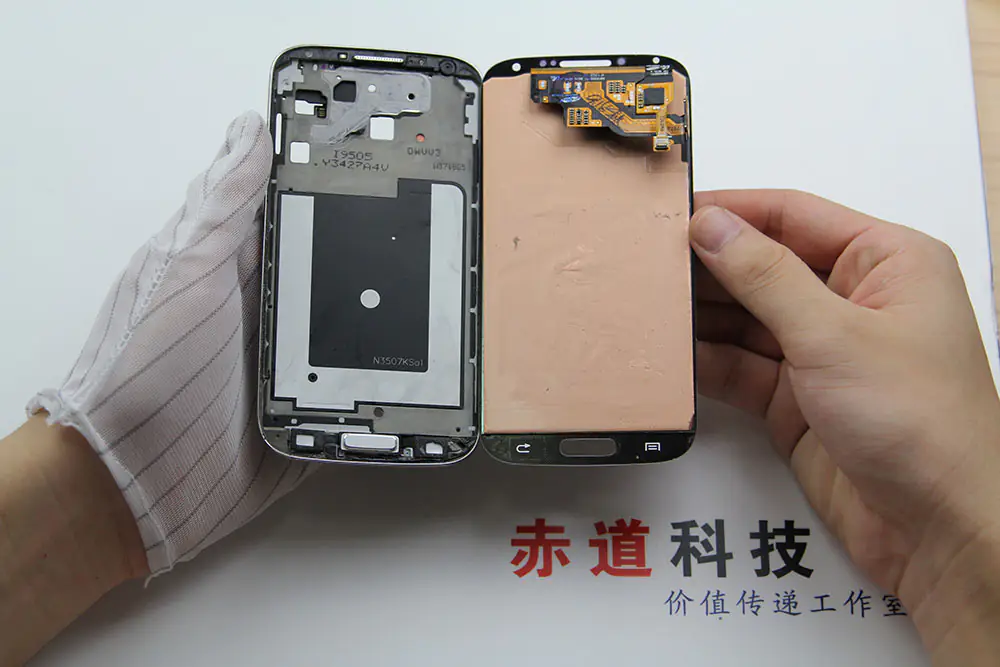
My new display
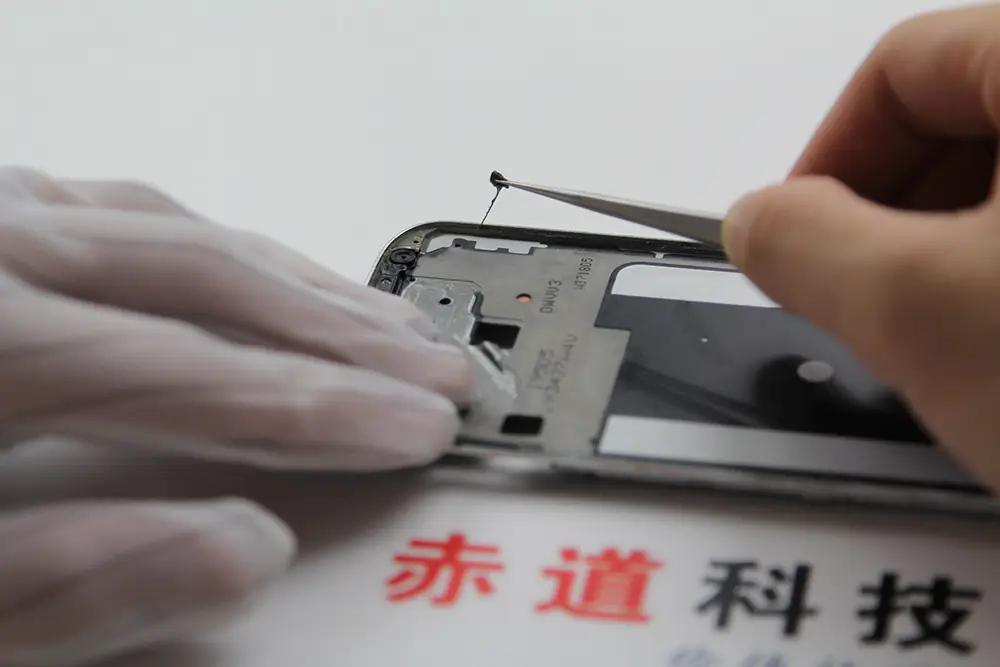
Remove the old glue with tweezers.
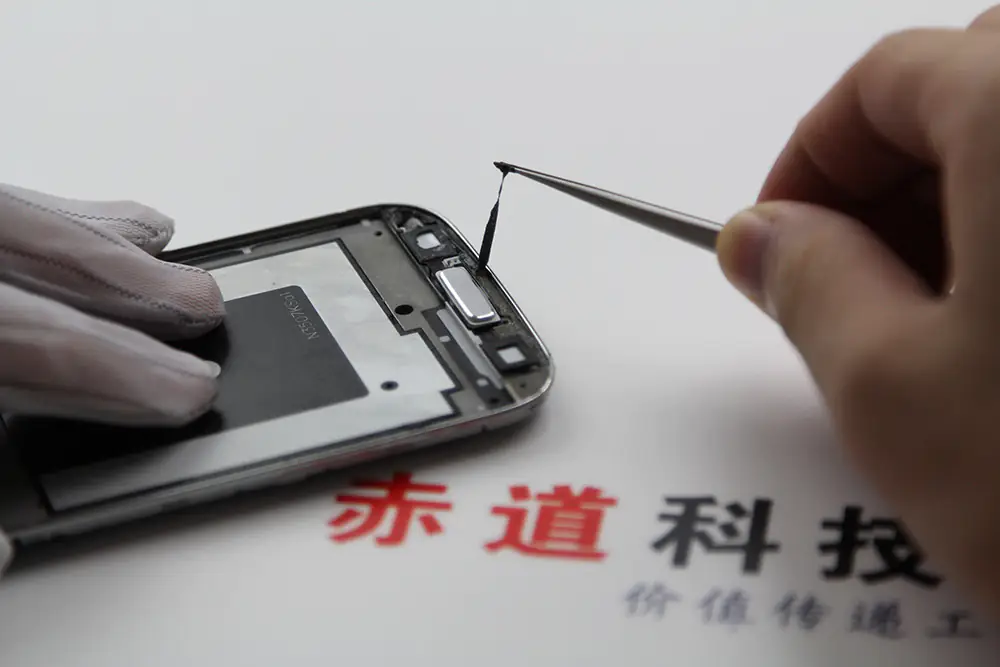
Remove the old glue with detergent.
Now, the Samsung S4 screen has been removed. In the next step, we will see the Galaxy S4 screen replacement guide.
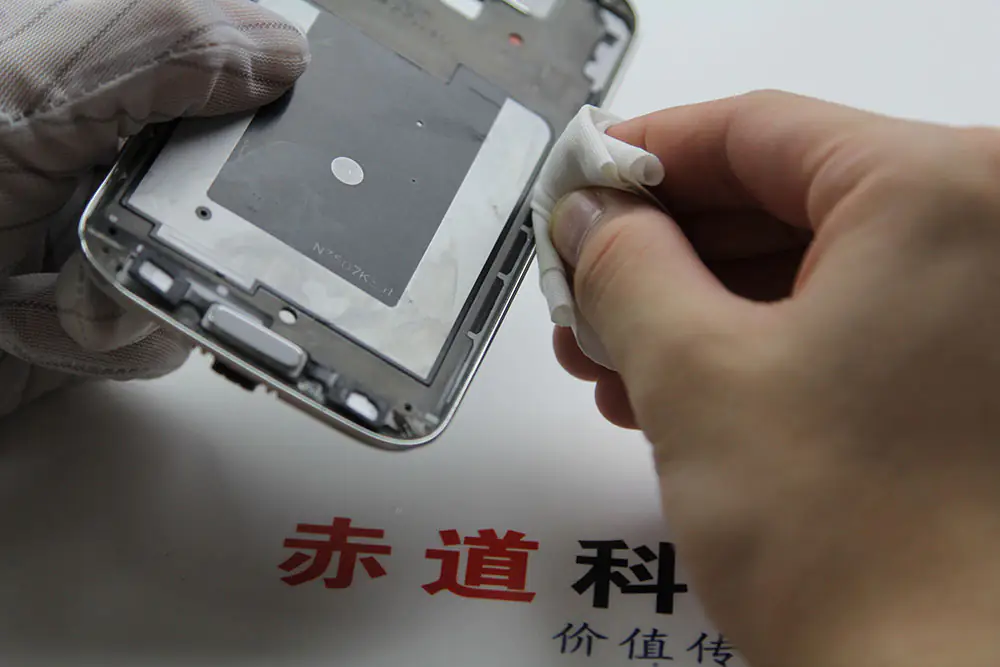
Samsung Galaxy S4 Screen Replacement
Install the new double-sided adhesive film.
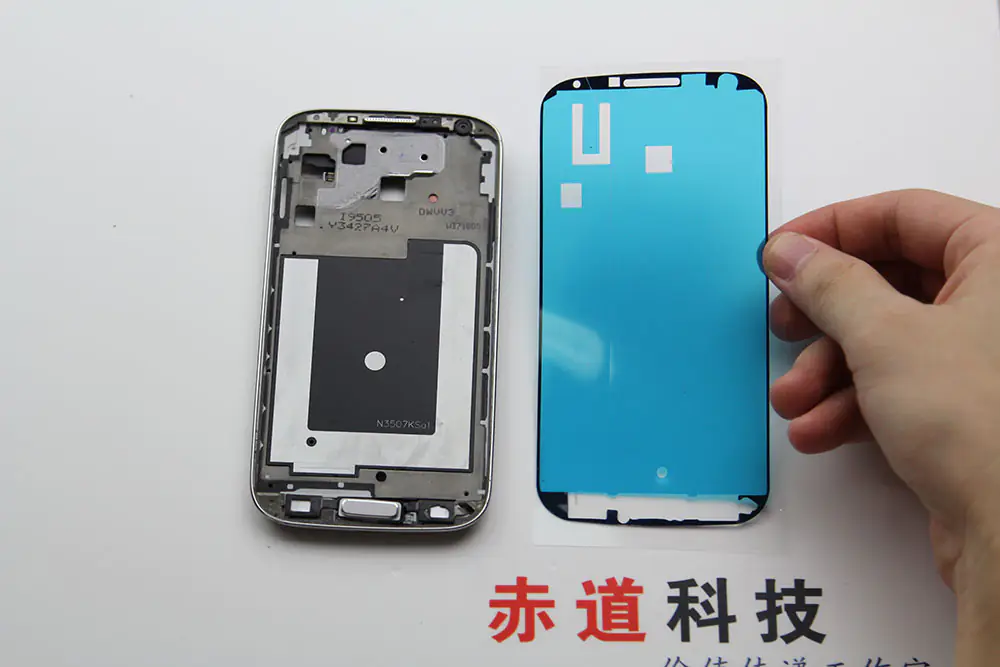
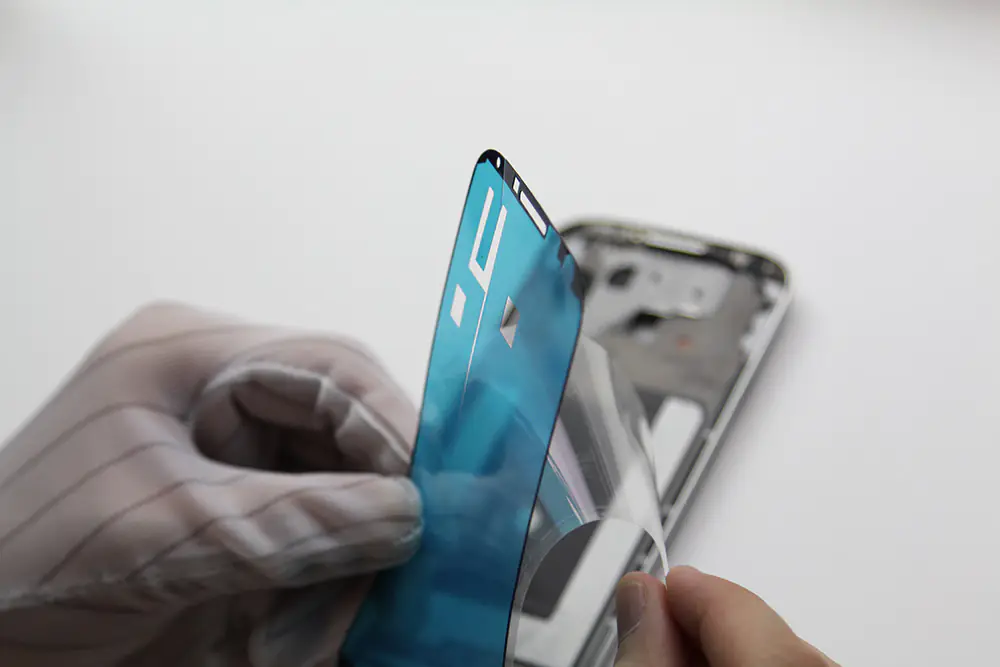
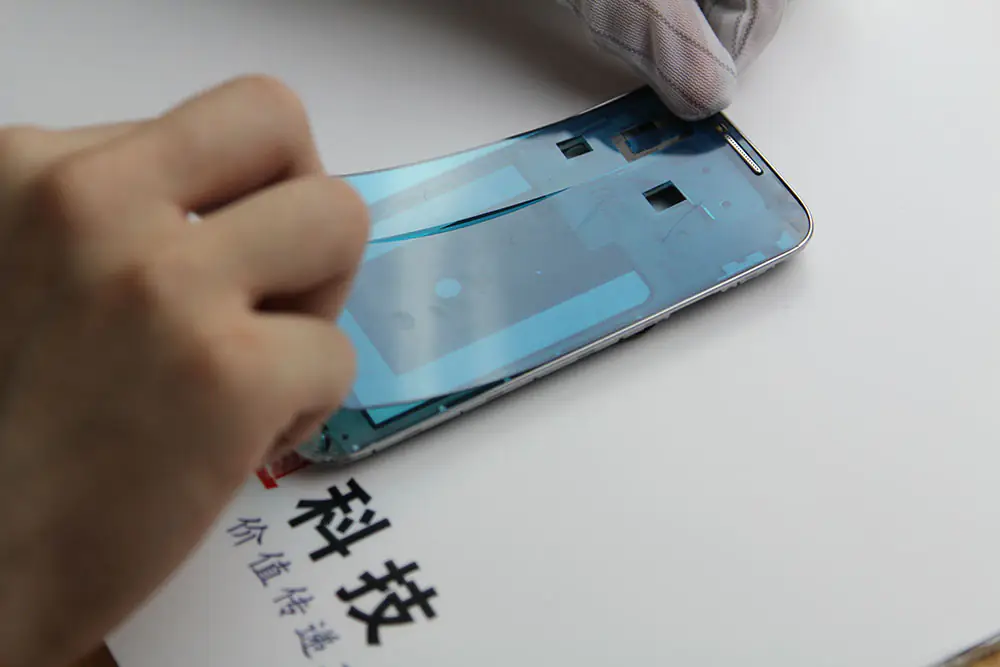
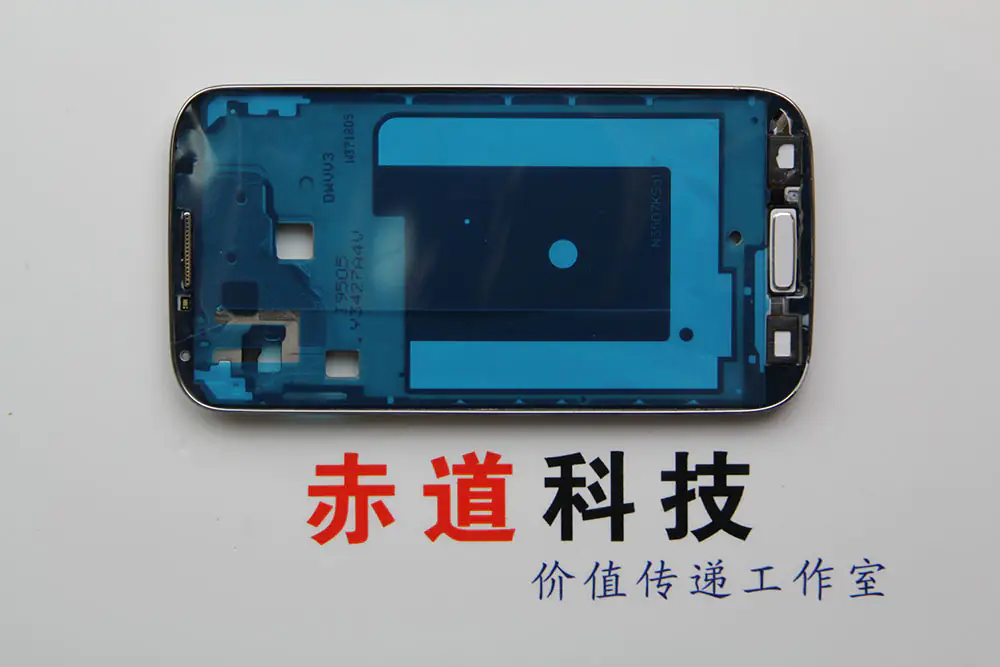
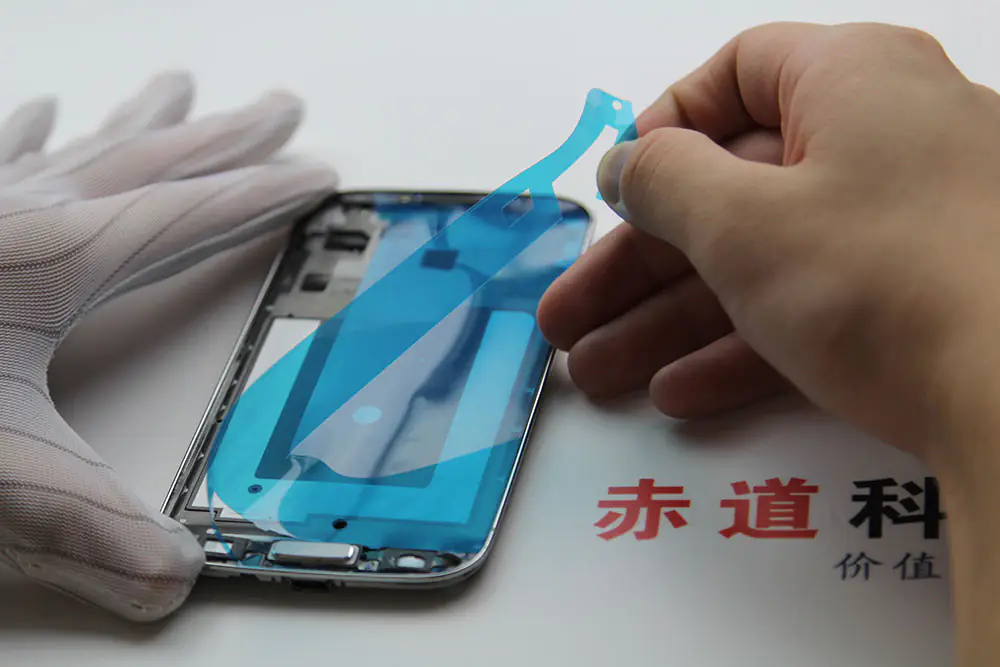
Remove the protective film from the new display.
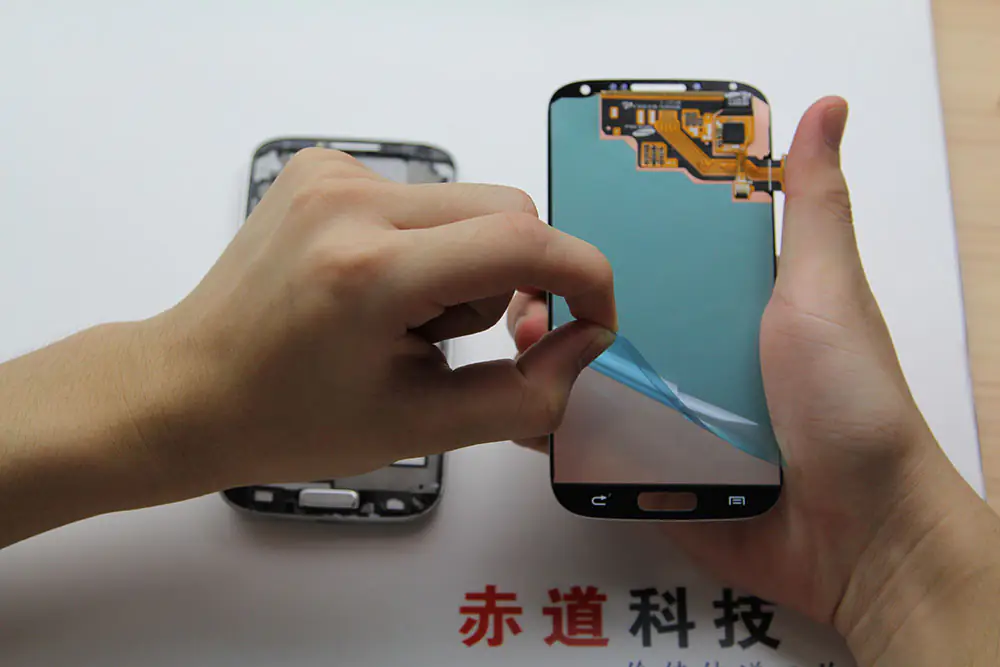
Install the new display.
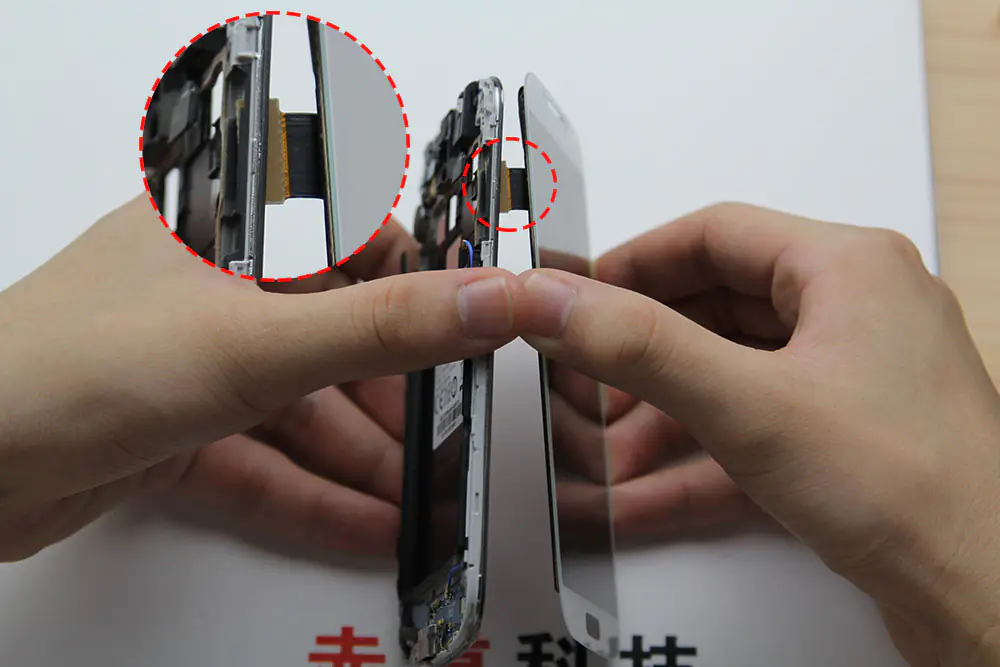
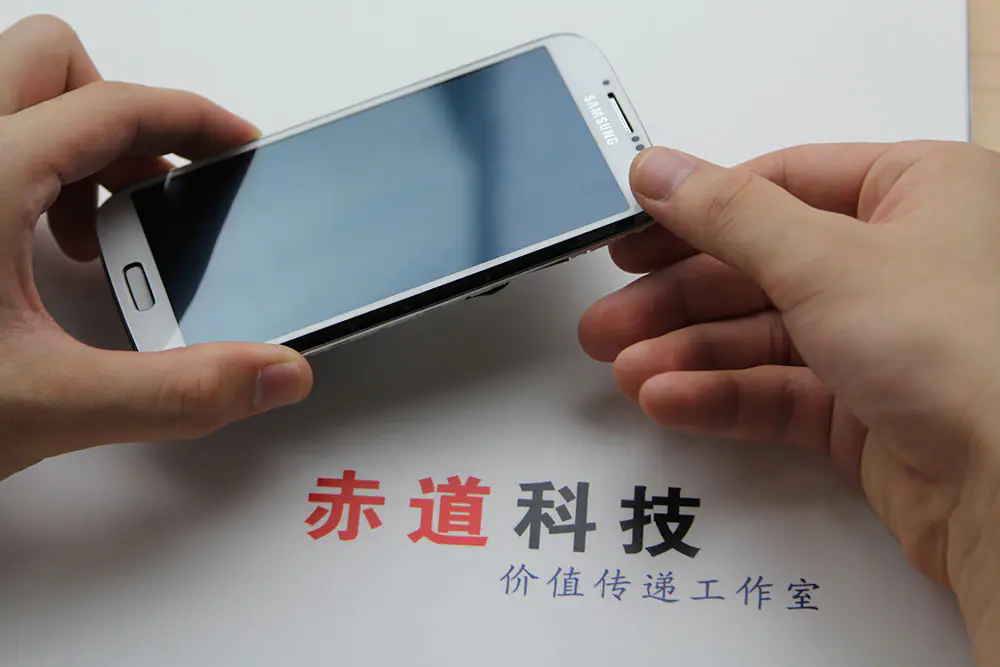
Fasten the display.
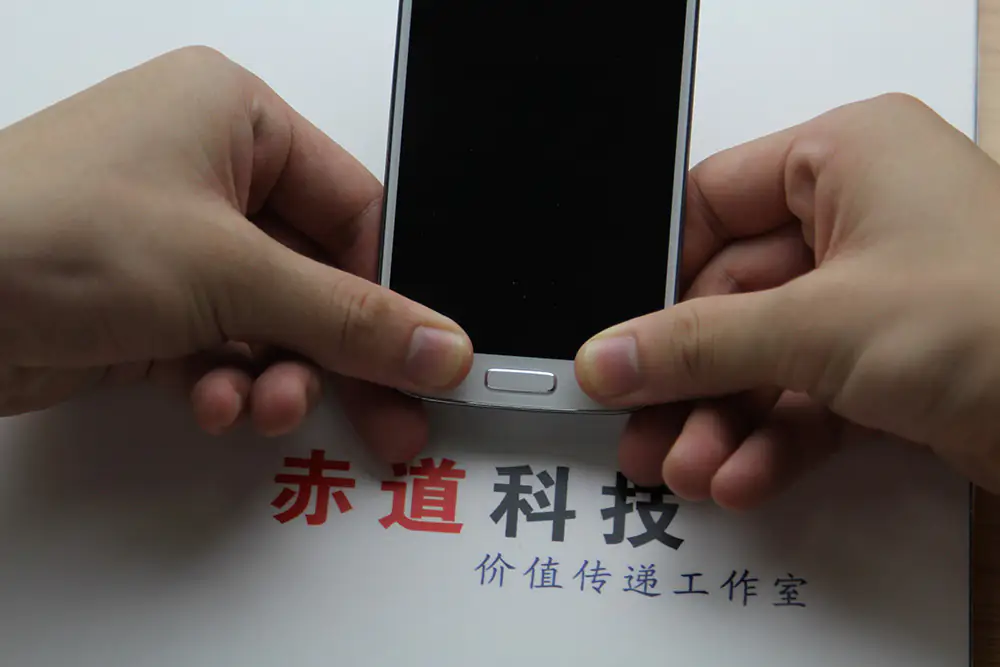
Now install the motherboard.
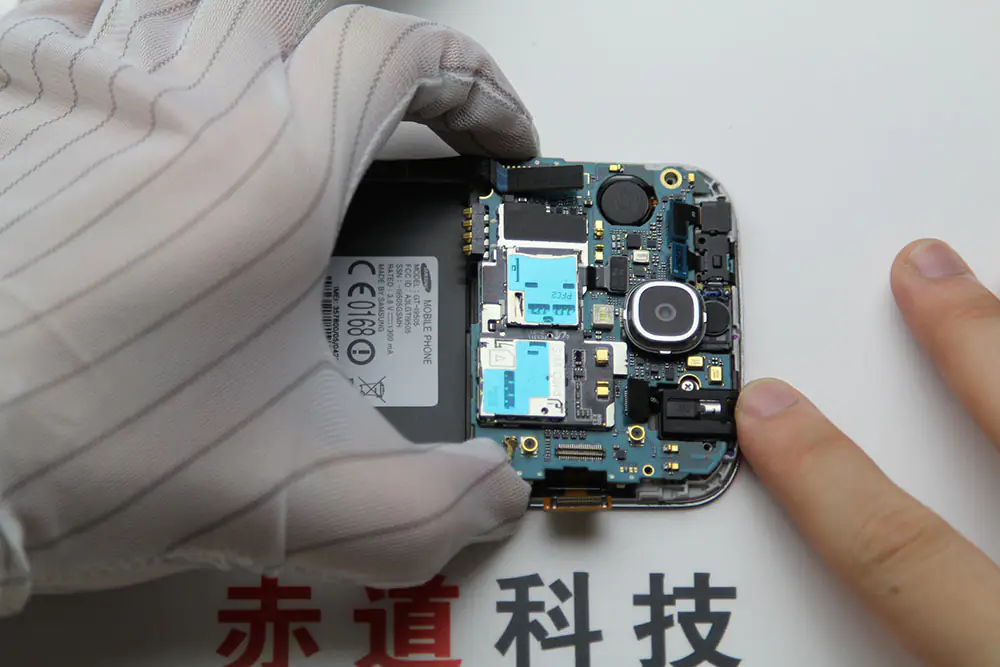
Install the USB board connector.
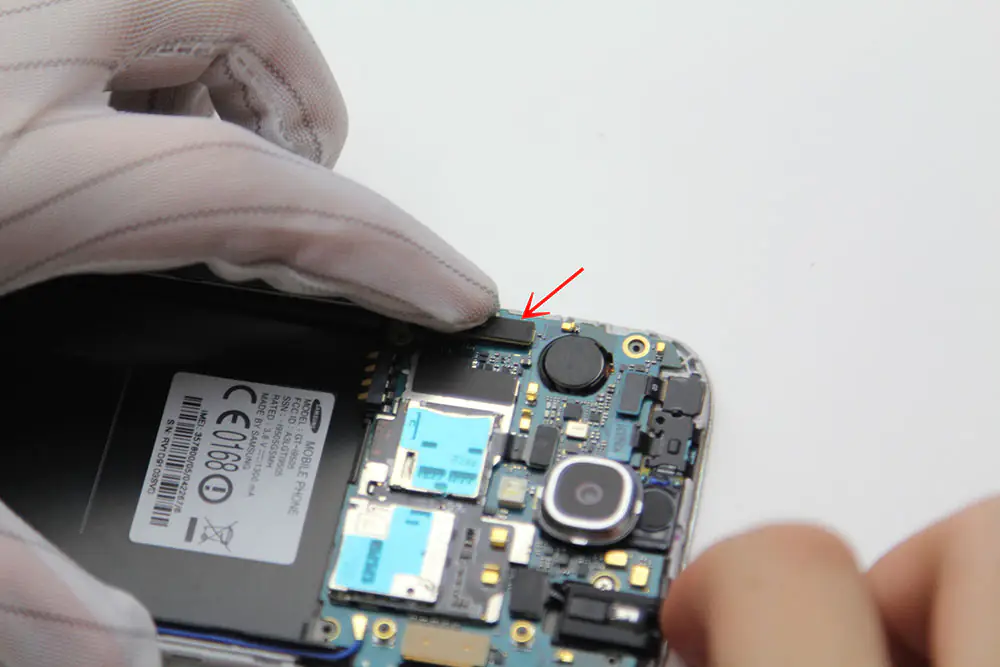
Install the front-facing camera cable connector and the earpiece speaker assembly cable connector.
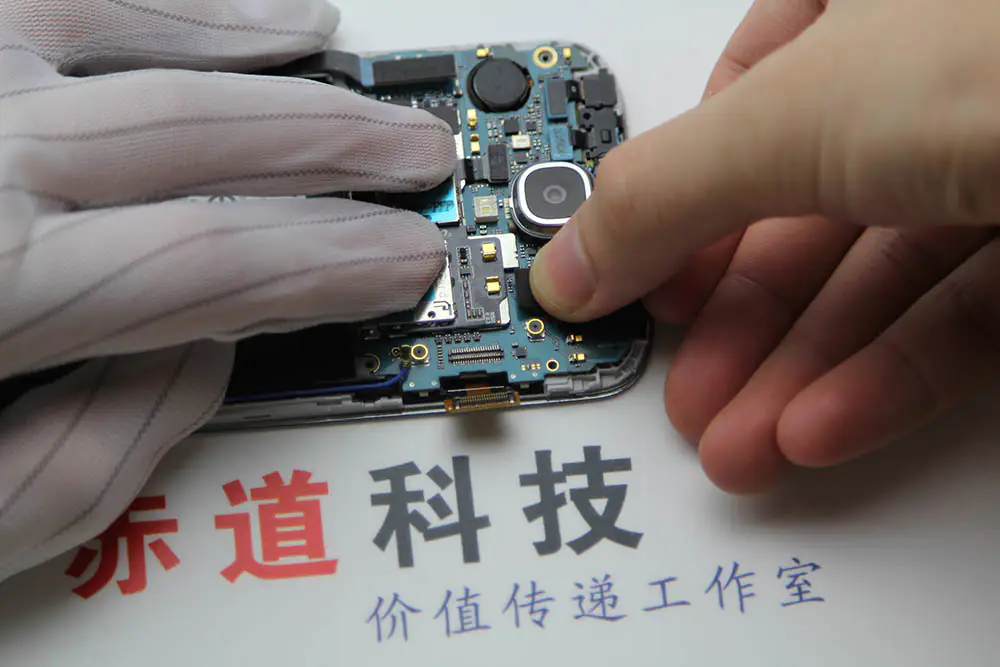
Install the display cable connector.
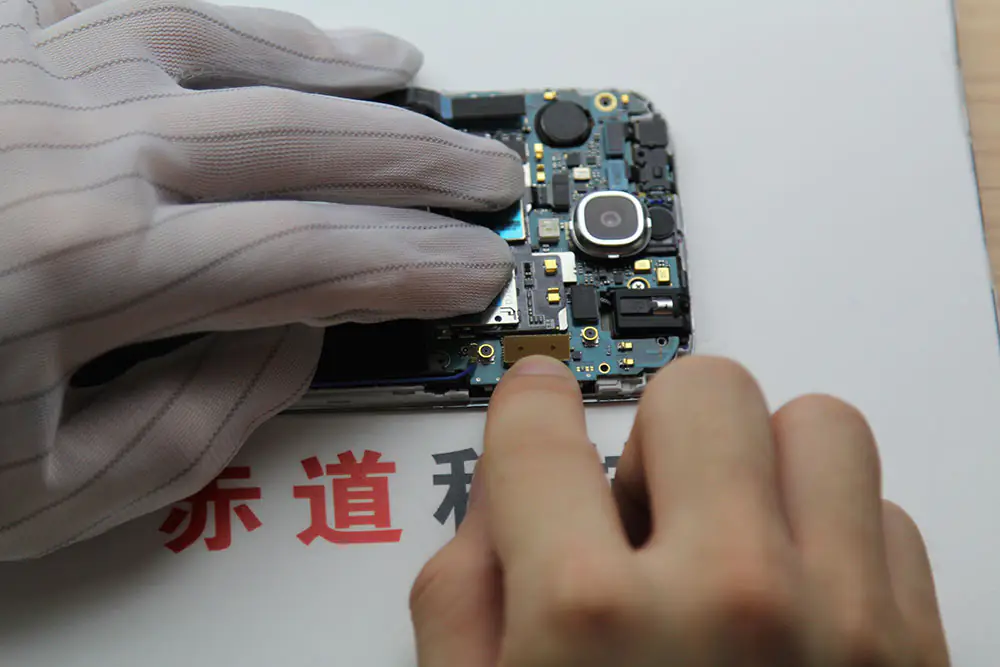
Install the antenna cable connector.
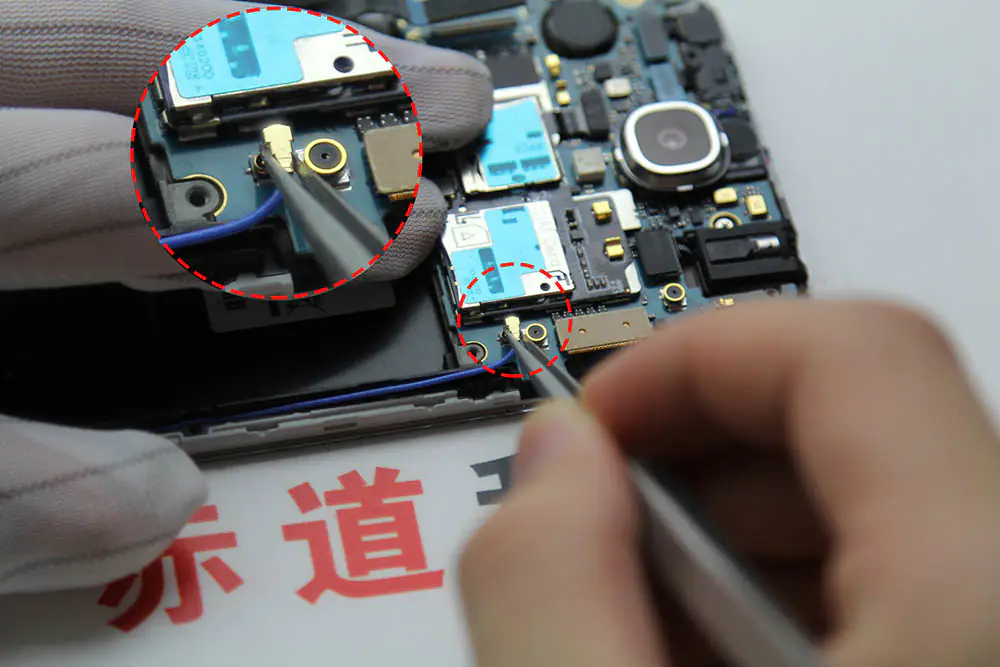
Tighten the screw.
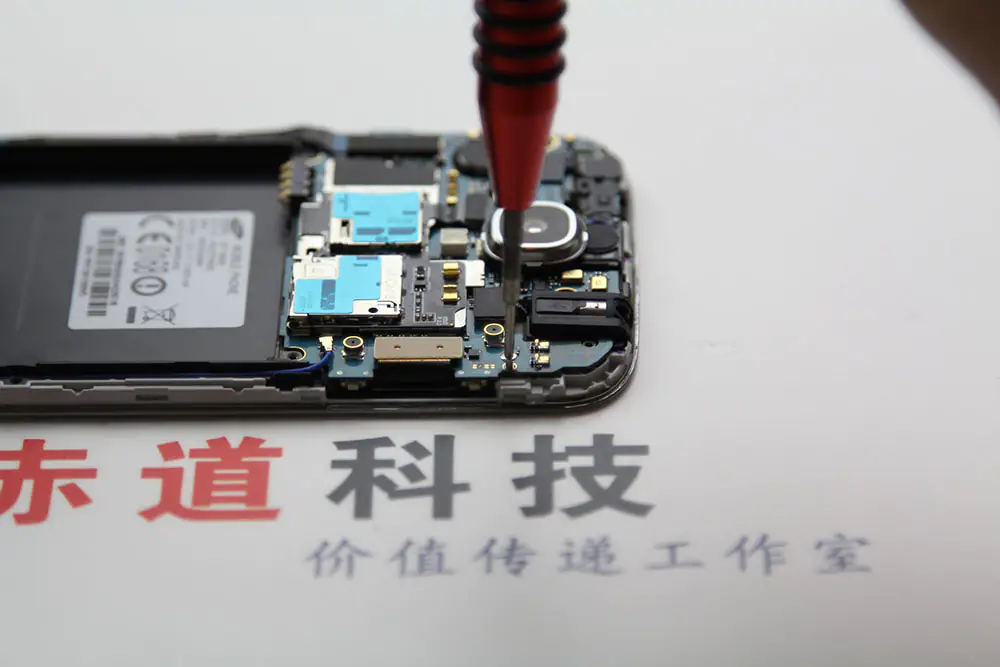
Install the middle frame.
Tighten nine screws.
It’s done!
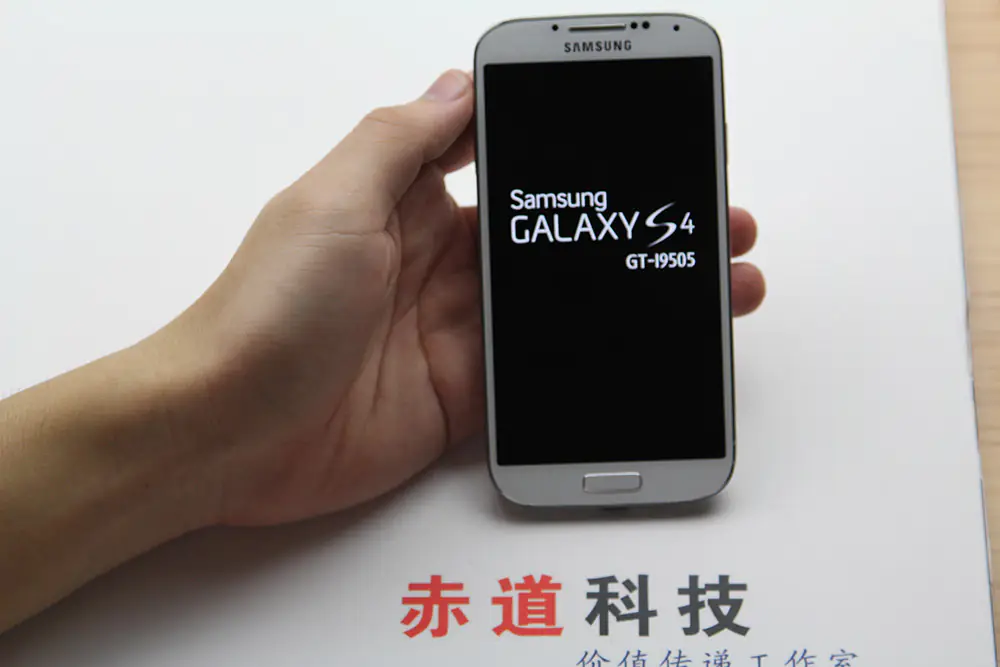
That’s the full Samsung Galaxy S4 screen replacement process. I hope to help you replace your damaged screen.
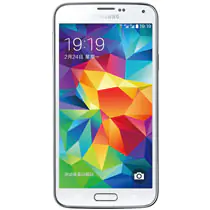
I dropped it now, and it’s showing a blank white screen. Please help.