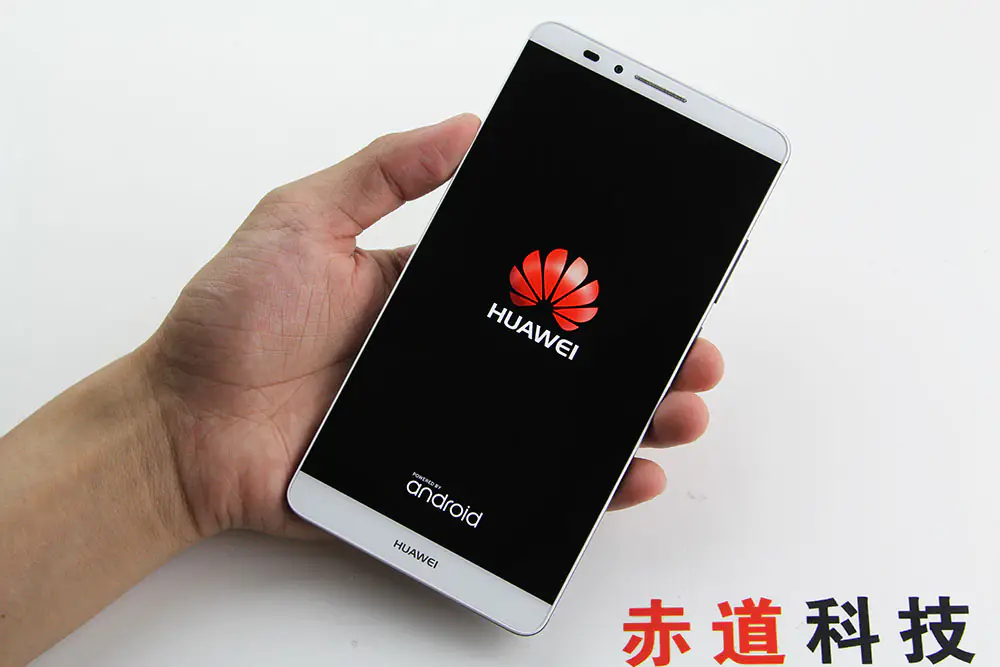
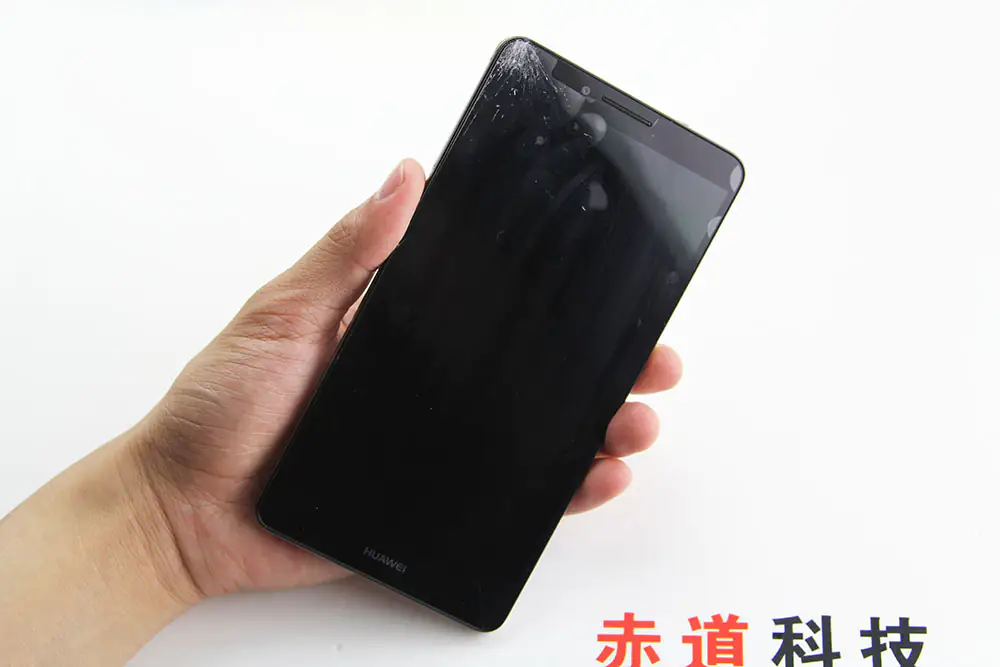
In this guide, I will explain how to disassemble the Huawei Mate 7 to remove the back cover, battery, screen, camera, and motherboard.
Follow us on Facebook for the latest updates from MyFixGuide.com.
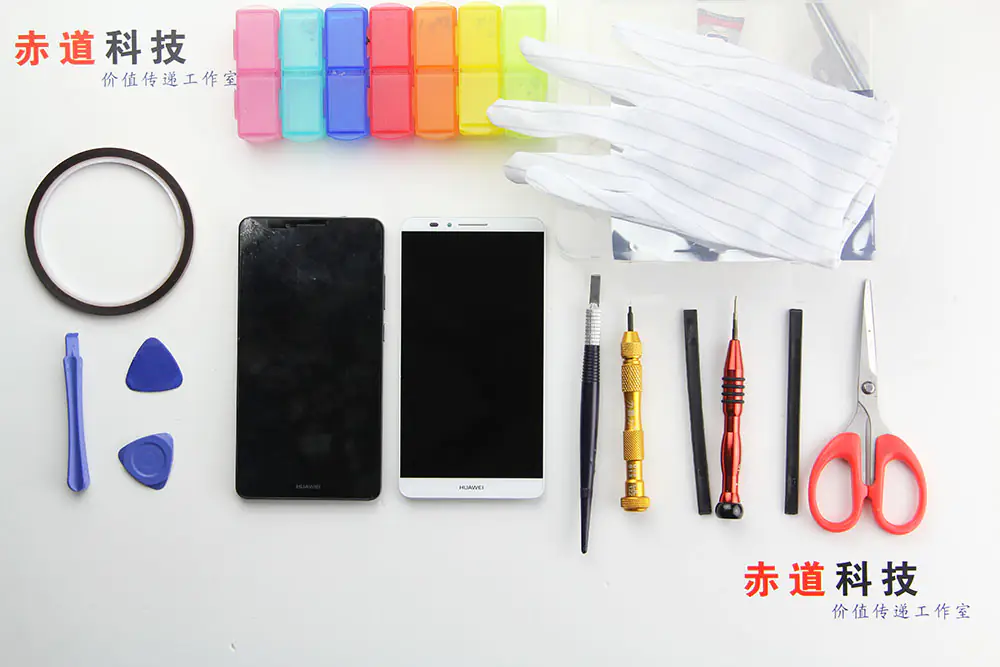
Tools are needed.
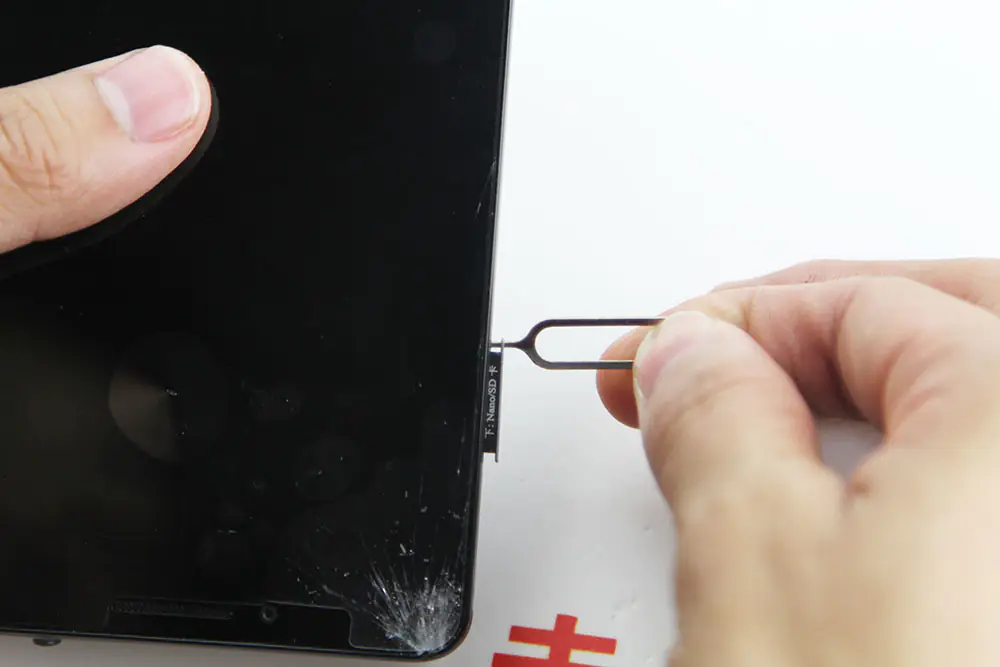
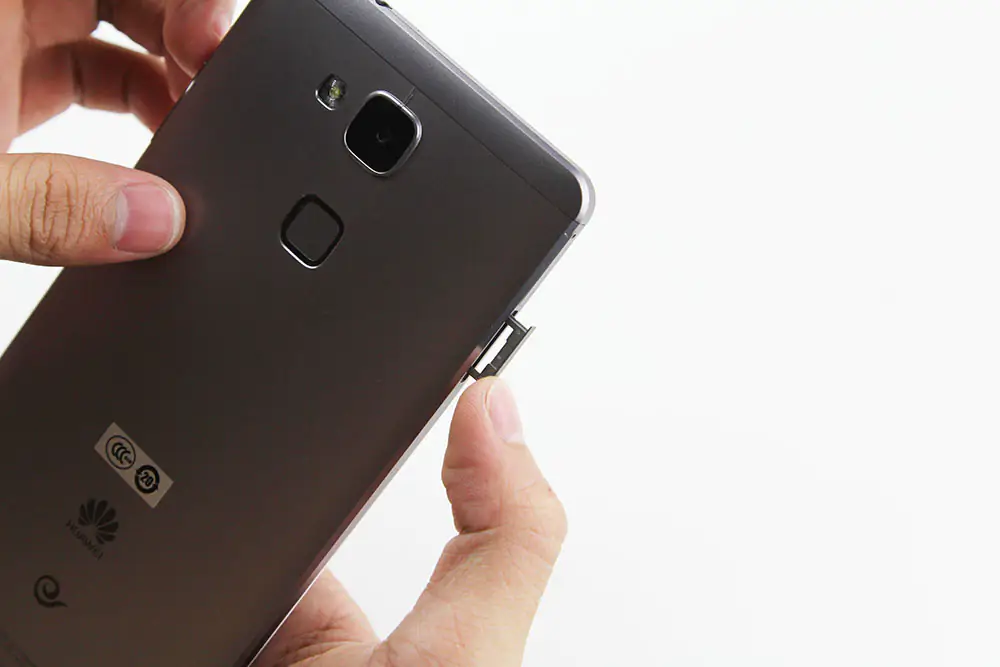
Remove the SIM card tray.
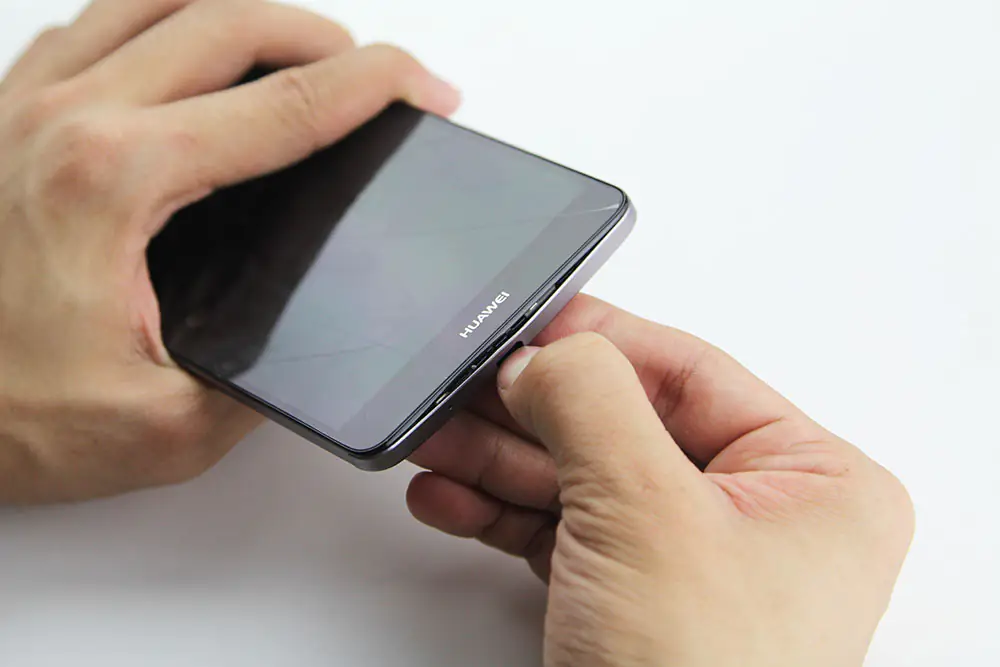
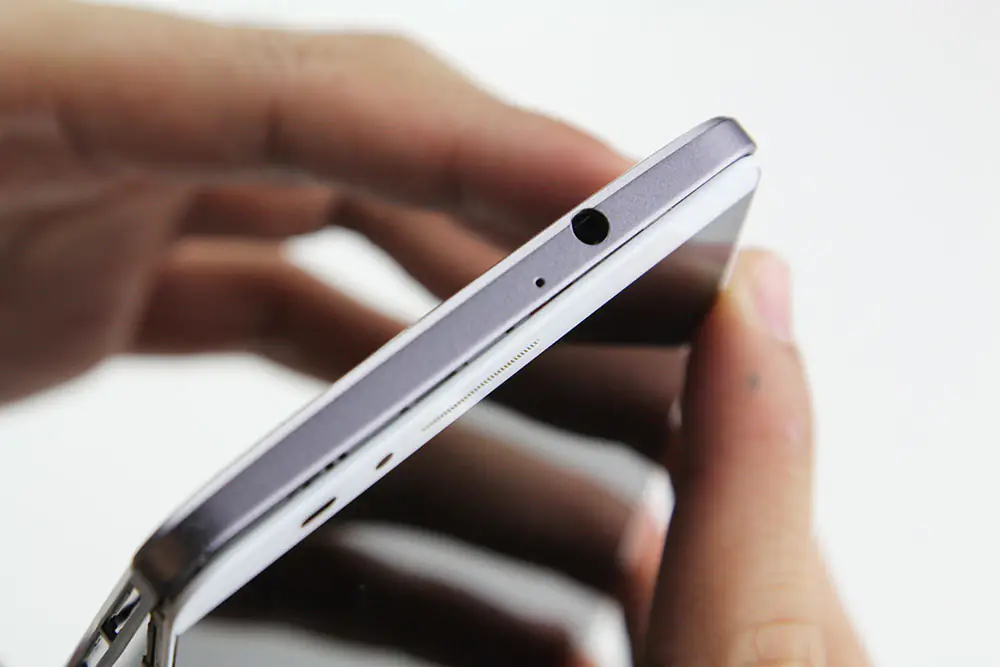
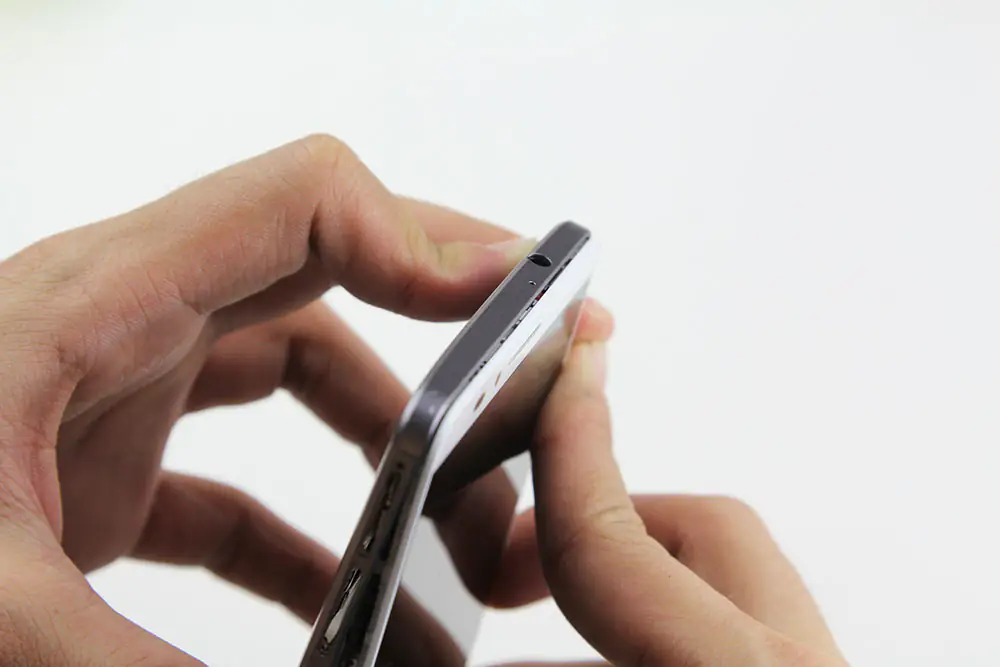
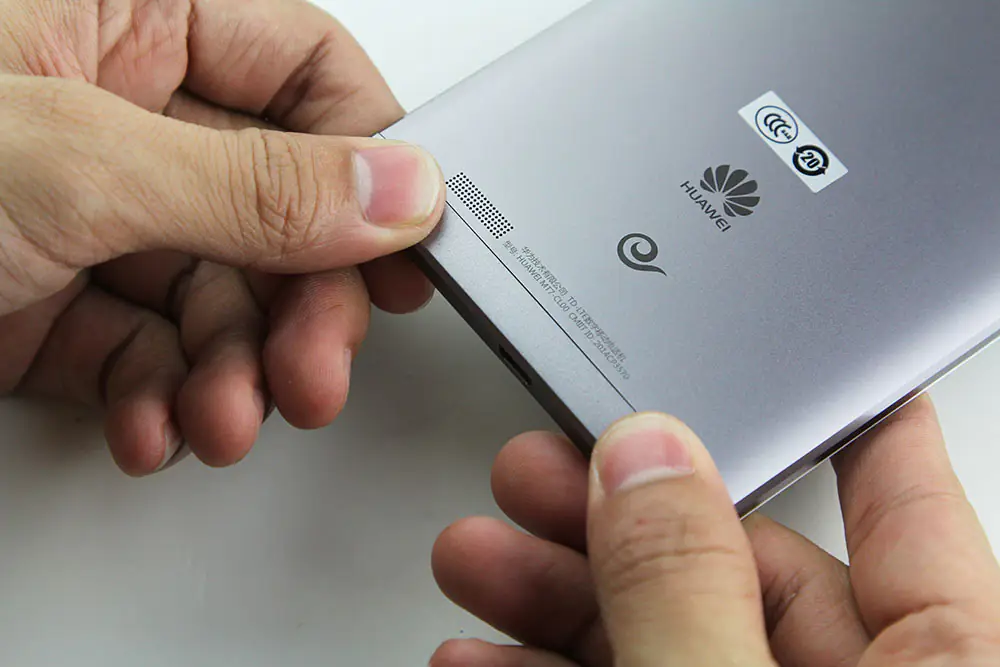
Use your fingers to pry open the bottom cover of the phone from the Micro USB port.
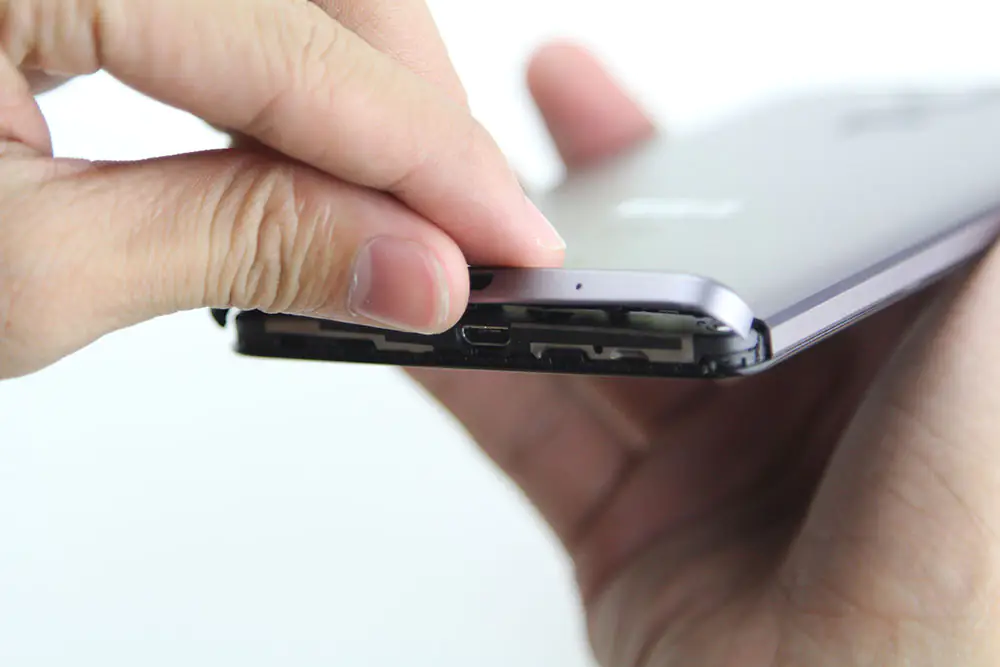
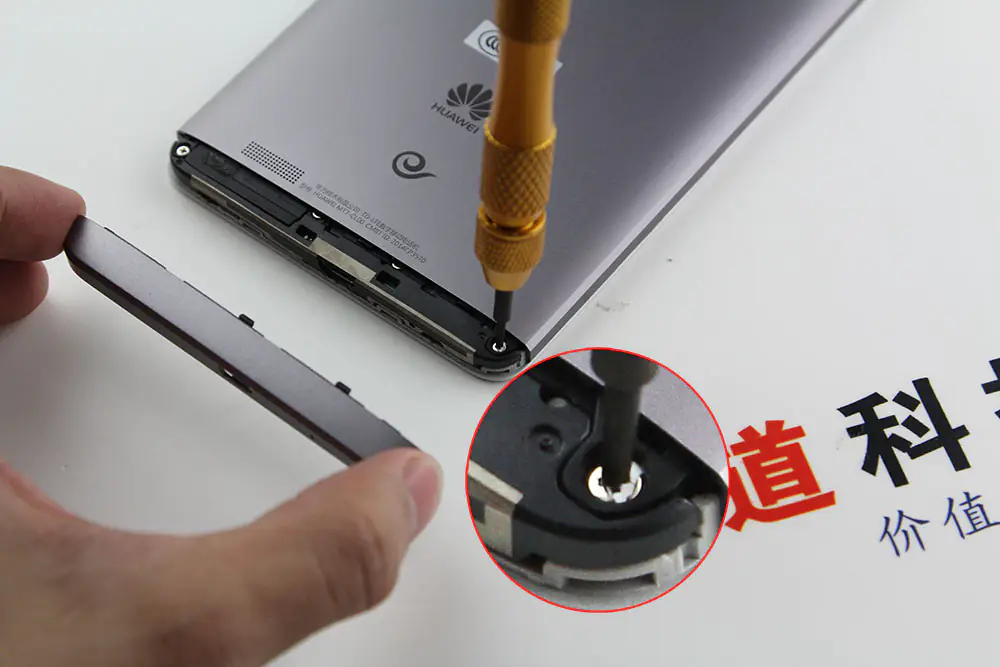
Under the cover. You can find two screws.
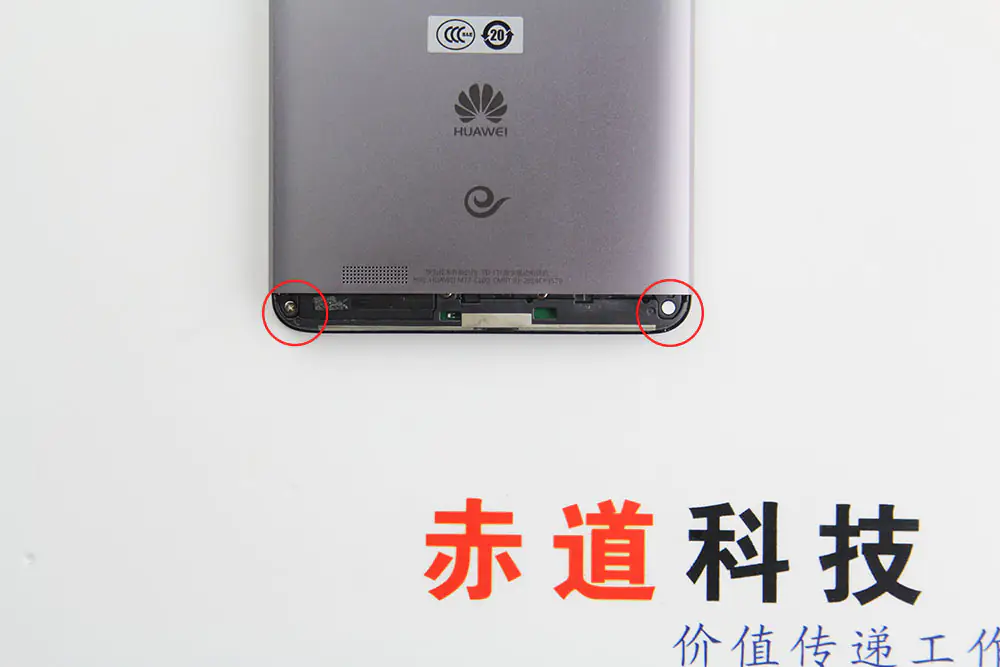
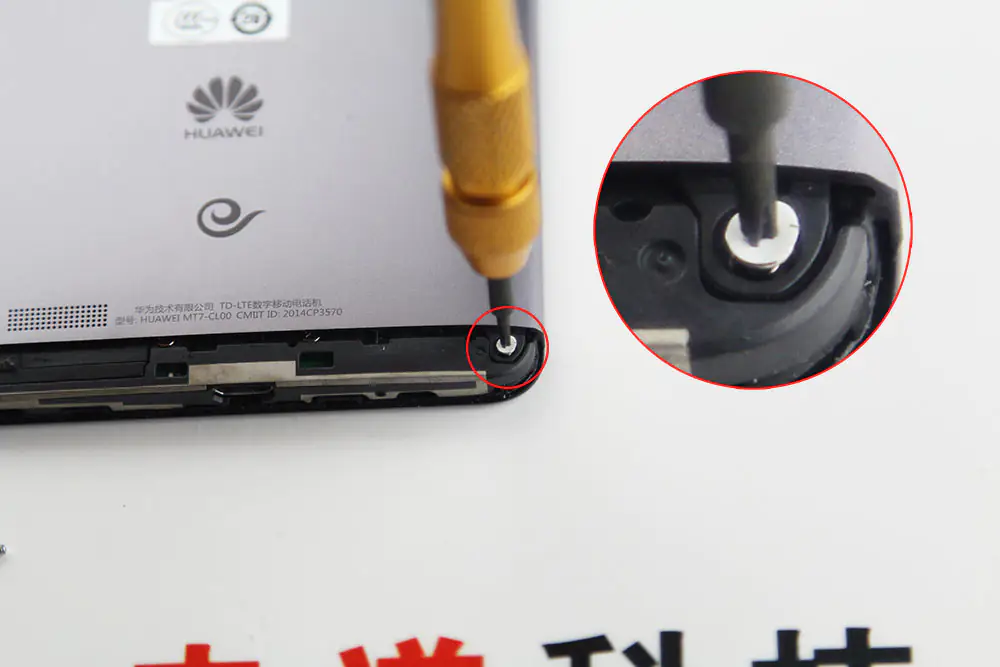
Remove the two screws.
Insert a pick under the back cover and slide the pick to remove the back cover.
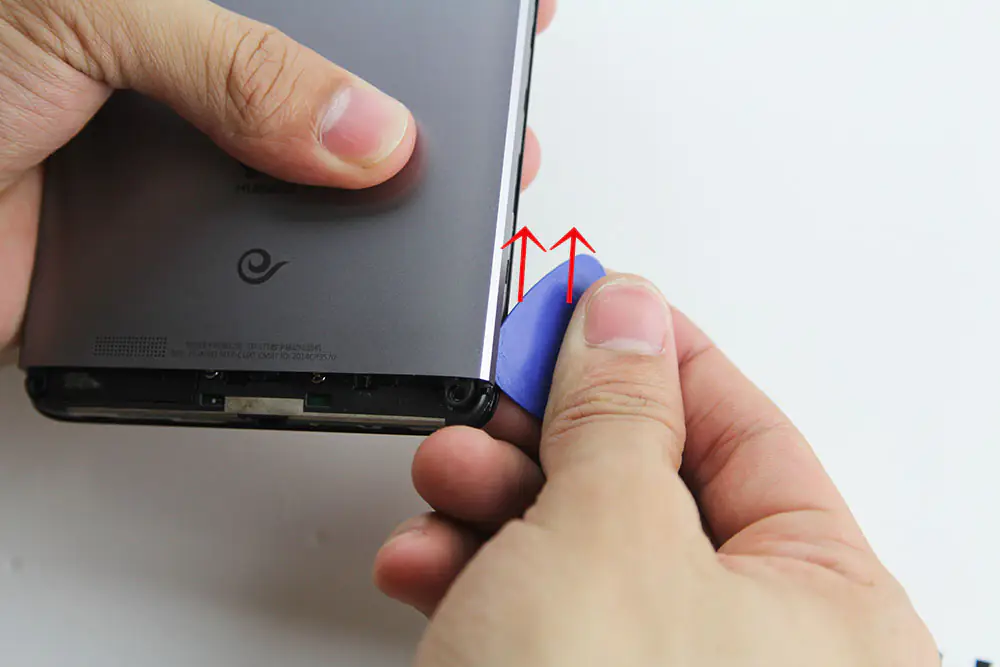
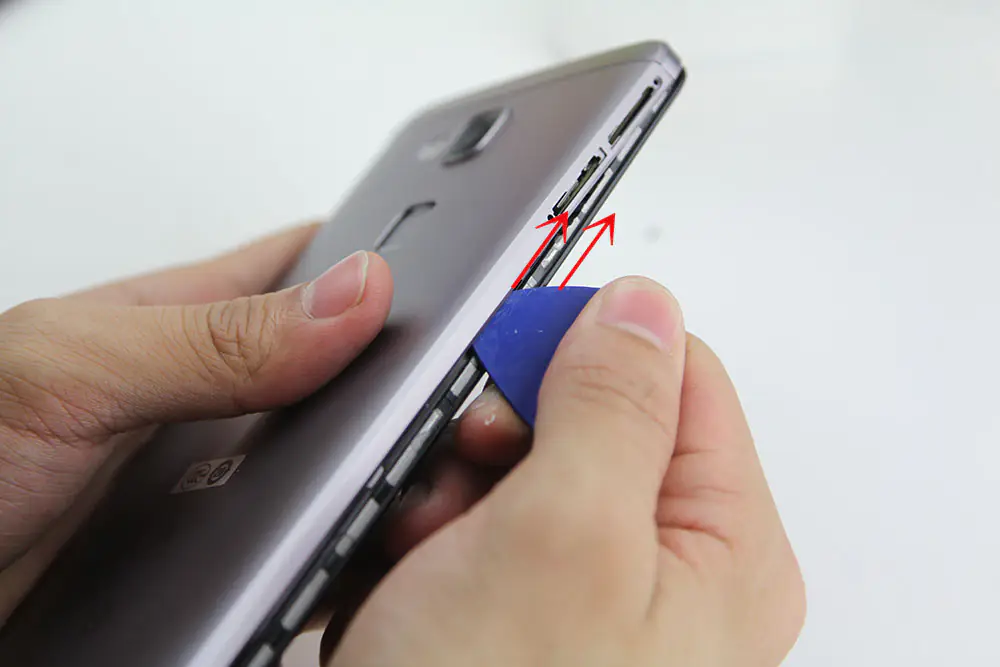
Continue to use the pick to remove the back cover.
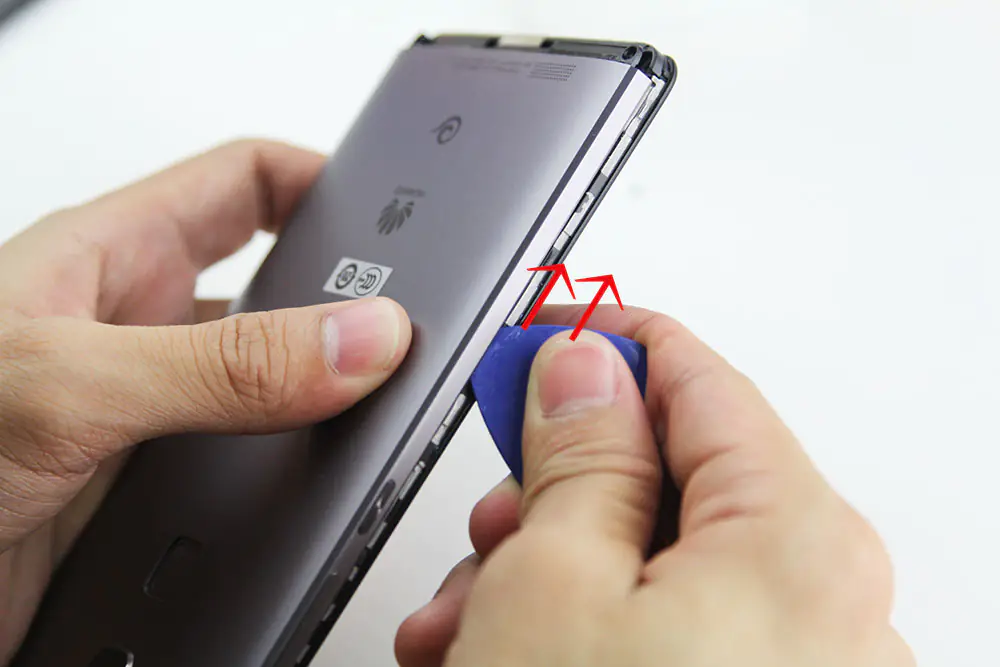
Slowly lift the back cover. Be careful. There is a cable still connected to the motherboard.
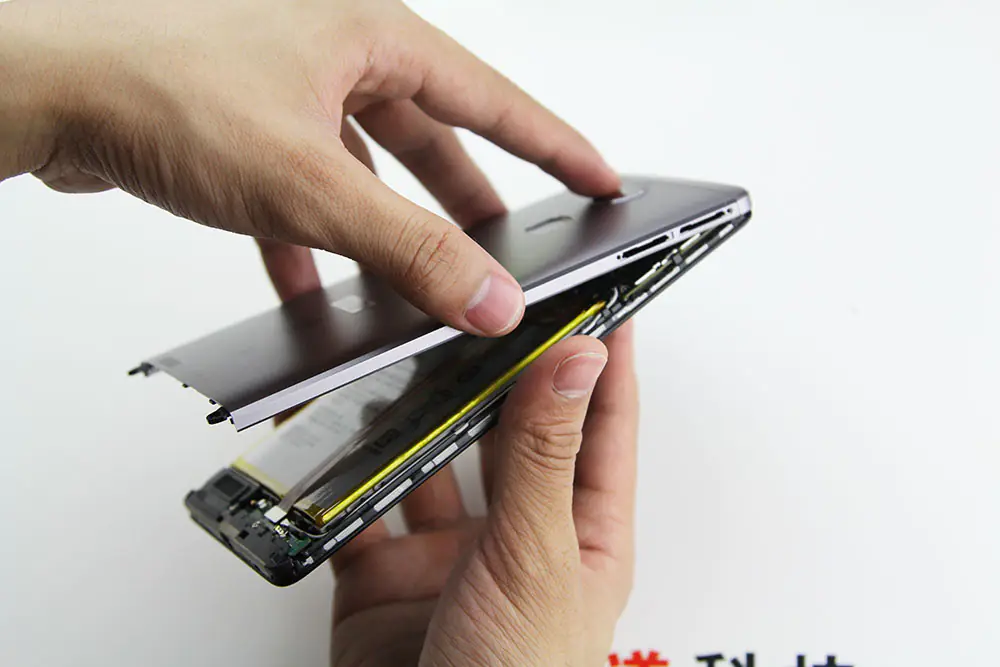
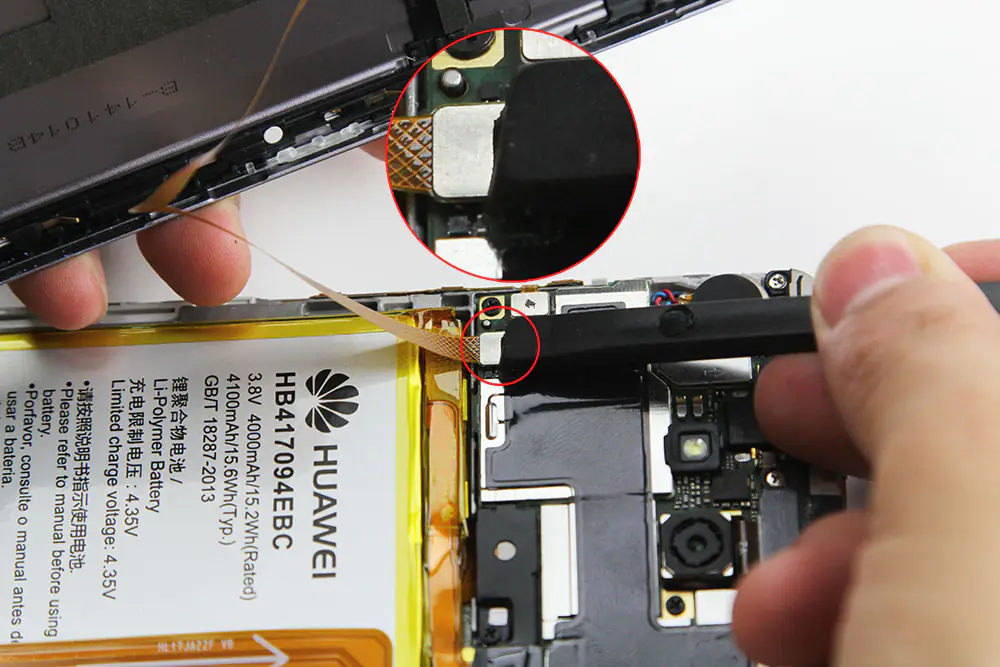
Disconnect the cable from the motherboard.
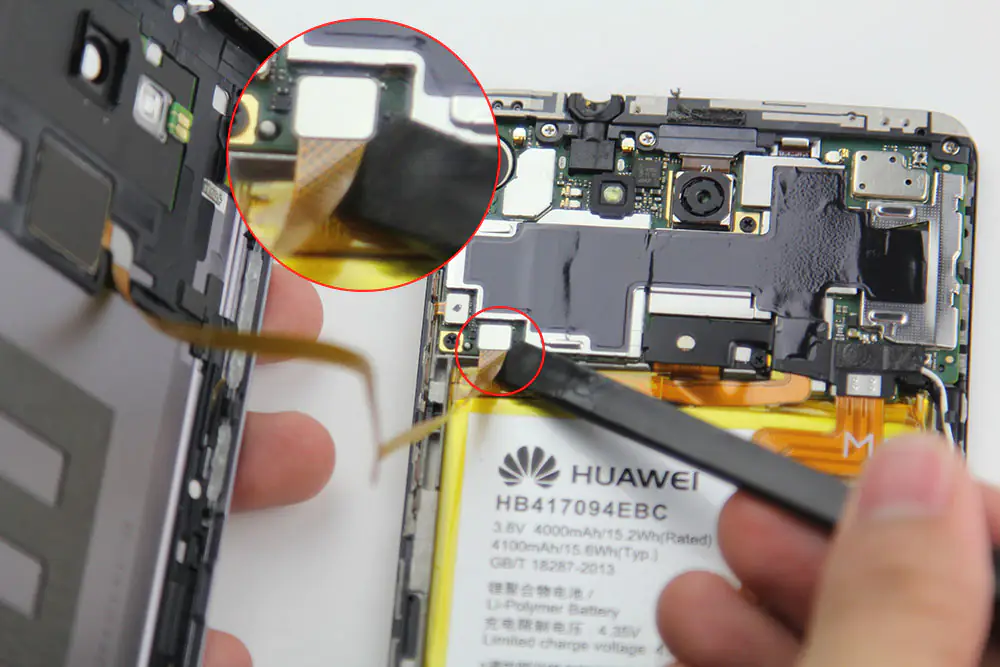
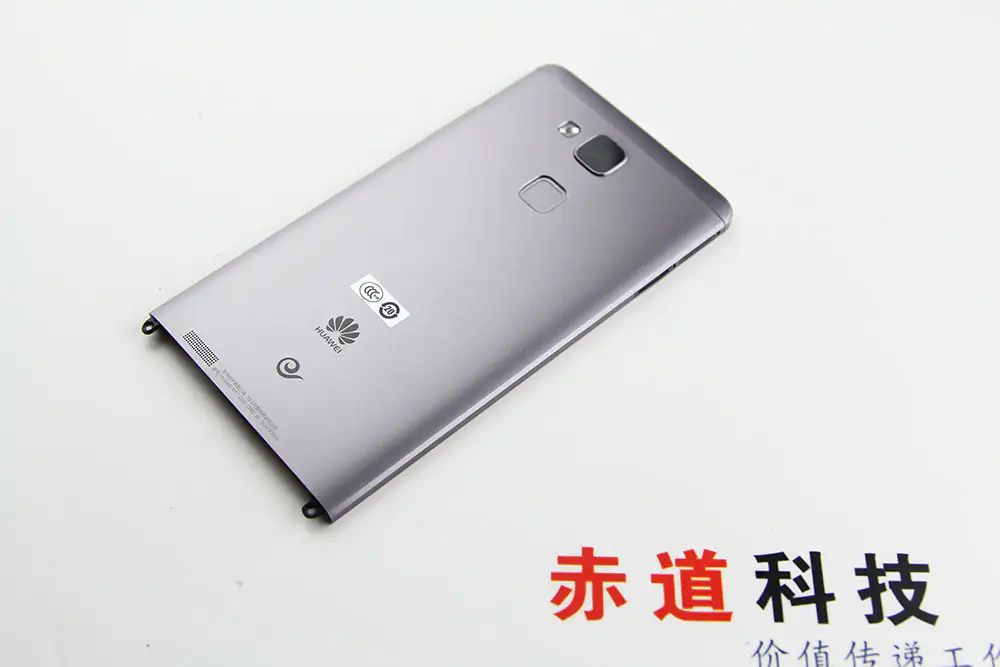
The back cover was removed.
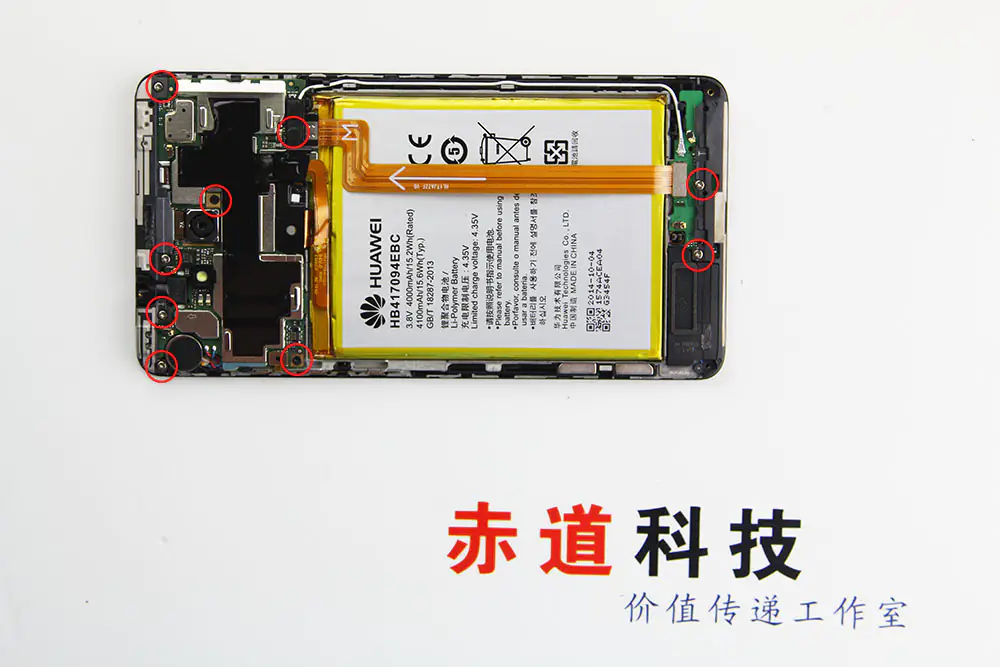
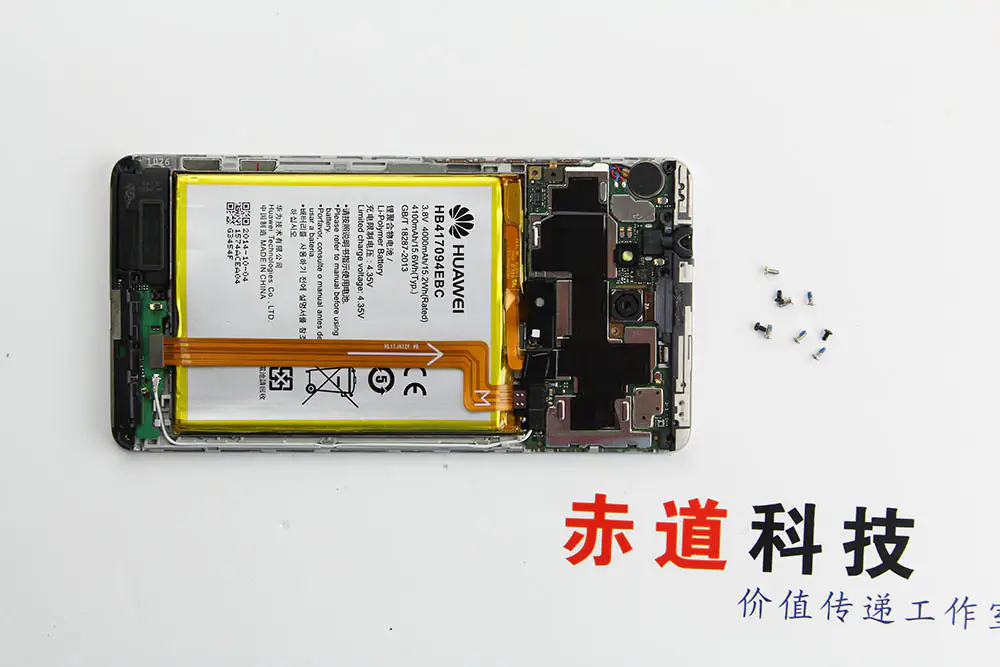
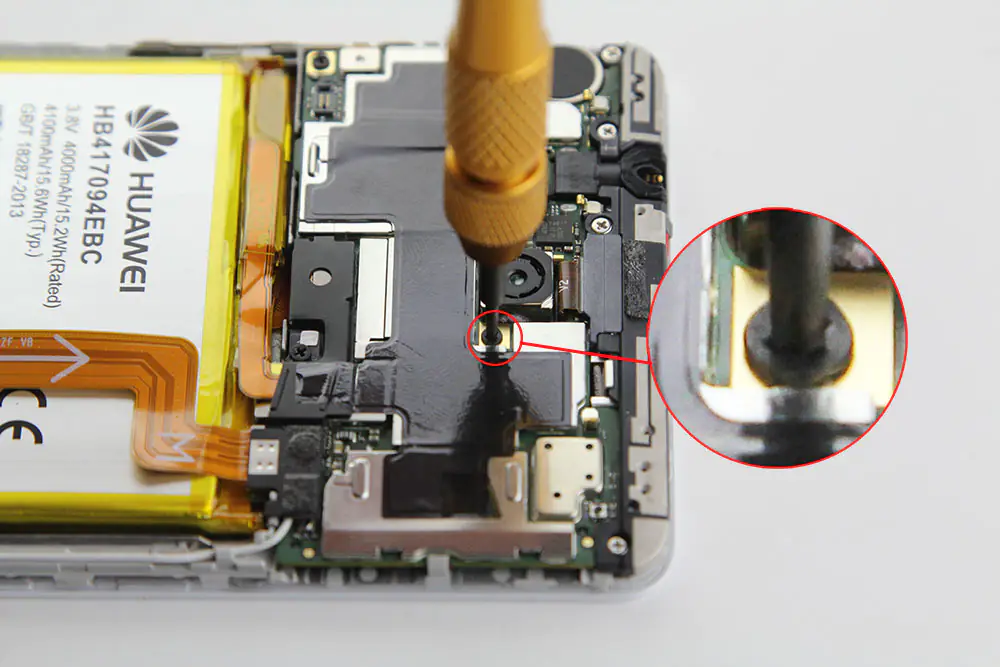
Remove the seven screws securing the motherboard.
Remove the metal plate securing the battery cable and LCD cable.
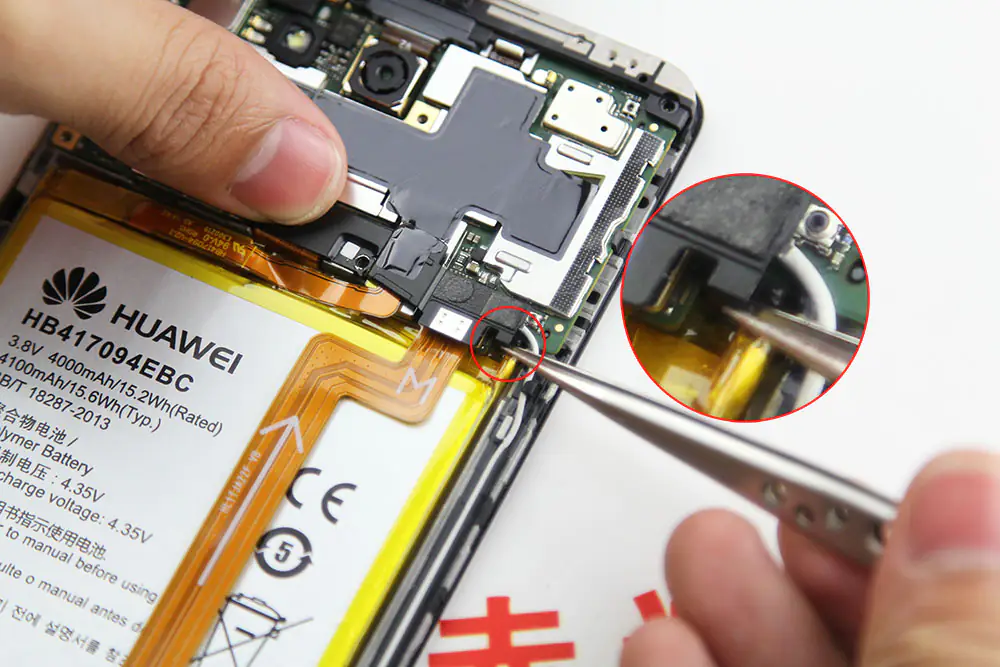
Disconnect the battery cable.
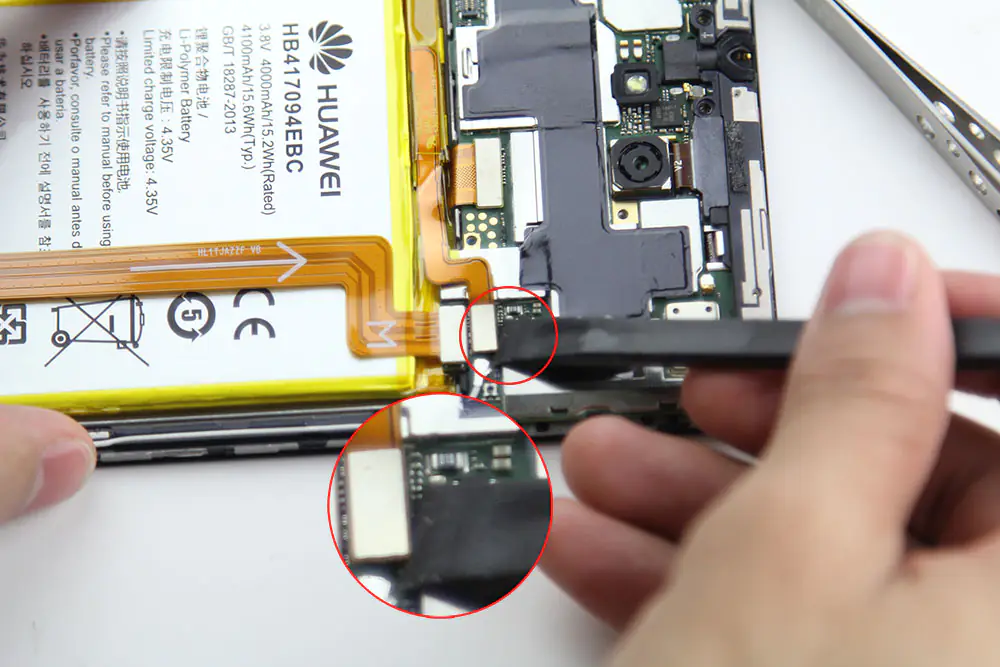
Disconnect the cable from the motherboard.
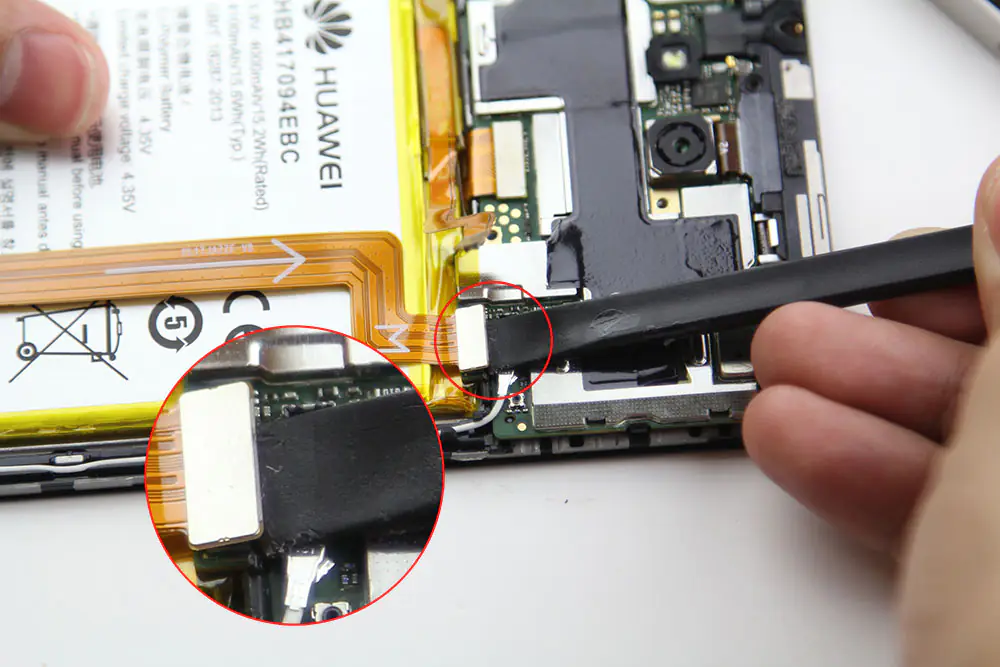
Disconnect the antenna.
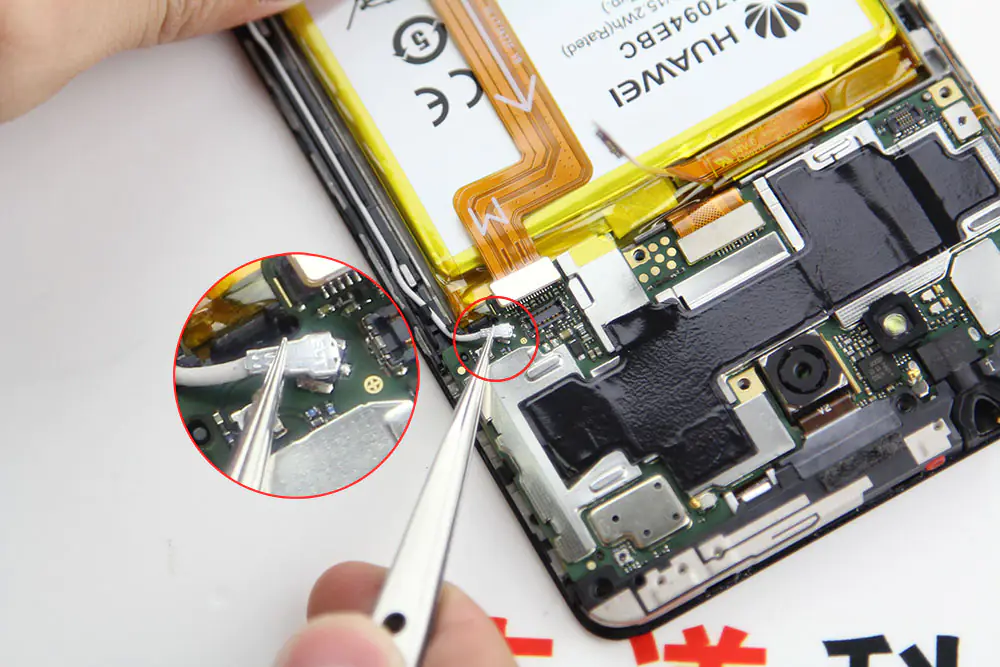
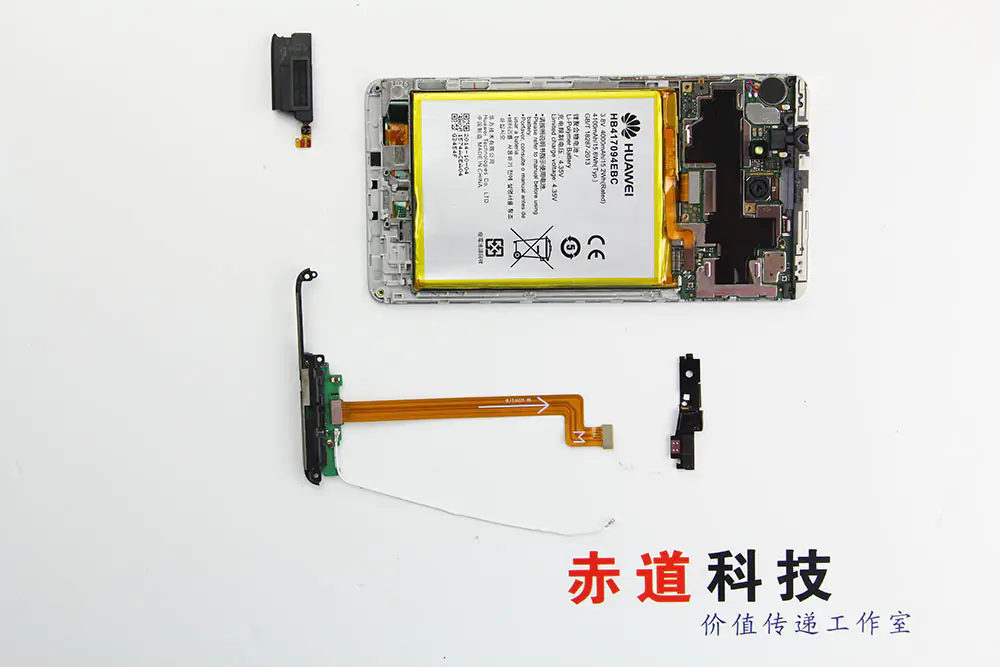
Remove the micro USB module.
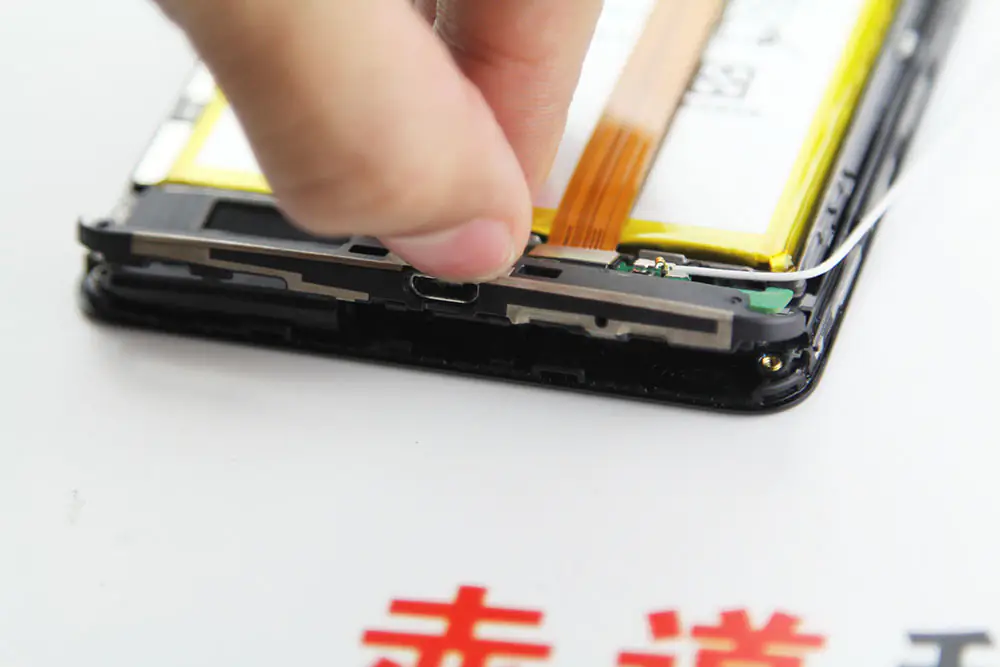
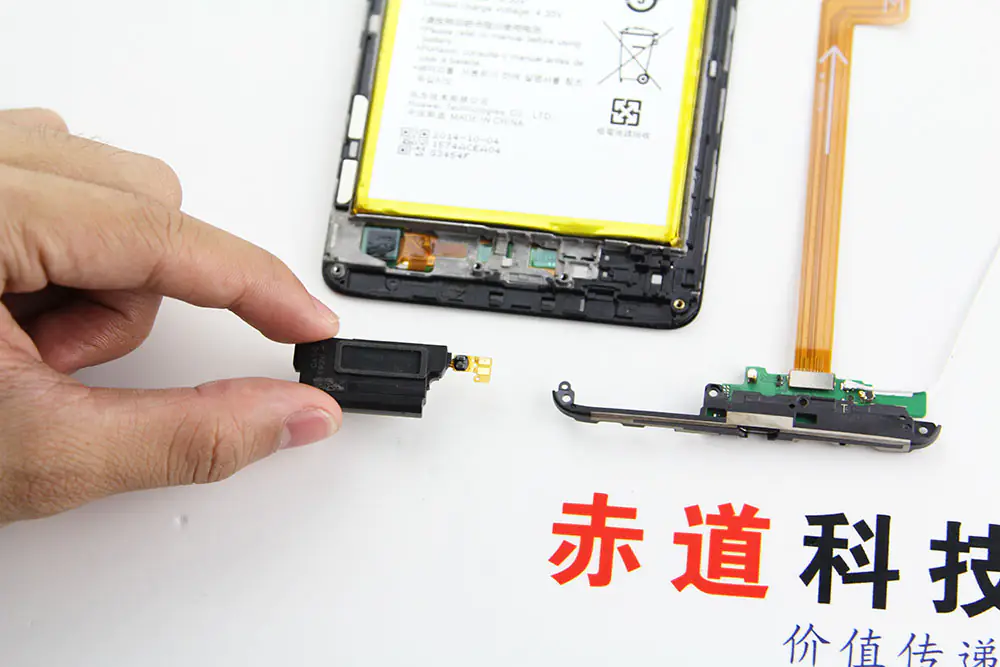
Use a pry tool to lift and remove the black cover on the motherboard.
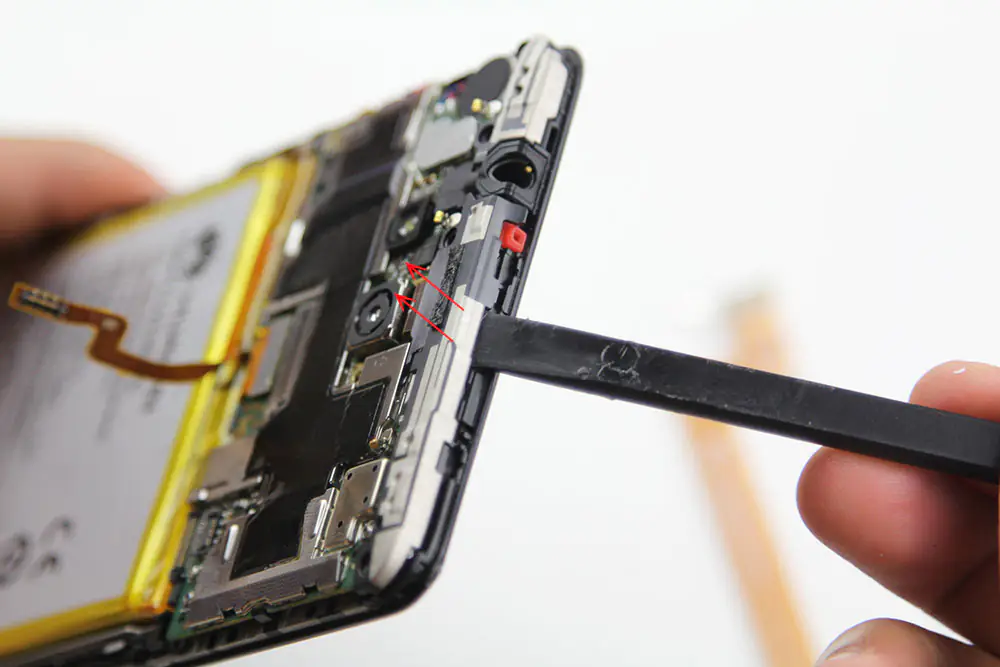
Disconnect the LCD cable.
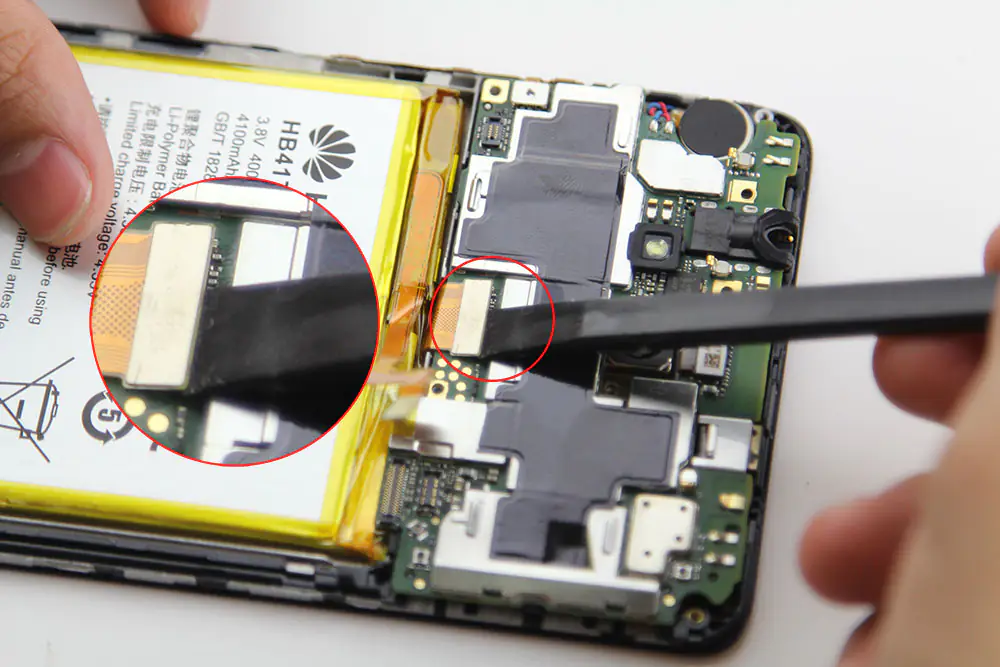
Disconnect the left button cable.
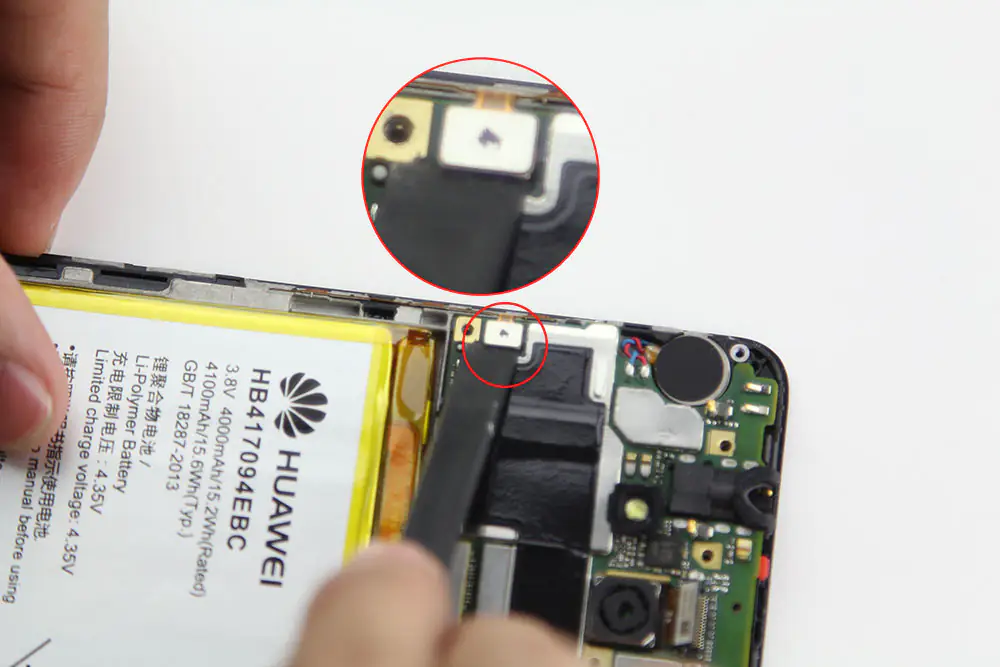
Remove the rear camera connector.
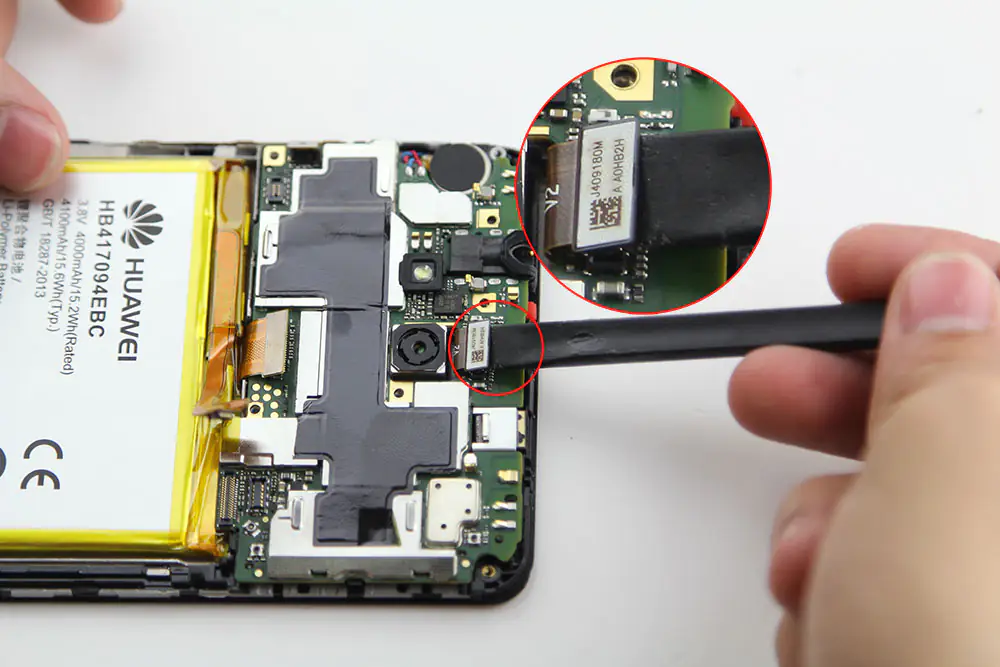
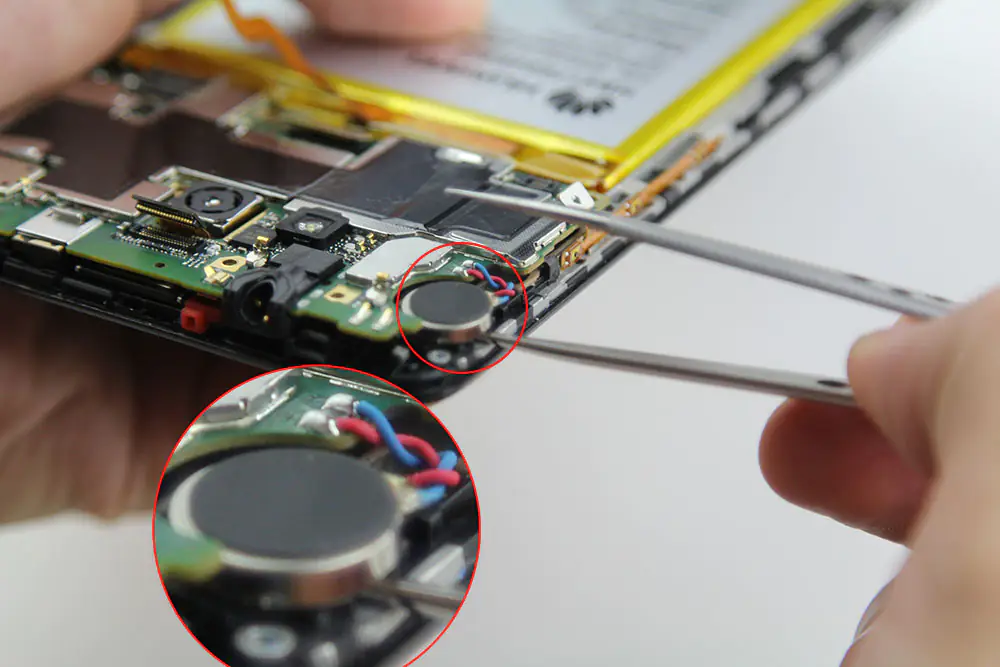
Remove the vibrator.
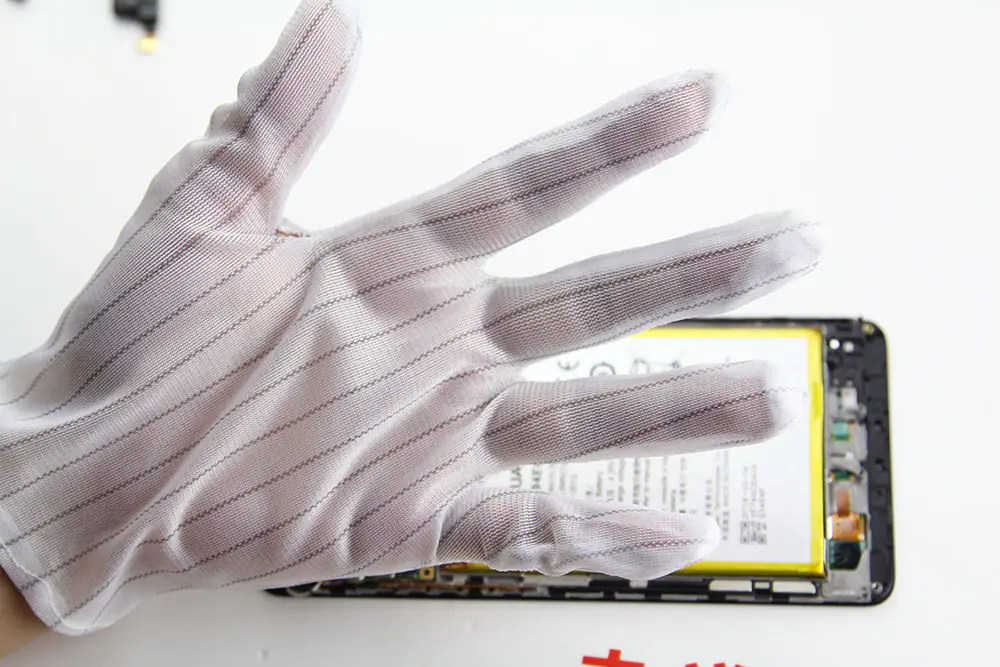
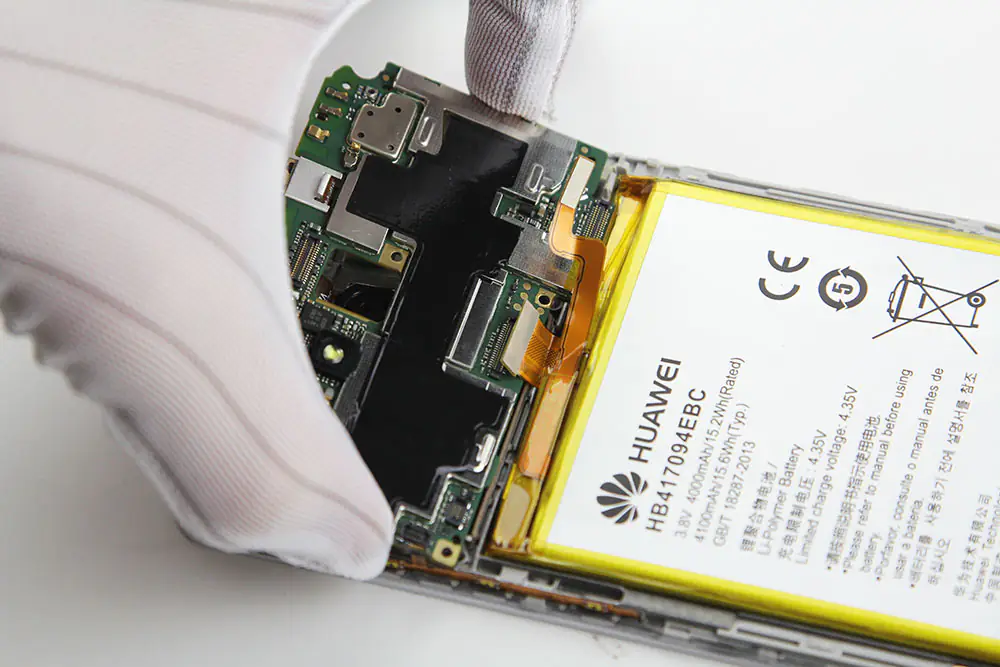
Now wear antistatic gloves.
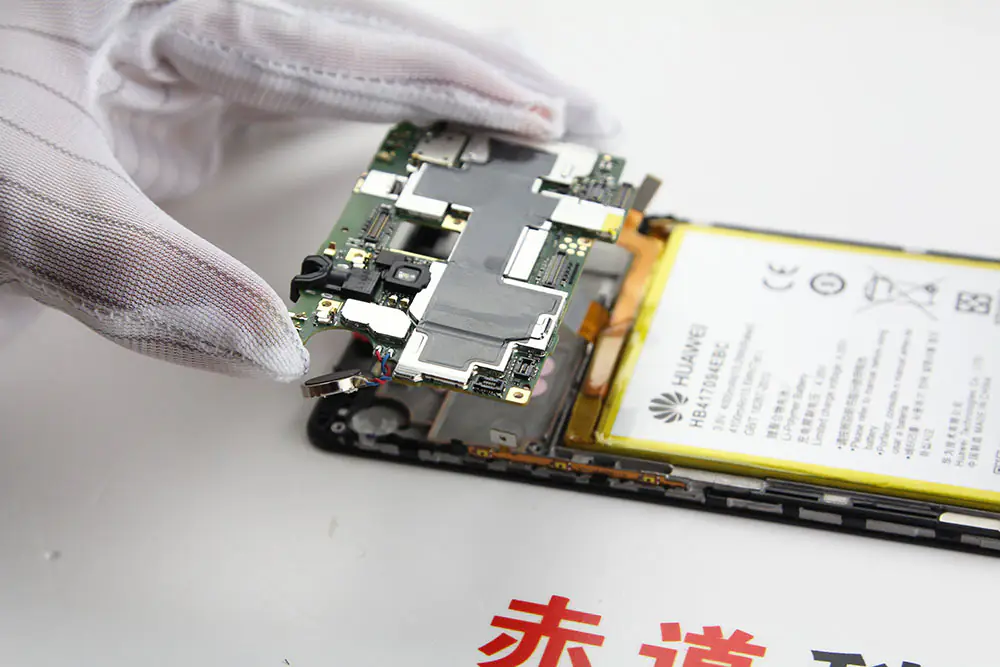
Use tweezers to pry up the motherboard and remove it.
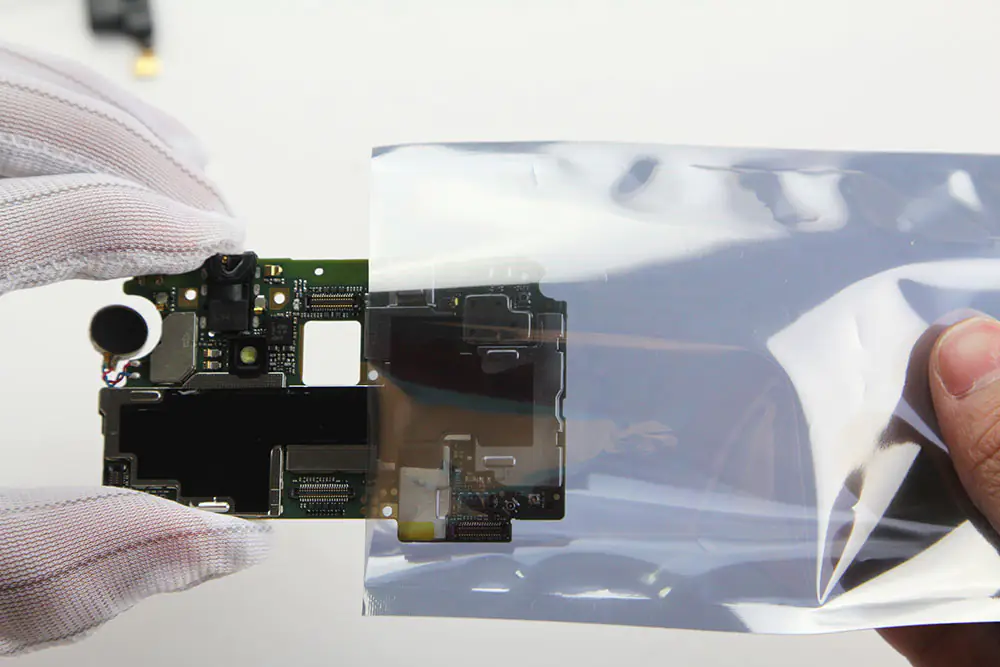
Put the board into an antistatic bag.
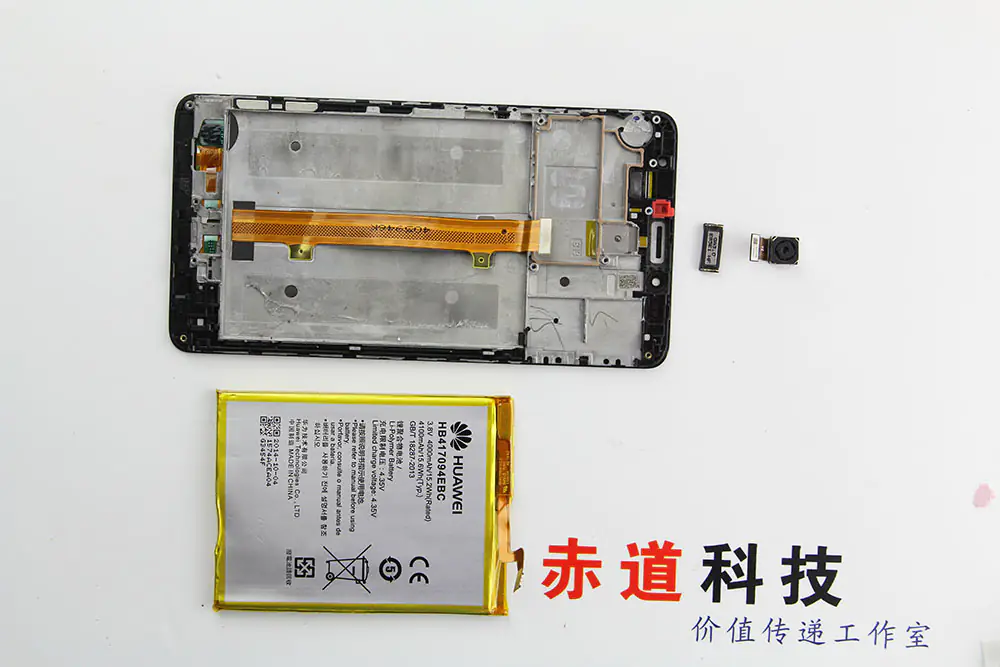
Remove the earpiece.
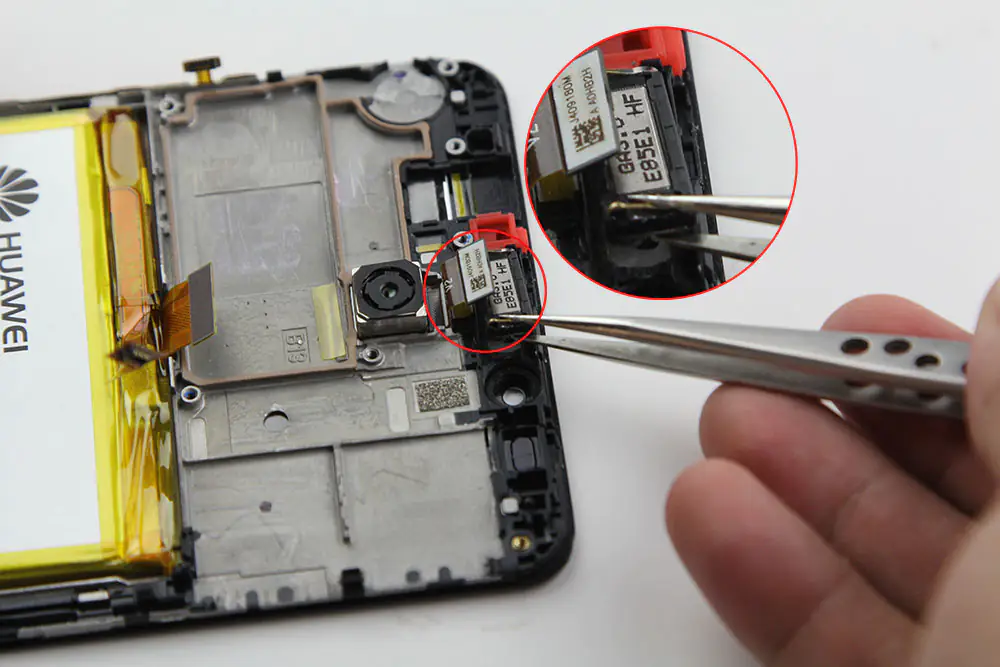
Remove the camera.
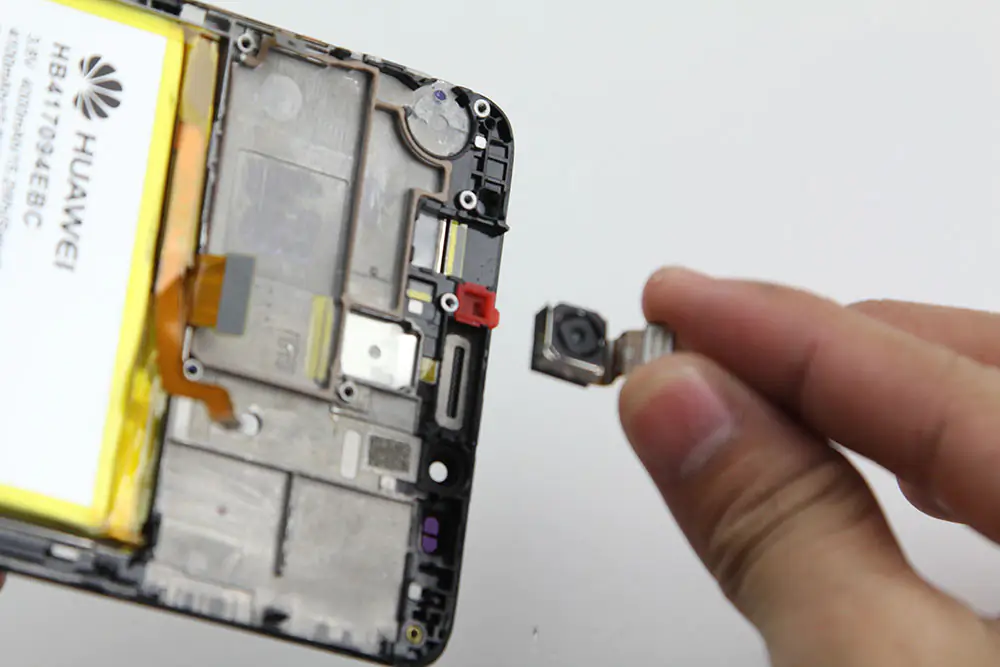
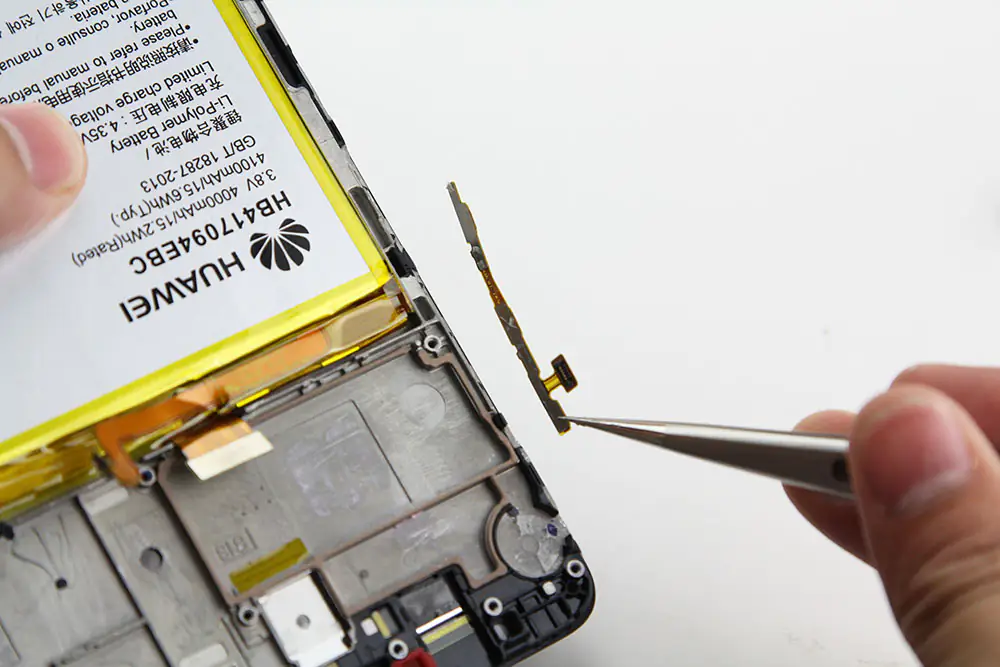
Remove the button board.
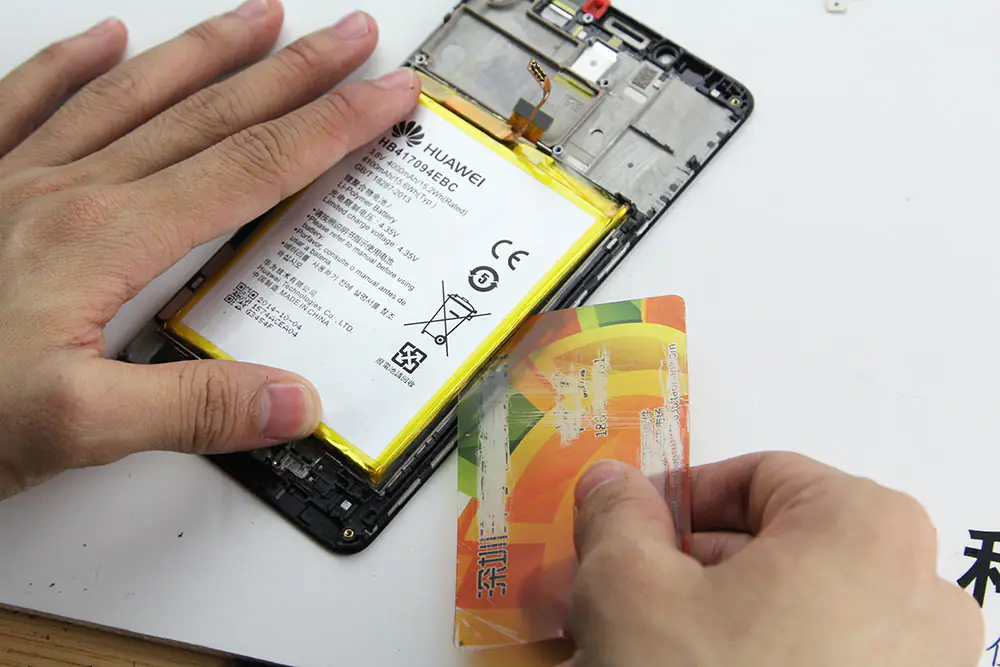
Insert an old card under the battery, pry it up, and remove the battery.
Now we have removed the old screen.
On the left is the old LCD screen, and on the right is the new LCD screen.
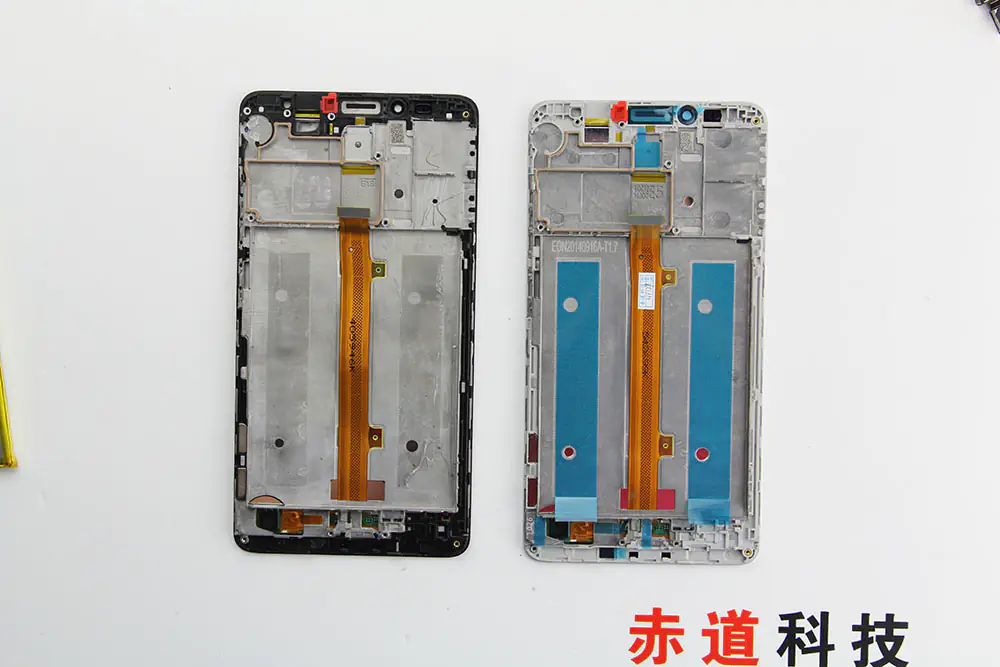
Replace the Huawei Mate 7 Screen
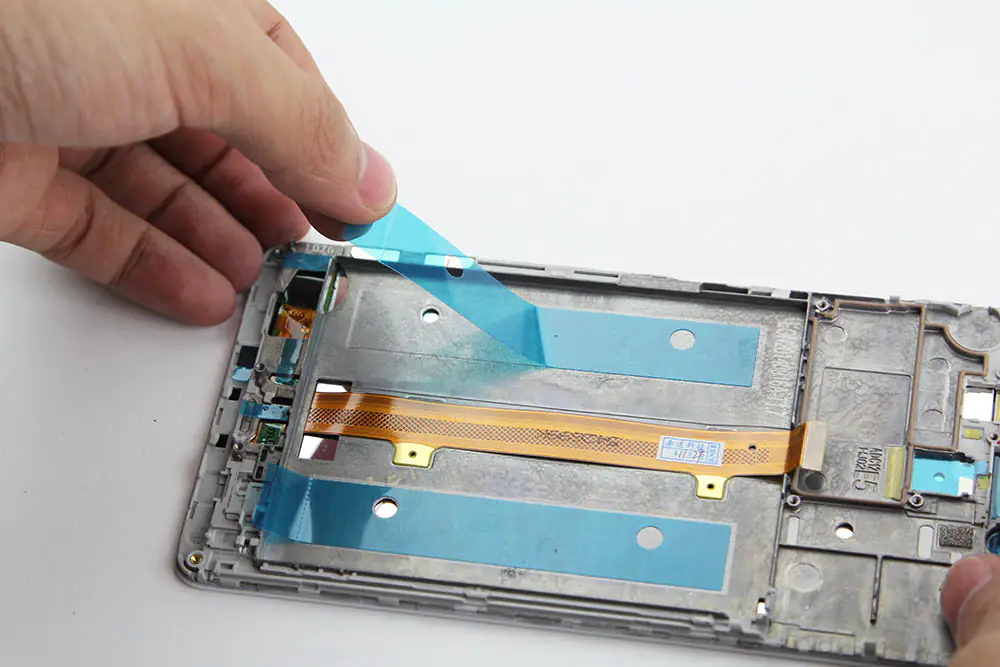
Remove all protection stickers from the new screen assembly.
Install the battery.
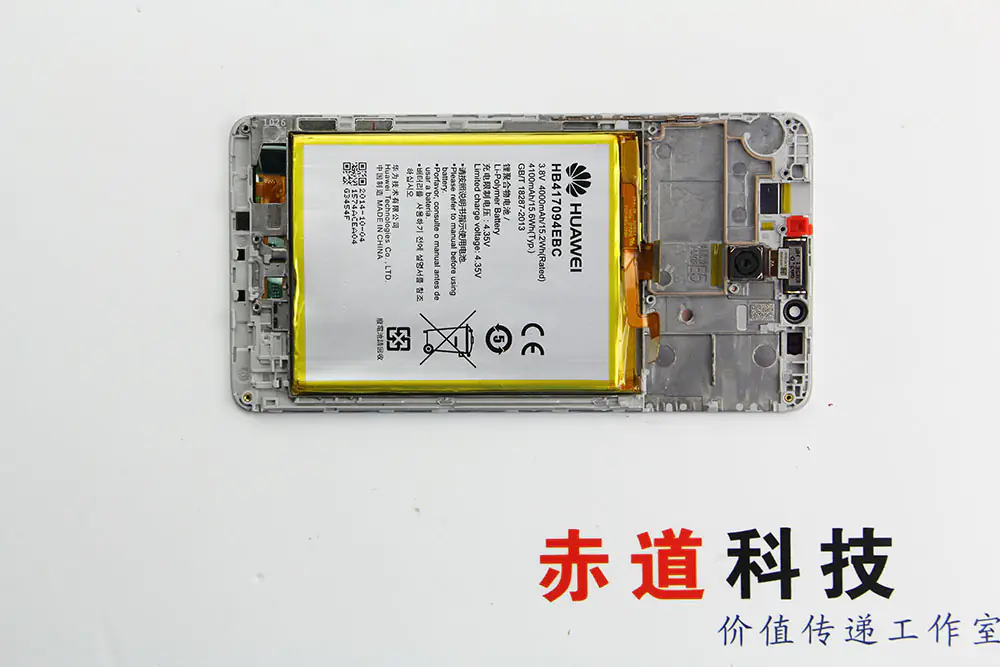
Install the motherboard.
Install the MicroUSB module and other small parts.
It’s done!